How to build a Shopify cart drawer with Instant (Part 1)
How to add product upsells to your Shopify cart (Part 2)
How to build a Shopify reward bar (unlock free shipping & gifts) - (Part 3)
How to add a countdown timer to your Shopify cart drawer (Part 4)
How to add product add-ons to your Shopify cart (Part 5)
How to set up your Shopify cart footer and payment icons (Part 6)
How to set up empty and filled Shopify cart states (Part 7)
How to publish your cart drawer to Shopify (Part 8)
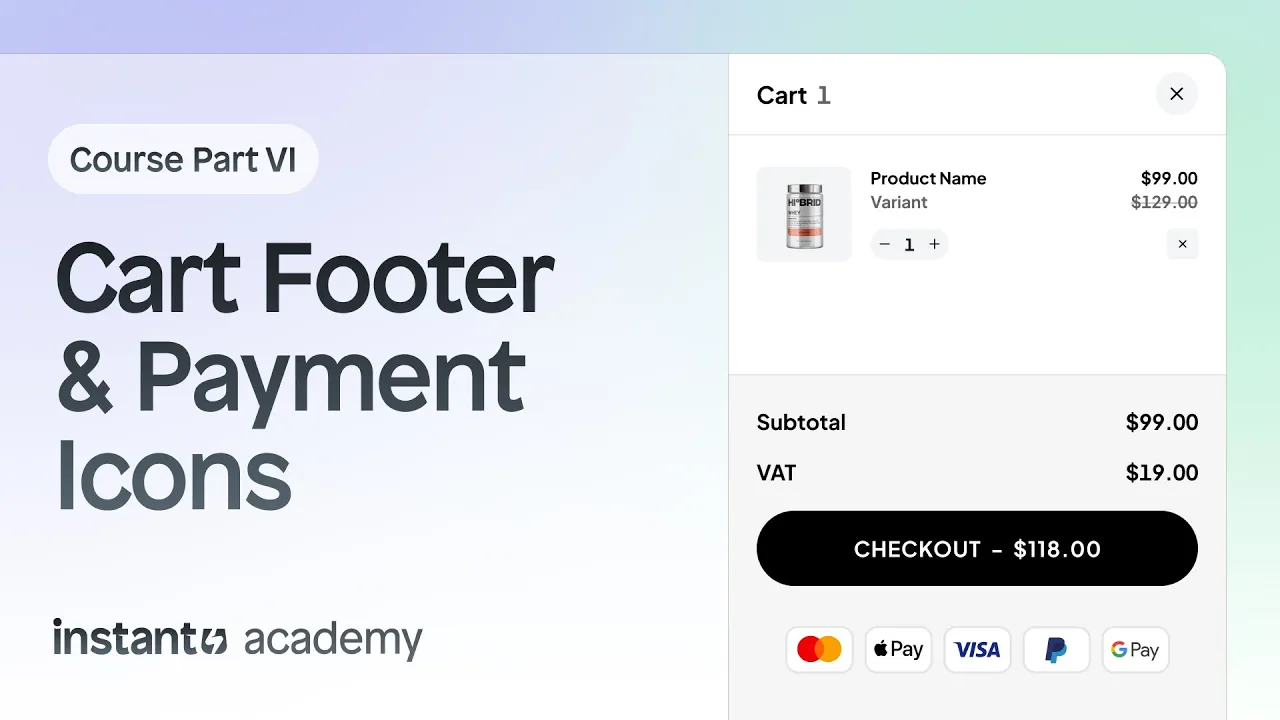
How to set up your Shopify cart footer and payment icons (Part 6)
4:27
In this lesson, you will learn how to set up the cart footer and add payment icons inside your Shopify cart using Instant.

In this course
How to build a Shopify cart drawer with Instant (Part 1)
How to add product upsells to your Shopify cart (Part 2)
How to build a Shopify reward bar (unlock free shipping & gifts) - (Part 3)
How to add a countdown timer to your Shopify cart drawer (Part 4)
How to add product add-ons to your Shopify cart (Part 5)
How to set up your Shopify cart footer and payment icons (Part 6)
How to set up empty and filled Shopify cart states (Part 7)
How to publish your cart drawer to Shopify (Part 8)


Try Instant free today
Grow your Shopify store with Instant
Already have an account?
© Instant Commerce

© Instant Commerce