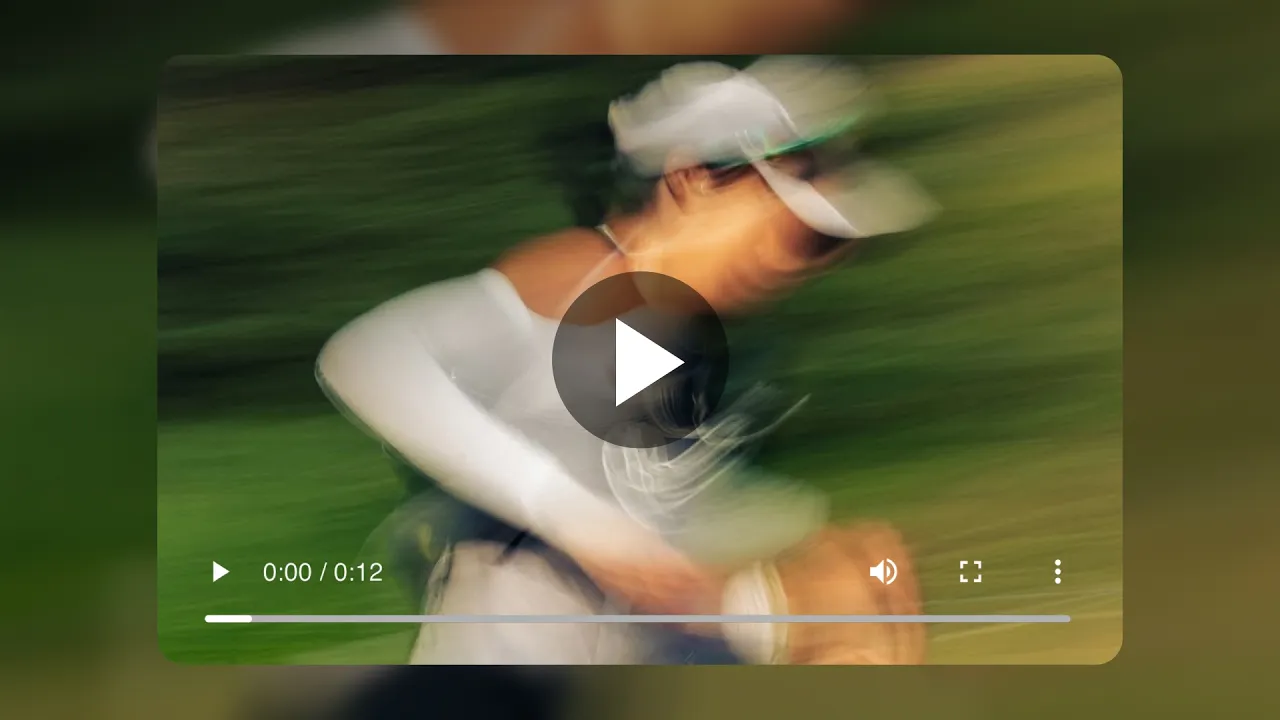
With the new Media element, you can use images and videos interchangeably in the same component, without rebuilding anything.
What changed
Replaced separate image and video elements with one unified Media element
Switch between image and video instantly from the sidebar
Works everywhere you already use images
The most common use case
Your product galleries just got a big upgrade.
Instead of static image sliders, you can now:
mix images and videos in the same gallery
show your product first, then show it in motion
create more immersive PDP experiences without extra setup
New interaction possibilities
Because video is now native to layouts, you can go beyond static visuals:
show a video on hover instead of an image
let videos play on hover for subtle interaction
combine motion and static content in the same section
Video support
Add videos via URL (self-hosted, Shopify recommended)
Optional thumbnail (poster image) for fallback and preview
Autoplay settings:
On
Off
Loop
Toggle controls when looping







Grow your Shopify store with Instant
No credit card required.
Already have an account?