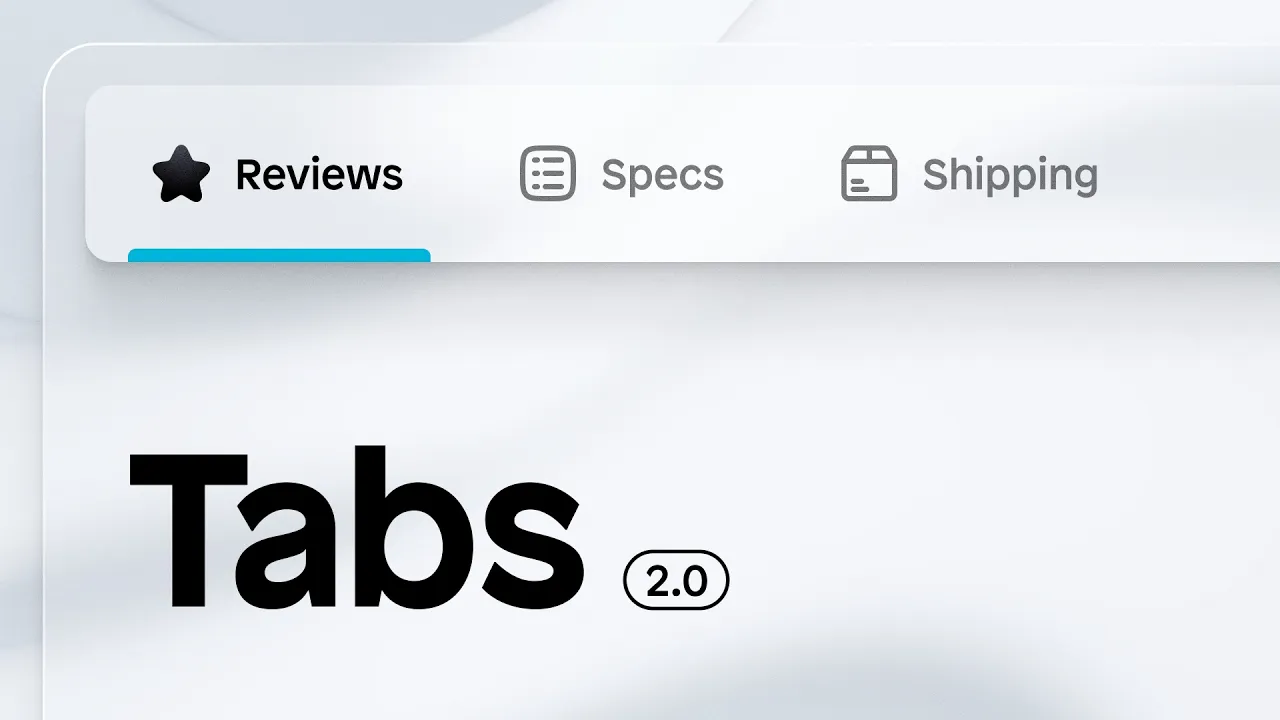
Introducing Tabs 2.0
With Tabs 2.0, the tabs element has been fully reworked to be more dynamic, easier to manage, and now fully editable directly on the canvas.
What changed
Tab menu items are now fully dynamic. Drag any content into them and style freely with icons, text, or custom elements
Edit tab content directly on the canvas, right where you're building
Layer panel now shows clear labels so you can see which menu item belongs to which content item at a glance
Easier to manage
Tab structure is now more transparent and intuitive:
Each tab menu item has a clearly labeled corresponding content item in the layer panel
Click any content item to instantly preview and edit its content on the canvas
No need to navigate away from your build view to make changes
AI-powered tab building
AI can now build or edit any tab element for you:
Select any existing element on your page and add it to the prompt box
Describe what you want, for example, turn a FAQ accordion into a tabs element
AI executes the change within seconds, fully styled and functional
Build carts with Instant AI agents
With instant AI agent support for cart drawers, you can now build and customize cart experiences for your Shopify store through AI.
Describe the cart experience you want. Instant AI agents turn it into a working cart drawer inside the builder.
What's supported
Cart rewards, upsells and add-ons
Fully responsive and functional out of the box
Fully connected to Shopify
The Instant AI agents now also supports all other layout types.














Grow your Shopify store with Instant
No credit card required.
Already have an account?