Best Shopify slider apps for product & image carousels (2026)
Check out the best Shopify slider apps for 2026. Compare features, pricing, and performance to find the right product slider, carousel, or video slider.
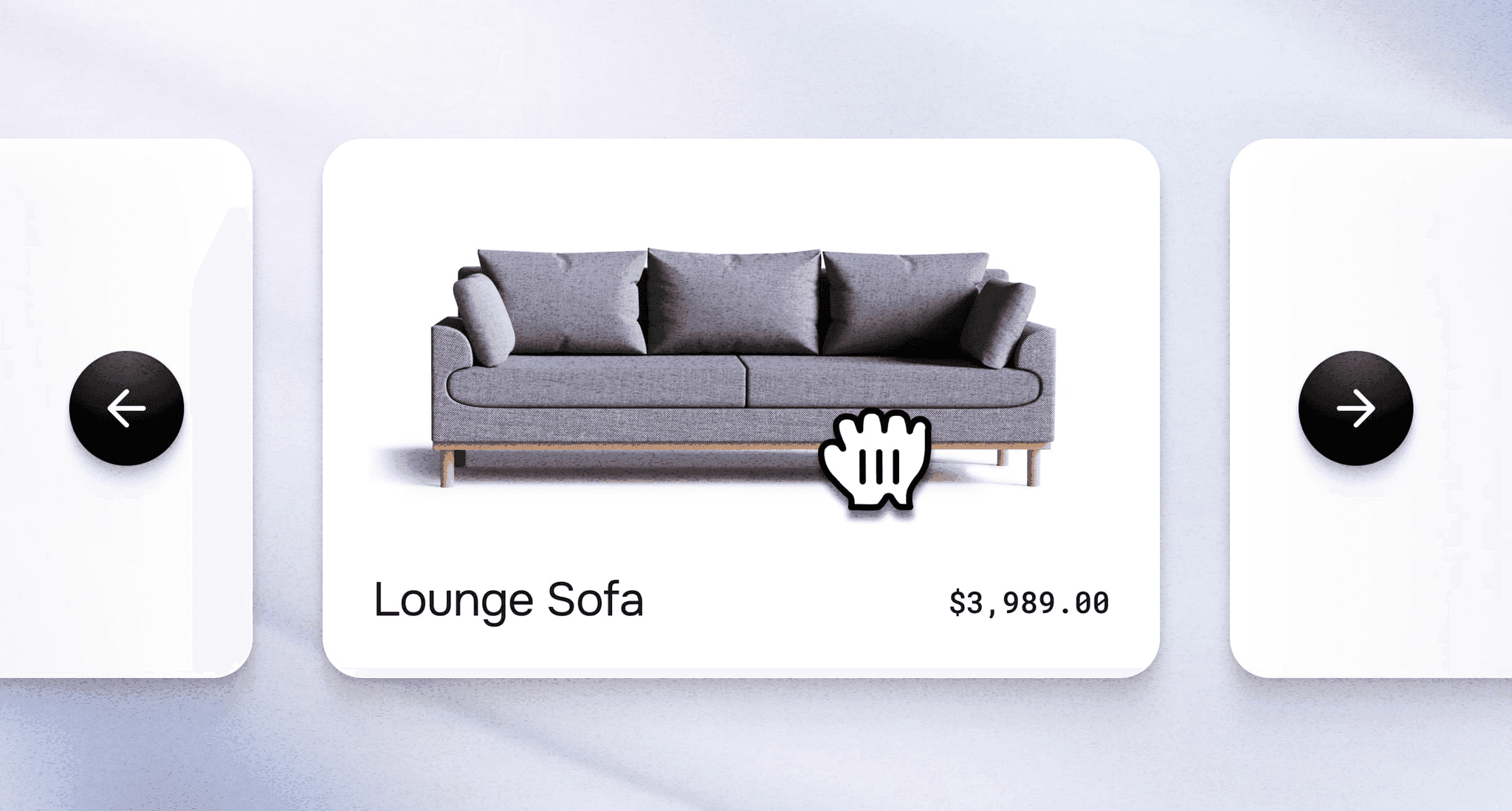
If you want to showcase more products, tell stronger visual stories, or make your Shopify storefront feel more interactive, a slider app is one of the simplest ways to upgrade your design. Whether you're highlighting best-sellers, featuring customer testimonials, or adding a sleek hero carousel, the right slider helps you show more without cluttering your pages.
But with so many options, product sliders, testimonial sliders, AI-powered sliders, and video carousels, figuring out the best app for your store can feel overwhelming. That’s why we put together this 2025 guide, breaking down the top Shopify slider apps, what they’re best for, and how to choose the right one based on performance, features, and ease of use.
What is a Shopify slider app?
A Shopify slider app allows you to display multiple images, products, or content pieces in a rotating or scrollable format on your store. These apps help you showcase products, testimonials, banners, and promotional content in an engaging, space-efficient way that keeps visitors browsing longer and discovering more of what you offer.
What's the difference between a product slider and a carousel?

While often used interchangeably, there's a subtle distinction: sliders typically auto-advance through content, while carousels require user interaction to navigate. In practice, most modern apps combine both features, letting you choose whether content rotates automatically or waits for customer clicks and swipes.
Quick overview of popular Shopify slider apps
| App Name | Star Rating | Pricing | Key Features |
| Instant Section & Page Builder | 5.0★ (238) | $39 - $249/mo | Product sliders, carousels, testimonials, videos |
| Slider Revolution & Sections | 4.9★ (159) | $9.99 - $99.99/mo | Slideshow, video banner, carousel, hero sections |
| GG Product Page Image Slider | 4.9★ (162) | $8.99/mo | Product page gallery slider |
| POWR Image Slider (with AI) | 4.9★ (92) | $4.94 - $98.99/mo | AI-powered image slider with multiple layouts |
| EasyBoost: Carousel, Collection | 5.0★ (40) | $9.99/mo | Collections, lookbook, countdown timers |
| Flexi — Slider Sections | 4.9★ (18) | $12 - $30/mo | Theme-native slider sections |
| GA:Image Slider & Slideshow+AI | 4.8★ (8) | $9.99/mo | Product carousel and banner slideshow |
| Reputon Testimonials Slider | 4.8★ (159) | $5.99/mo | Review and testimonial displays |
| Video Slider: Shoppable Videos | 4.9★ (66) | Free | Video carousel with product tagging |
| Tipo Related Products, Upsell | 4.9★ (280) | $9.90/mo | Related products and cross-sell recommendations |
| Zify Related Product Slider | 5.0★ (17) | $2.99 - $9.99/mo | Collection-based product sliders |
Best Shopify slider apps: 2025
1. Instant Section & Page Builder
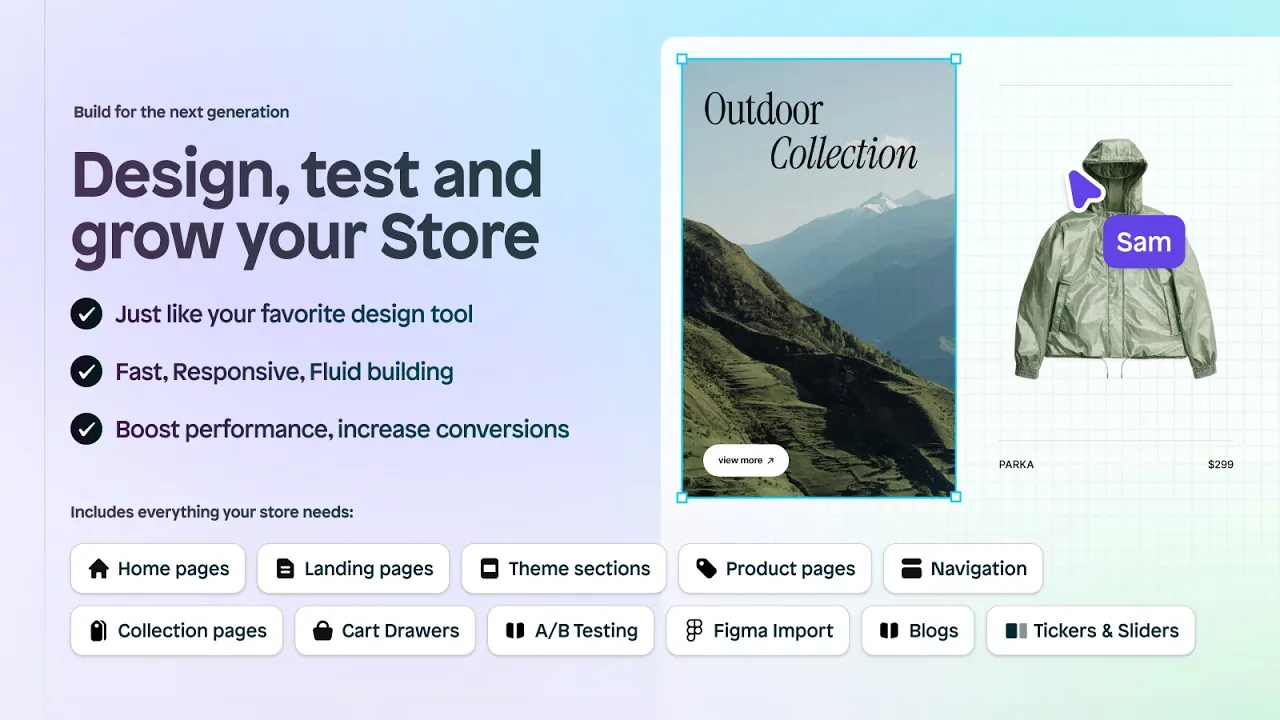
Rating: 5.0★ (238+ reviews) | Pricing: $39–$249/mo If you want more than a standalone slider—and prefer an all-in-one way to design, customize, and optimize your entire Shopify store—Instant gives you maximum flexibility. Instead of installing multiple apps for sliders, testimonials, videos, and product highlights, Instant includes all of these as built-in, high-performing sections you can drag, drop, and customize visually.
Create product sliders, testimonial sliders, collection carousels, video sliders, and mixed-media hero sections in minutes. Every slider is fully responsive, fast-loading, and can be added anywhere in your store using Shopify’s theme editor. Unlike most slider-only apps, Instant also lets you edit and publish entire pages—homepages, PDPs, landing pages, blogs, and more—so your sliders fit seamlessly into a cohesive design system.
If value-for-money is a priority, Instant is hard to beat: instead of stacking multiple apps, you get unlimited publishing, advanced layout tools, animations, reusable components, and a full library of CRO-friendly sections—all for one predictable monthly price.
Key Features:
- Product sliders, testimonial sliders, video sliders, and collection carousels
- Drag-and-drop visual editor with theme-level control
- Build or edit your entire Shopify store: homepages, PDPs, cart drawer, navigation, collections, landing pages, blogs, and custom sections
- Fast, lightweight sections optimized for performance
- Works with every Shopify 2.0 theme
Best for: Merchants who want premium slider functionality plus a full store-building toolkit without installing multiple apps.
Check out Instant on the Shopify app store
2. Slider Revolution & Sections
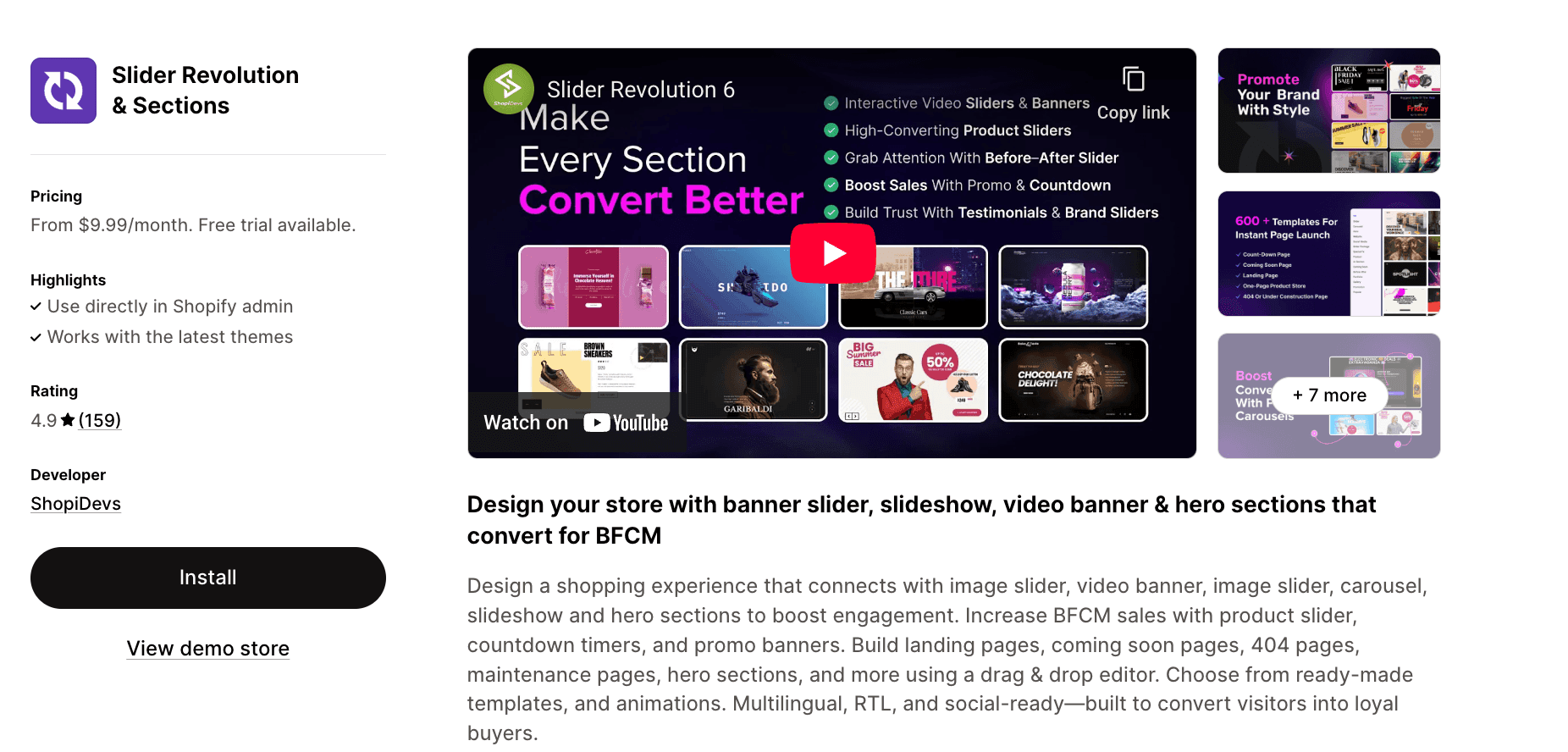
Rating: 4.9★ (159 reviews) | Pricing: $9.99 - $99.99/mo
Looking for professional slider design without hiring a developer? Slider Revolution brings drag-and-drop functionality with over 600 pre-built templates for banners, hero sections, and video carousels. The app excels at creating promotional content with countdown timers and animations, making it ideal for seasonal campaigns and product launches. Built-in multilingual and RTL support means you can reach global audiences without workarounds.
View Slider Revolution & Sections in the Shopify App Store
3. GG Product Page Image Slider
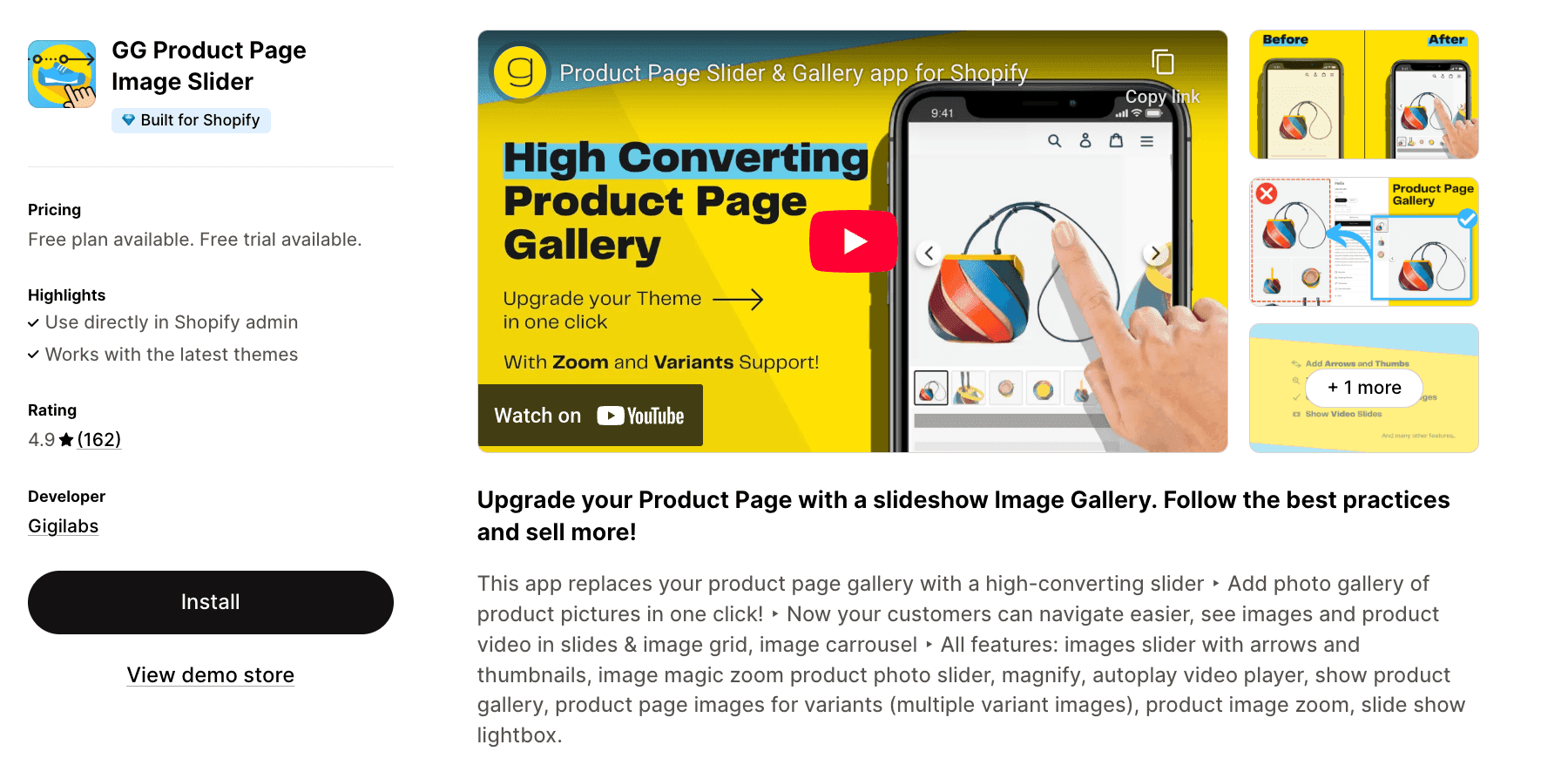
Rating: 4.9★ (162 reviews) | Pricing: $8.99/mo
Transform your product pages with a focused gallery slider that replaces Shopify's default image display. This app specializes in one thing and does it exceptionally well: creating an Instagram-style swipeable gallery complete with zoom, thumbnails, and video support. The variant image feature automatically shows only relevant photos when customers select different colors or sizes, reducing confusion and abandoned carts.
View GG Product Page Image Slider in the Shopify App Store
4. POWR Image Slider (with AI)
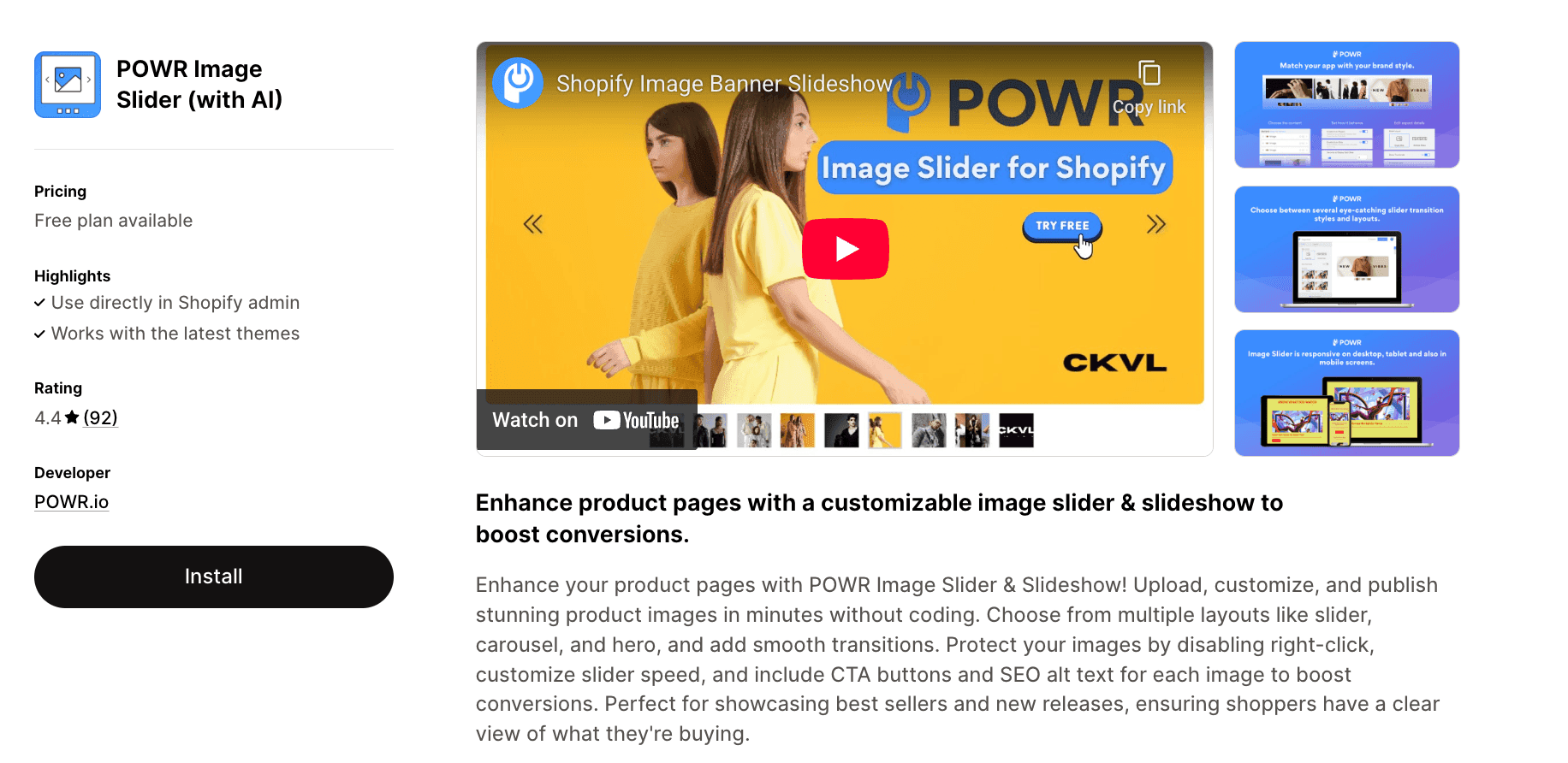
Rating: 4.9★ (92 reviews) | Pricing: $4.94 - $98.99/mo
Stand out with AI-generated imagery alongside your product photos using POWR's text-to-image capabilities. The app offers multiple display formats from traditional sliders to hero banners, all customizable without touching code. Image protection features prevent right-click downloading, while built-in CTA buttons and SEO alt text fields help drive conversions and improve search visibility across every slide you create.
View POWR in the Shopify App Store
5. EasyBoost: Carousel, Collection
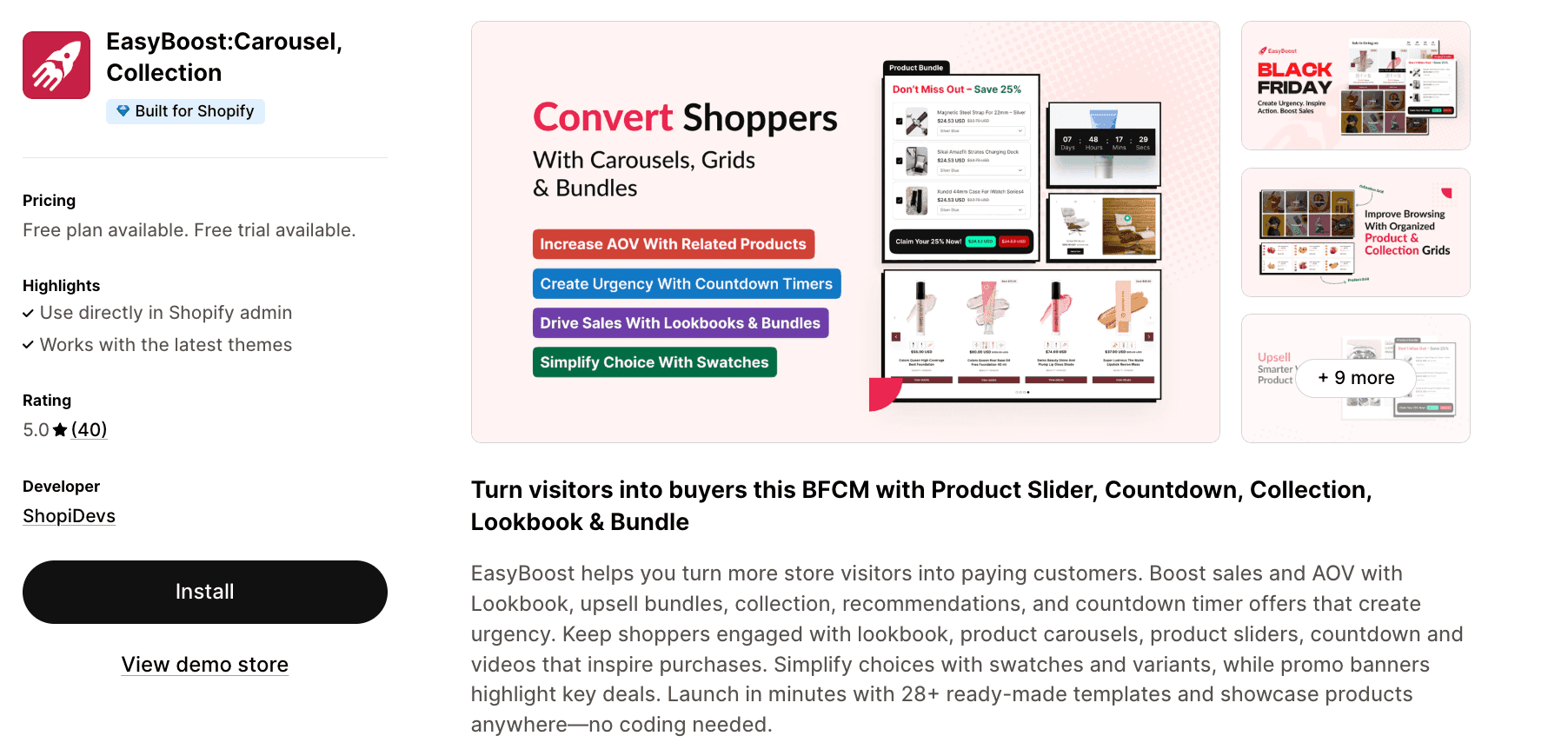
Rating: 5.0★ (40 reviews) | Pricing: $9.99/mo
Combine product showcasing with urgency-driven selling through lookbooks, bundles, and countdown timers in one app. EasyBoost delivers 28+ templates designed to increase average order value through strategic product placement and visual storytelling. The swatches and variant features simplify product selection, while the promo banner system ensures your best deals get noticed without cluttering your store's design.
View EasyBoost in the Shopify App Store
6. Flexi — Slider Sections
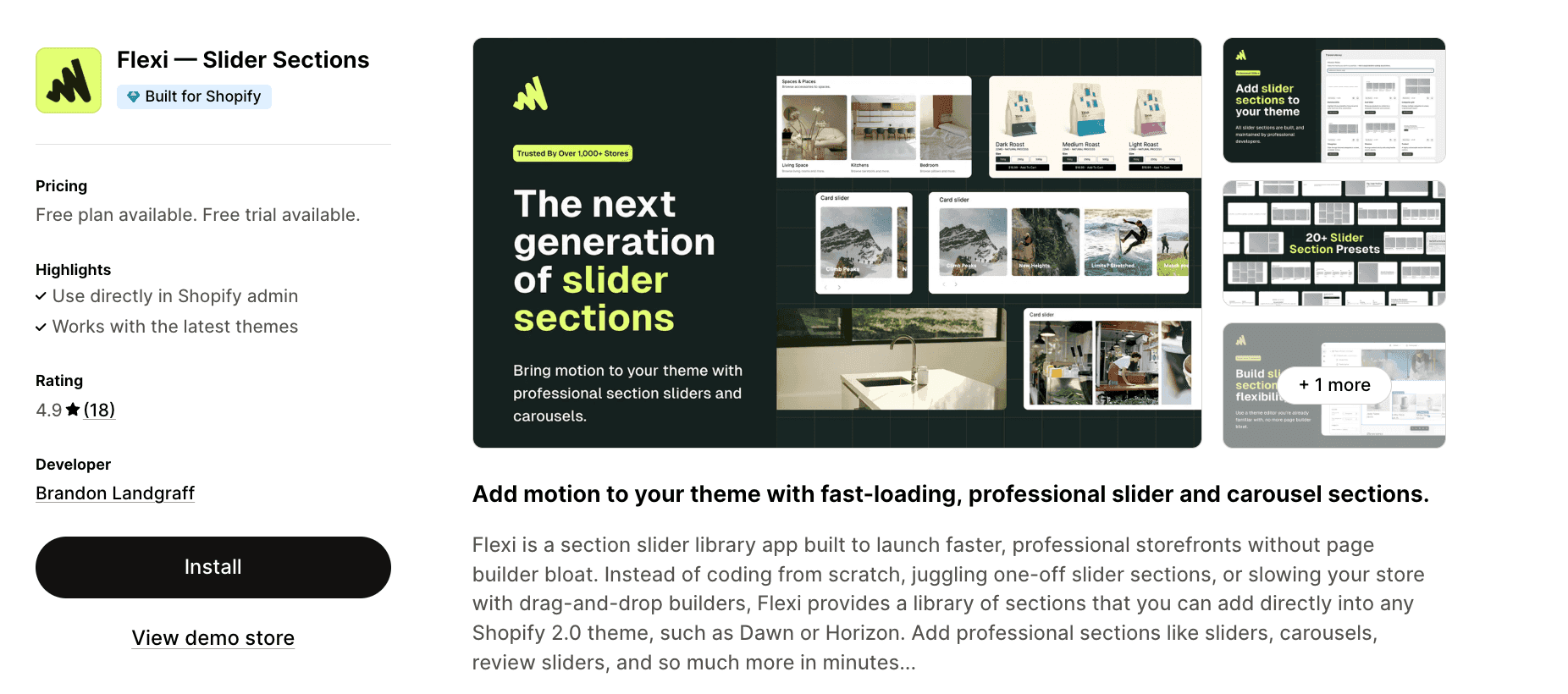
Rating: 4.9★ (18 reviews) | Pricing: $12 - $30/mo
Keep your store fast and your design consistent with Flexi's native theme section approach. Rather than loading heavy page builder code, Flexi adds optimized slider sections directly into Shopify 2.0 themes like Dawn and Horizon. Every section passes Google PageSpeed Insights standards, maintained by professional developers who ensure compatibility with theme updates, giving you professional functionality without the typical performance trade-offs.
View Flexi in the Shopify App Store
7. GA:Image Slider & Slideshow+AI
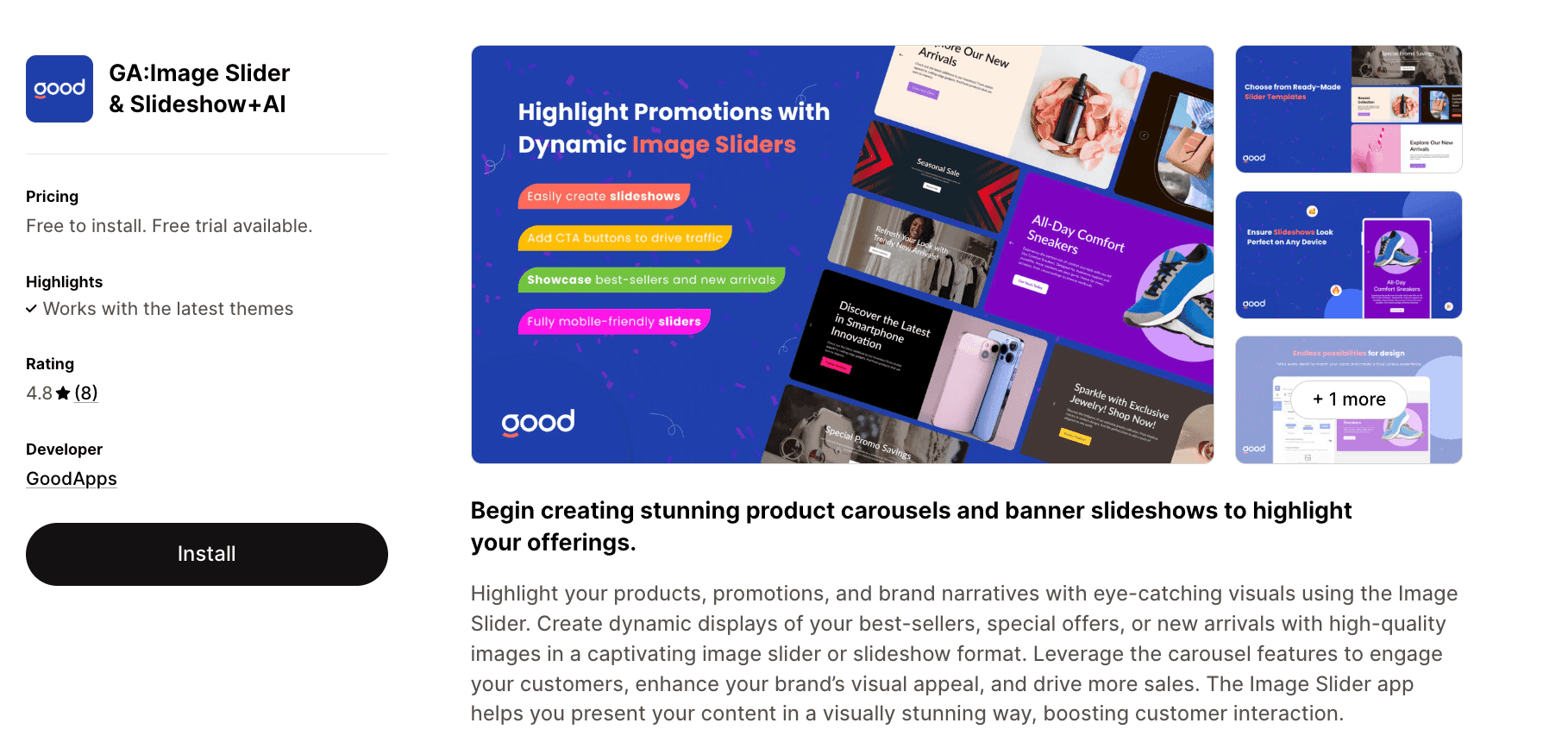
Rating: 4.8★ (8 reviews) | Pricing: $9.99/mo
Create multiple sliders for different store sections with this straightforward carousel builder. The app focuses on essential features: multiple slider management, ready-made templates, and CTA button integration to guide customers toward purchase pages. Customize each slider's appearance to match your branding, whether you're highlighting new arrivals, running flash sales, or showcasing collections throughout your homepage and landing pages.
View GA in the Shopify App Store
8. Reputon Testimonials Slider
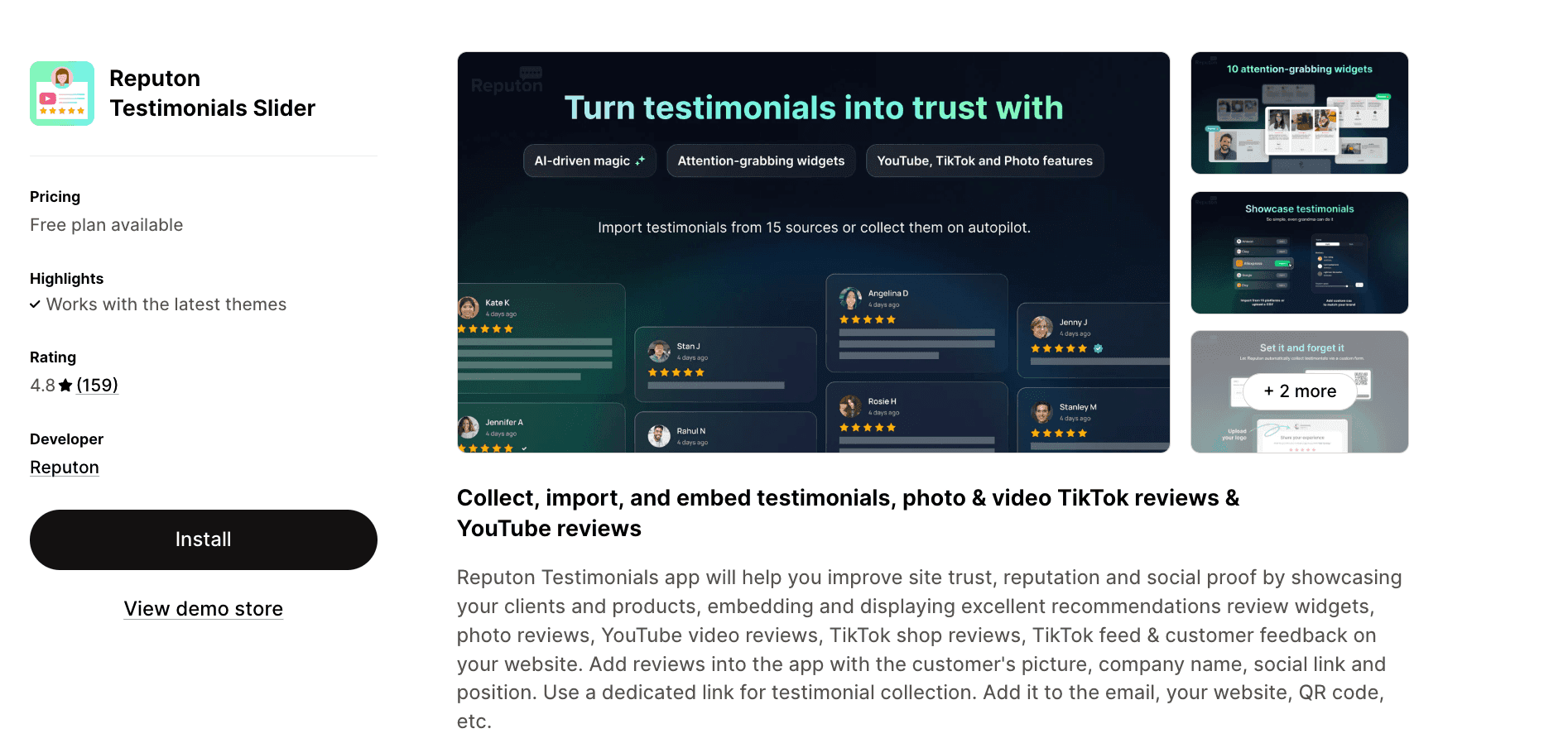
Rating: 4.8★ (159 reviews) | Pricing: $5.99/mo
Build trust by showcasing customer reviews, photos, and video testimonials in eye-catching carousel formats. Import existing reviews from platforms like Amazon, Yotpo, and Google, or collect fresh testimonials through customizable request forms. Display options range from traditional sliders to grid layouts and card designs, with TikTok and YouTube video integration adding authentic social proof that converts browsers into confident buyers.
View Reputon in the Shopify App Store
9. Video Slider: Shoppable Videos
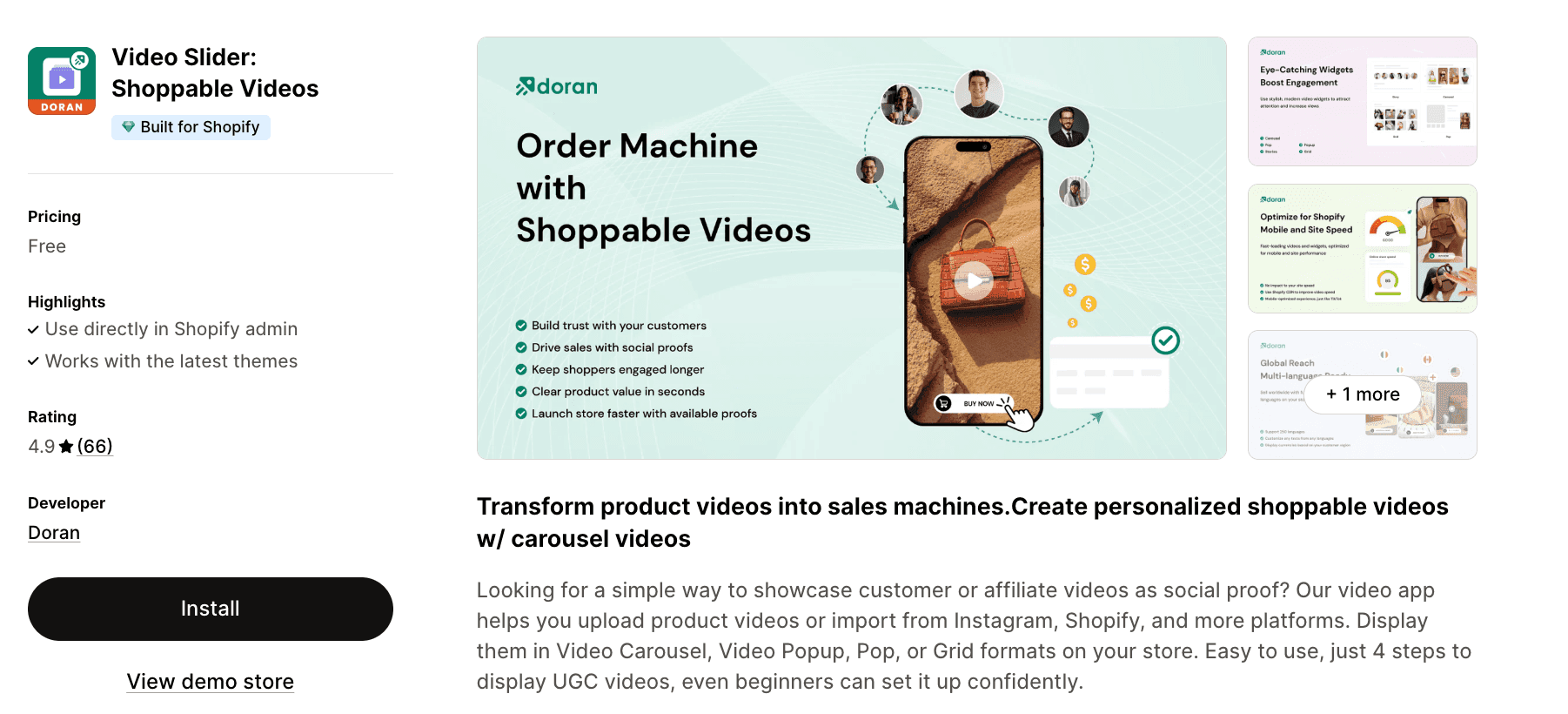
Rating: 4.9★ (66 reviews) | Pricing: Free
Turn user-generated content into shoppable experiences with tagged product videos that enable direct cart additions. Import videos from Instagram or upload your own, then display them across five widget styles including carousel, grid, and stories formats. The free pricing removes barriers for stores wanting to leverage video content, while multi-language and multi-currency support ensures your video commerce works for international audiences.
View Video Slider in the Shopify App Store
10. Tipo Related Products, Upsell
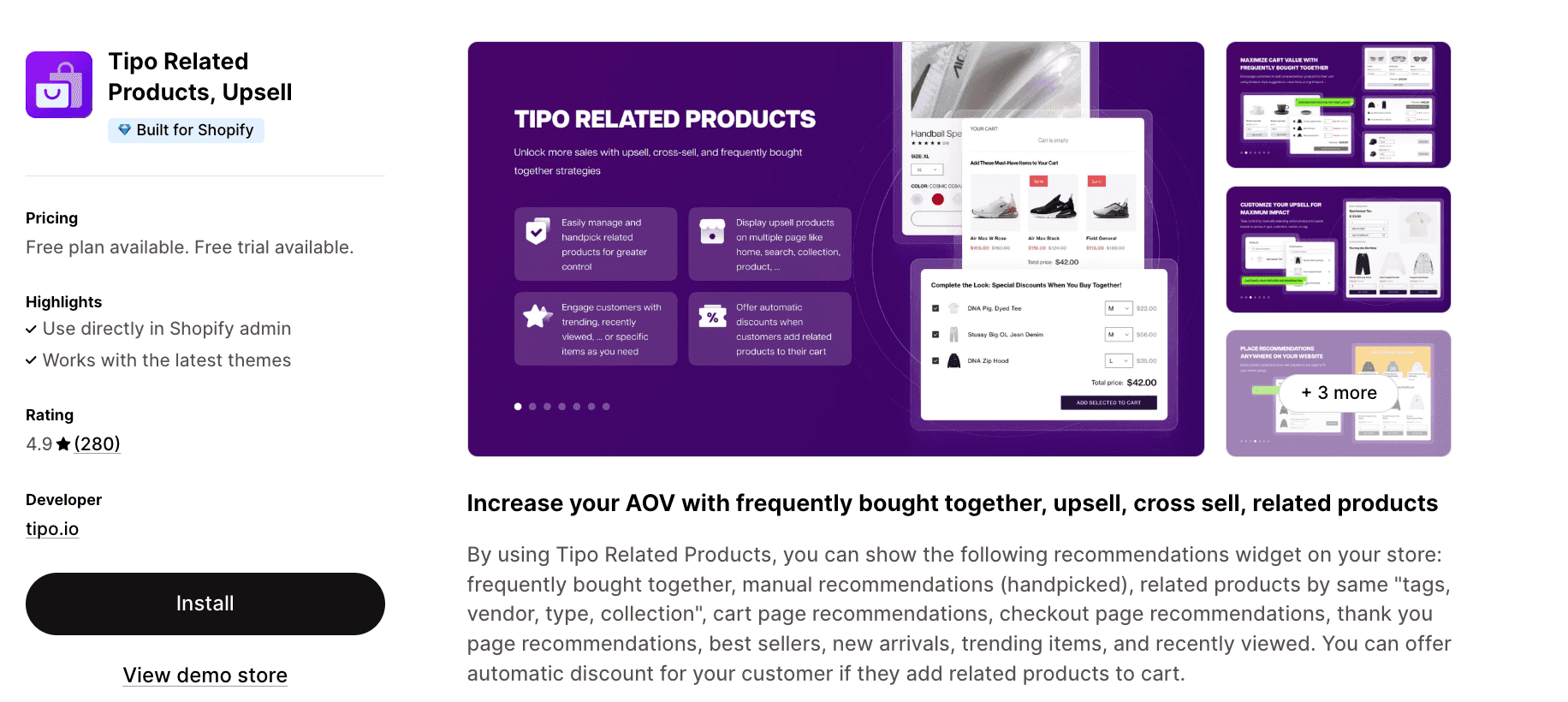
Rating: 4.9★ (280 reviews) | Pricing: $9.90/mo
Maximize every page view with intelligent product recommendations displayed in sleek slider formats. Show "frequently bought together" bundles, related items by tags or collections, and personalized suggestions on cart, checkout, and thank-you pages. The automatic discount feature incentivizes customers to add recommended products, while the recently viewed slider brings shoppers back to items they've considered, capturing sales that might otherwise slip away.
View Tipo in the Shopify App Store
11. Zify Related Product Slider
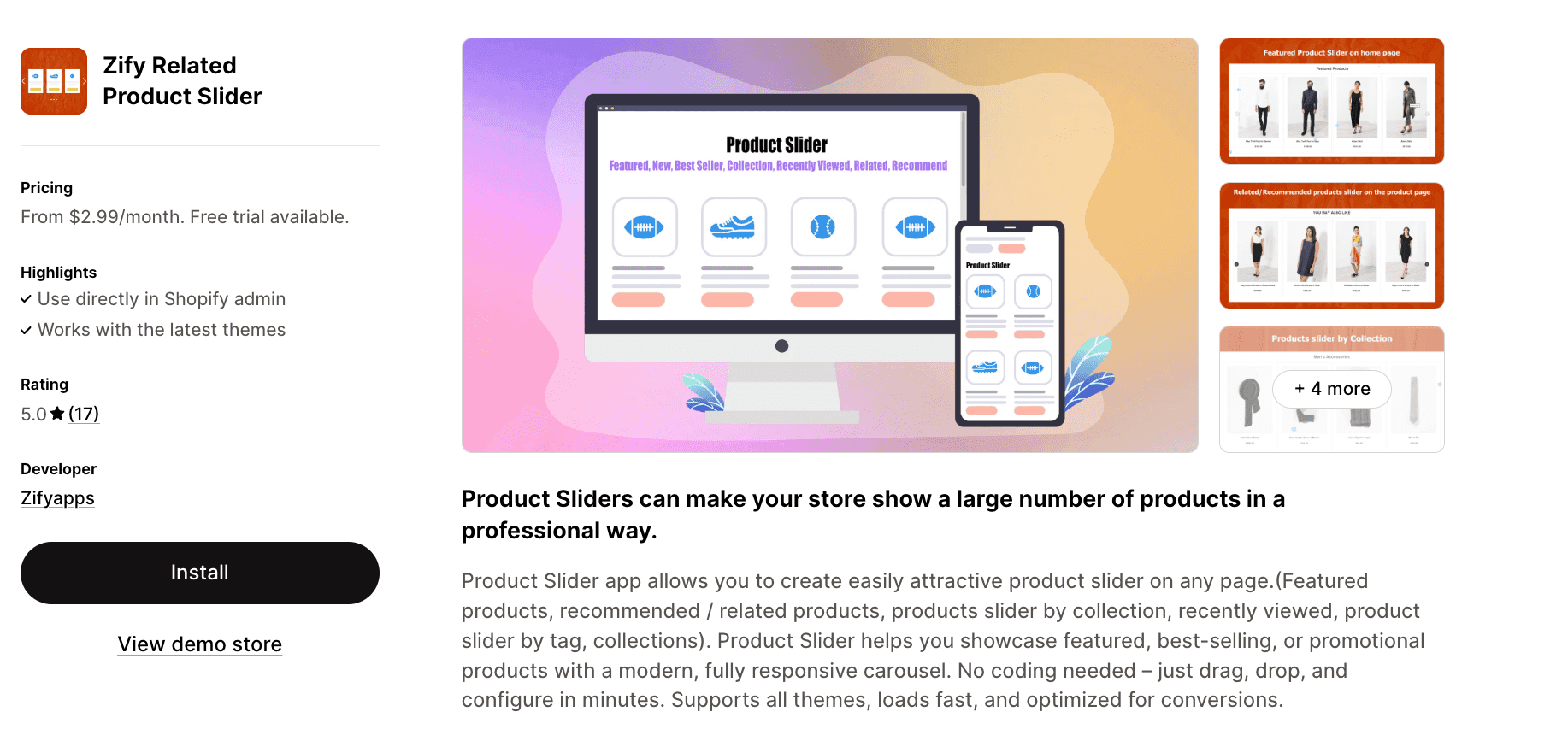
Rating: 5.0★ (17 reviews) | Pricing: $2.99 - $9.99/mo
Add professional product carousels anywhere on your store with this budget-friendly, no-code solution. Create sliders organized by collection, tags, best-sellers, or recently viewed items with full customization over speed, quantity displayed, and visual styling. The lazy load feature ensures fast page performance, while add-to-cart and quick-view buttons reduce clicks between discovery and purchase, streamlining the path to conversion.
View Zify in the Shopify App Store
How to add a product slider to your Shopify store
Adding a slider to your Shopify store is straightforward with modern apps:
- Choose your app from the Shopify App Store based on your specific needs (product display, testimonials, videos, etc.)
- Install and authorize the app to access your store's theme
- Select a template or build from scratch using the app's editor
- Customize the design to match your brand colors, fonts, and style
- Configure settings like autoplay speed, navigation arrows, and responsive behavior
- Add your content (products, images, videos, or testimonials)
- Place the slider on your desired pages using the theme editor or app blocks
Most apps work with Shopify 2.0 themes and integrate seamlessly without any additional coding/dev work needed.
Getting started with the right product slider app
The right Shopify slider app can completely transform how customers browse your store, whether you're elevating your product pages, adding movement to your homepage, or giving social proof a more prominent spot. What matters most is choosing a tool that fits your workflow, keeps your pages fast, and makes it easy to build the kind of visuals that actually drive conversions.
And if you're already thinking beyond sliders, toward creating unified pages, flexible layouts, and high-performing sections, tools like Instant give you the freedom to build all of that in one place. With everything from sliders to full landing pages under one roof, it becomes easier to keep your store consistent, fast, and conversion-focused.
Whichever slider app you choose, use this guide as your starting point, test a few options, and build the kind of browsing experience that keeps shoppers clicking through. Let your visuals do the selling.