Getting people to trust an online store isn't easy. Customers can't touch the products, they might not recognize the brand, and they're being asked to enter credit card information. It's no surprise that many shoppers abandon their carts at the last minute.
Trust badges help bridge that gap. Those little payment logos and security seals on product pages do more work than most store owners realize. A familiar Visa logo or "money-back guarantee" badge can make the difference between a completed sale and another abandoned cart.
The problem? Not all trust badge apps are created equal. Some are packed with unnecessary features that slow down your site. Others look outdated or clash with modern store designs. Finding one that's lightweight, customizable, and actually effective takes time.
This guide covers 11 Shopify trust badge apps worth considering, from completely free options to premium tools with advanced features. Each review breaks down what the app does well, what it's missing, and which types of stores will benefit most. Whether you're launching your first store or optimizing an established shop, there's an option here that'll work.
What are trust badges, and why do they matter?
Trust badges are small icons or images displayed on your website that communicate security, credibility, and reliability to potential customers. Common types include:
Payment badges: Visa, Mastercard, PayPal, Apple Pay, and other payment provider logos
Security seals: SSL certificates, Norton Secured, McAfee, and other security provider badges
Guarantee badges: Money-back guarantees, free returns, satisfaction guarantees
Shipping badges: Free shipping, fast delivery, tracked shipping icons
Social proof badges: Customer review indicators, "as seen in" media logos
These visual cues work because they tap into psychological principles of social proof and authority. When customers see recognizable logos and security indicators, they feel more confident completing their purchase.
How to choose the right trust badge app
Before diving into our top picks, consider these factors when selecting a trust badge app:
Customization options: Can you adjust colors, sizes, and positioning to match your brand?
Badge library: Does the app offer a wide selection of pre-designed badges and icons?
Placement flexibility: Can you add badges to product pages, cart, checkout, footer, and custom locations?
Mobile optimization: Are the badges responsive and display properly on mobile devices?
Loading speed: Does the app maintain your site's performance?
Pricing: Does the cost align with your budget and the features offered?
Ease of use: Is setup simple, or does it require technical knowledge?
Best Shopify trust badge and icon apps
App Name | Star Rating (Reviews) | Pricing | Best For |
Instant Section & Page Builder | 5.0★ (238) | $39 - $249/mo | Full store customization with icons |
Essential Trust Badges & Icons | 5.0★ (743) | $6.99 - $29.99/mo | Comprehensive badge library |
Conversion Bear Trust Badges | 4.9★ (378) | Free | Budget-conscious stores |
SEOAnt - Trust Badges & Icon | 4.9★ (583) | Free | Simple one-click setup |
Avada Boost Sales Trust Badges | 5.0★ (1,598) | Free | All-in-one sales solution |
TZ Trust Badges, Sales Popup | 4.6★ (253) | Free - $15/mo | BFCM and seasonal campaigns |
Iconito - Trust Badges & Icons | 4.6★ (170) | Free - $9.99/mo | Custom icon uploads |
Google Reviews Trust Badges HP | 4.9★ (147) | Free - $10 or $25 one-time | Google review integration |
PX Trust Badges & Icons | 4.7★ (111) | Free - $29.99/mo | Product feature highlighting |
ShopClimb - Trust Badges | 4.7★ (156) | Free - $19.99/mo | Geolocation-aware badges |
Goat - Trust Badges and Icons | 5.0★ (47) | Free - $2.89/mo | Massive icon library |
1. Instant Section & Page Builder
Rating: 5.0★ (238 reviews)
Pricing: $39 - $249/mo
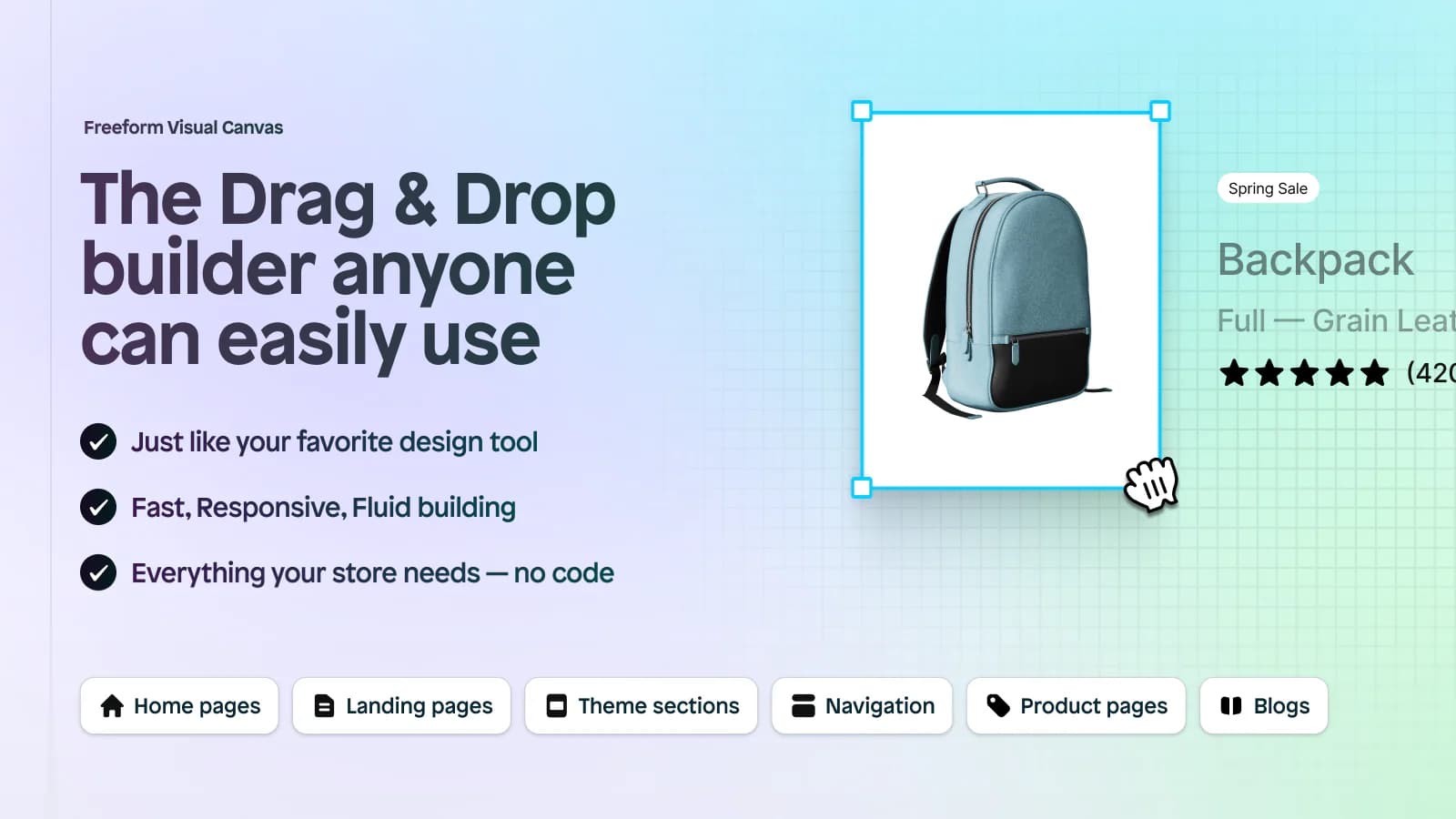
Instant Section & Page Builder excels at integrating trust badges seamlessly into your store design. This app goes beyond basic badge placement by offering a drag-and-drop interface that lets you build entire sections around your trust signals.
Key Features:
Extensive icon library with payment and trust badge options
Add icons to navigation menus, product pages, cart drawers, and any page section
Intuitive drag-and-drop builder requiring no coding knowledge
Upload custom trust badge images to maintain brand consistency
Full theme customization capabilities alongside badge management
Best For: Stores that want comprehensive design control along with trust badge functionality, and are willing to invest in a premium solution that serves multiple purposes.
2. Essential Trust Badges & Icons
Rating: 5.0★ (743 reviews)
Pricing: $6.99 - $29.99/mo
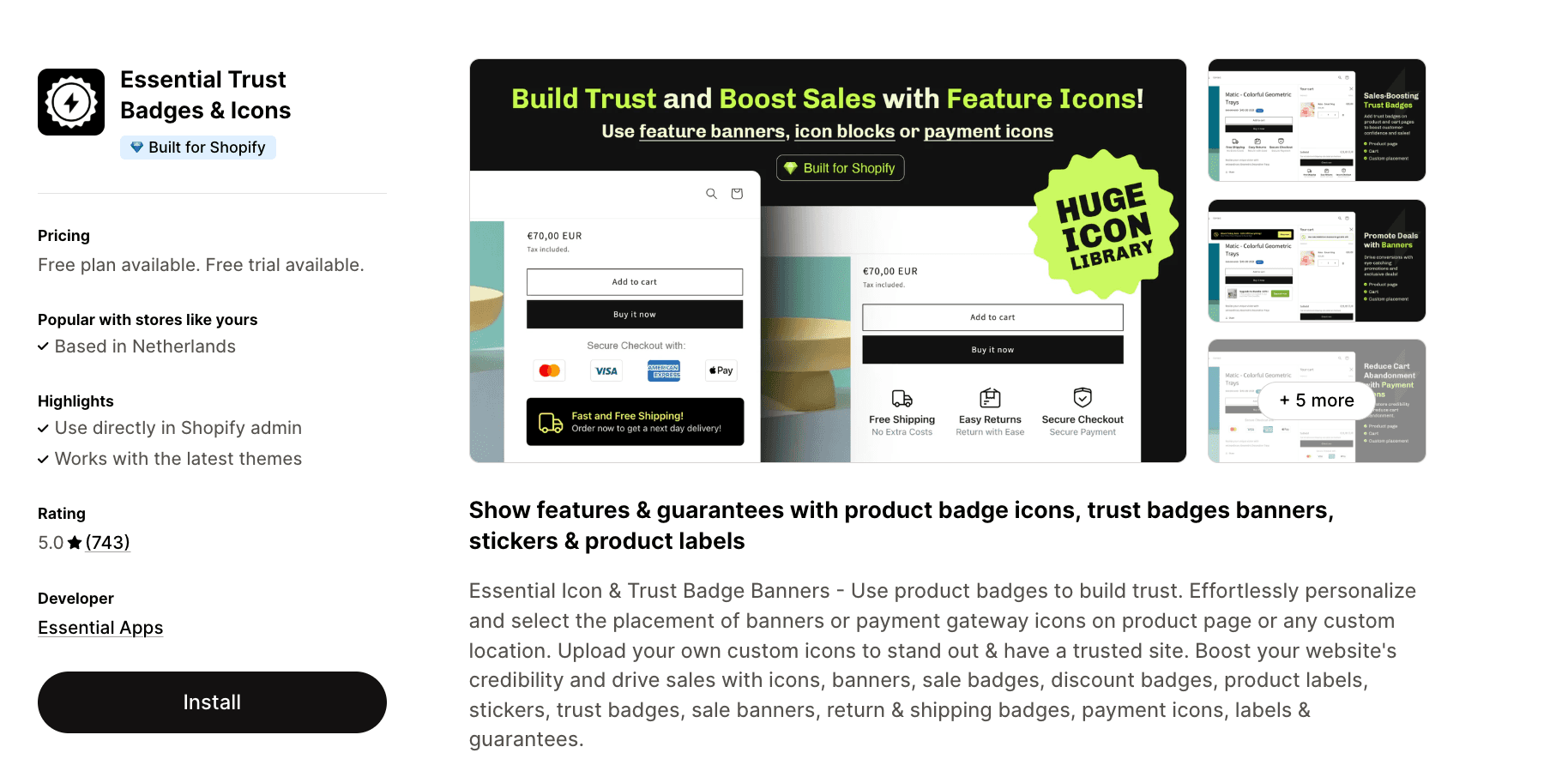
Essential Trust Badges & Icons has proven its value to hundreds of merchants. This app focuses specifically on trust signals, offering an impressive library of pre-designed badges that cover every common use case.
Key Features:
Extensive library of product badges, trust banners, and stickers
Deep customization options for size, font, color, and styling
Flexible placement system for product pages and custom locations
Upload your own custom icons and badges
Create product labels, sale badges, and discount badges alongside trust elements
Best For: Merchants who want a dedicated trust badge solution with extensive customization options and proven reliability, backed by a large user base.
3. Conversion Bear Trust Badges
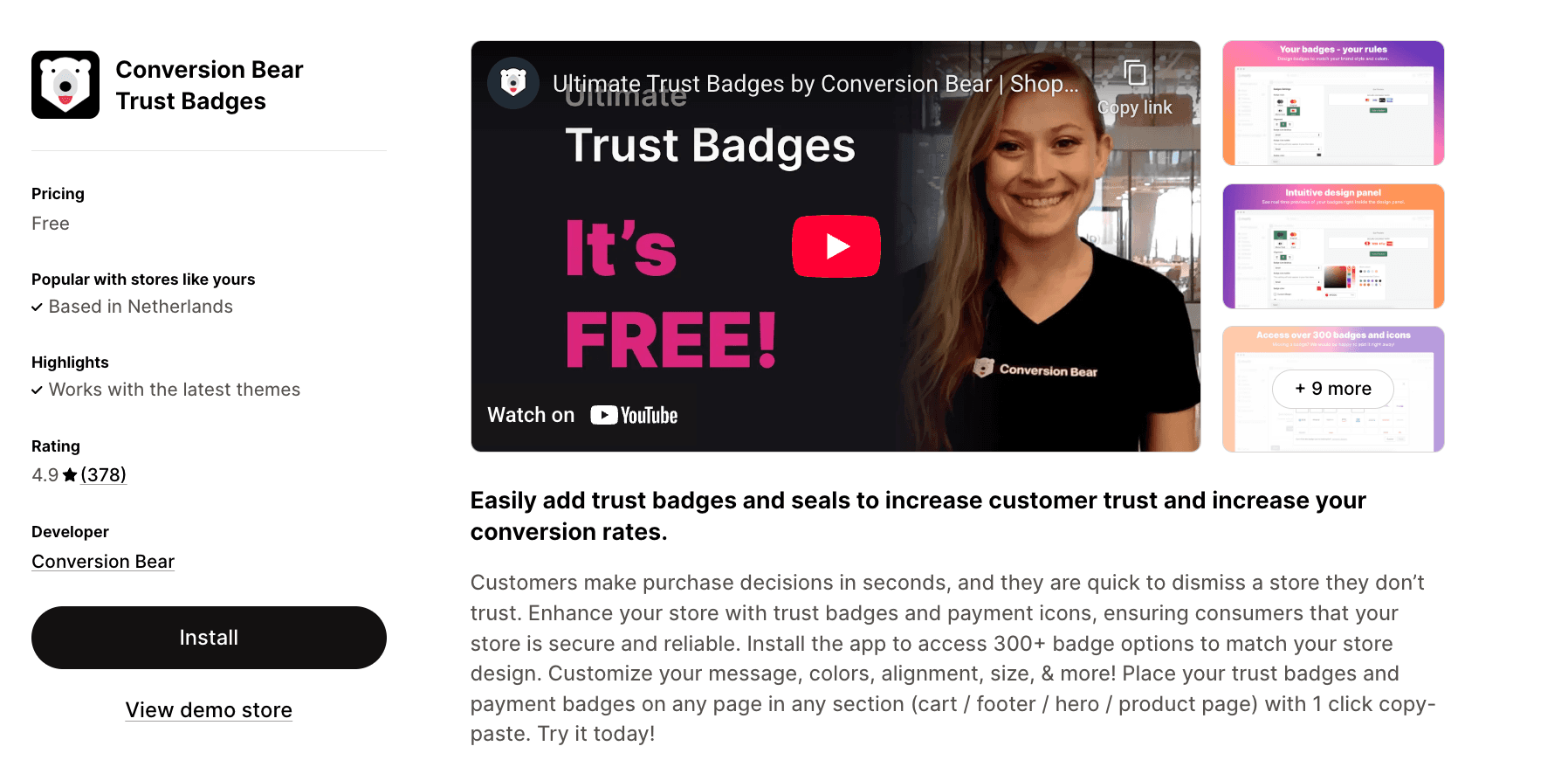
Rating: 4.9★ (378 reviews)
Pricing: Free
Conversion Bear stands out as a completely free solution that doesn't compromise on features. With access to over 300 badge options and detailed styling controls, this app proves you don't need to pay for effective trust signals.
Key Features:
Choose from 300+ professionally designed trust badges and payment icons
Full color customization to match your brand or use original badge colors
One-click placement on product pages, cart, footer, or hero sections
Device-specific sizing options for optimal desktop and mobile display
Ultra-lightweight code (under 30kb) ensures fast loading times
Best For: Startups and budget-conscious merchants who need professional trust badges without monthly fees, while still maintaining design flexibility.
4. SEOAnt - Trust Badges & Icon
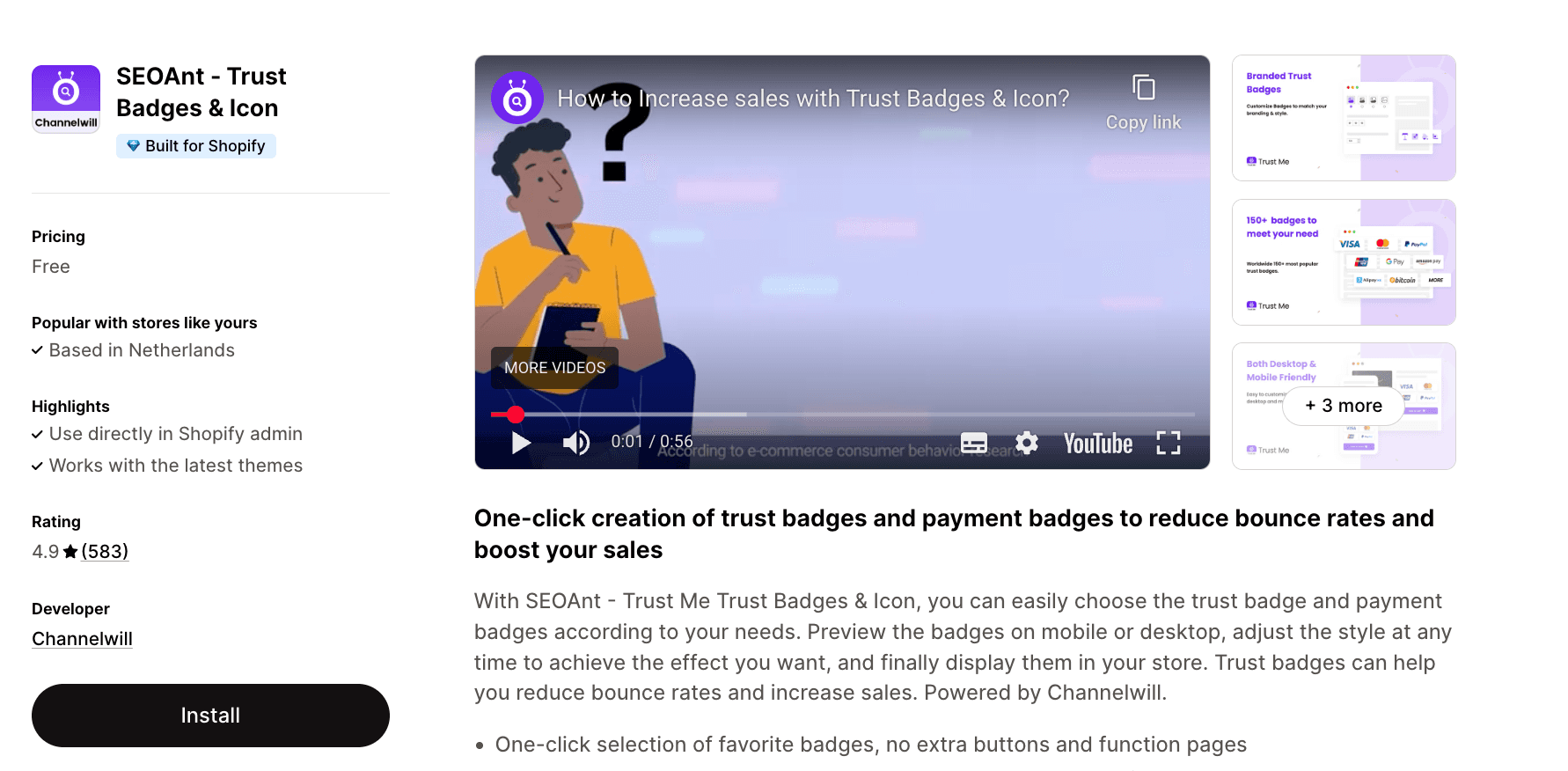
Rating: 4.9★ (583 reviews)
Pricing: Free
SEOAnt simplifies the trust badge process to its essence: one-click selection and placement. This app removes unnecessary complexity while delivering the core functionality most stores need to display trust signals effectively.
Key Features:
Streamlined one-click badge selection interface
Mobile-optimized payment badges with customizable icon sizing
Real-time preview on both mobile and desktop before publishing
Customizable badge placement throughout your store
Diverse shipping badge options to highlight delivery benefits
Best For: Merchants who value simplicity and want to implement trust badges quickly without extensive customization or technical setup.
5. Avada Boost Sales Trust Badges
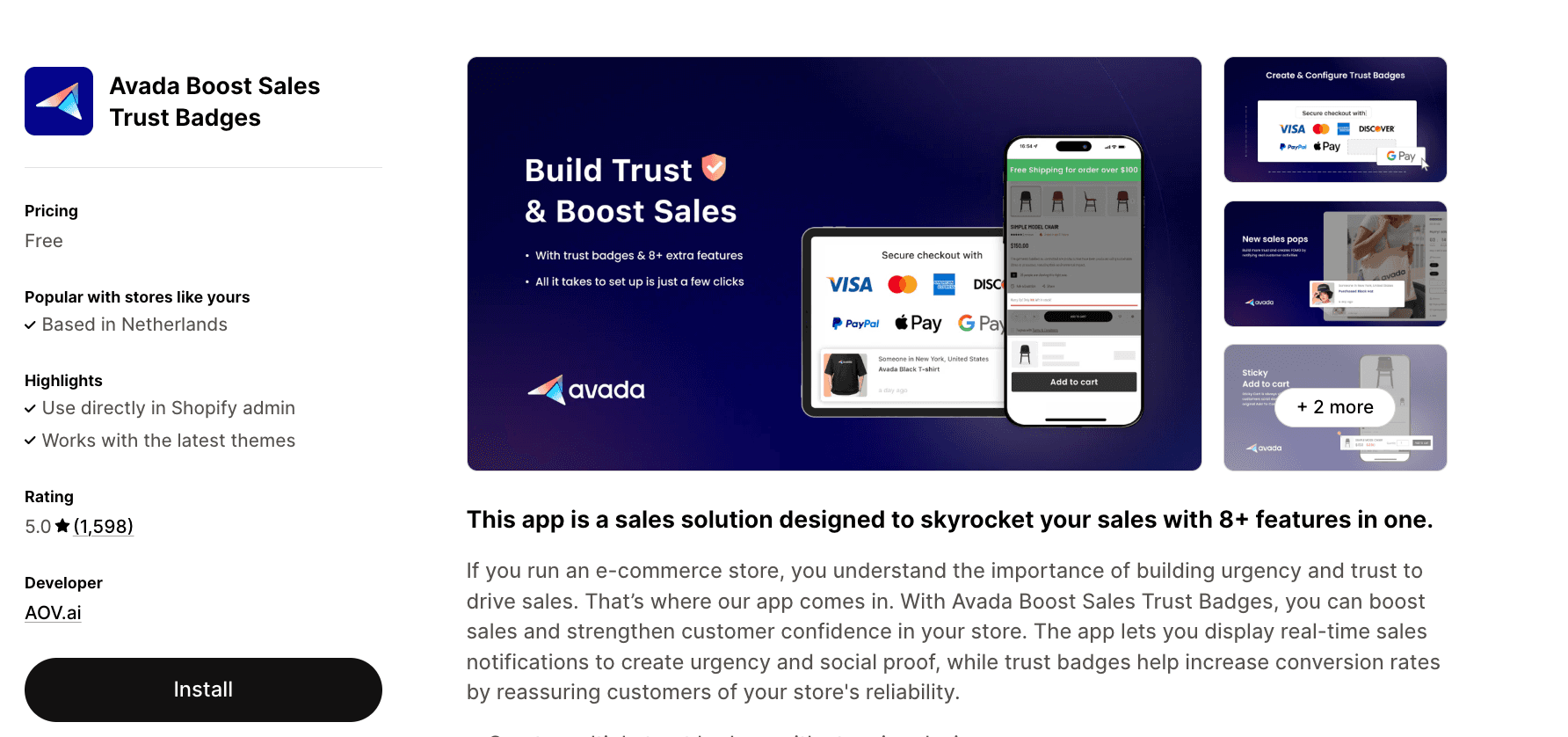
Rating: 5.0★ (1,598 reviews)
Pricing: Free
Avada Boost Sales Trust Badges combines trust signals with additional conversion optimization tools. This all-in-one approach makes it more than just a badge app—it's a comprehensive sales toolkit.
Key Features:
Create unlimited trust badges with professional design templates
Real-time sales popups to create urgency and social proof
Free shipping bar notifications to encourage higher cart values
Complete brand customization to match your store's identity
Eight integrated features including trust badges, popups, and notification bars
Best For: Stores seeking an all-in-one conversion optimization platform that combines trust signals with urgency tactics and social proof elements.
6. TZ Trust Badges, Sales Popup
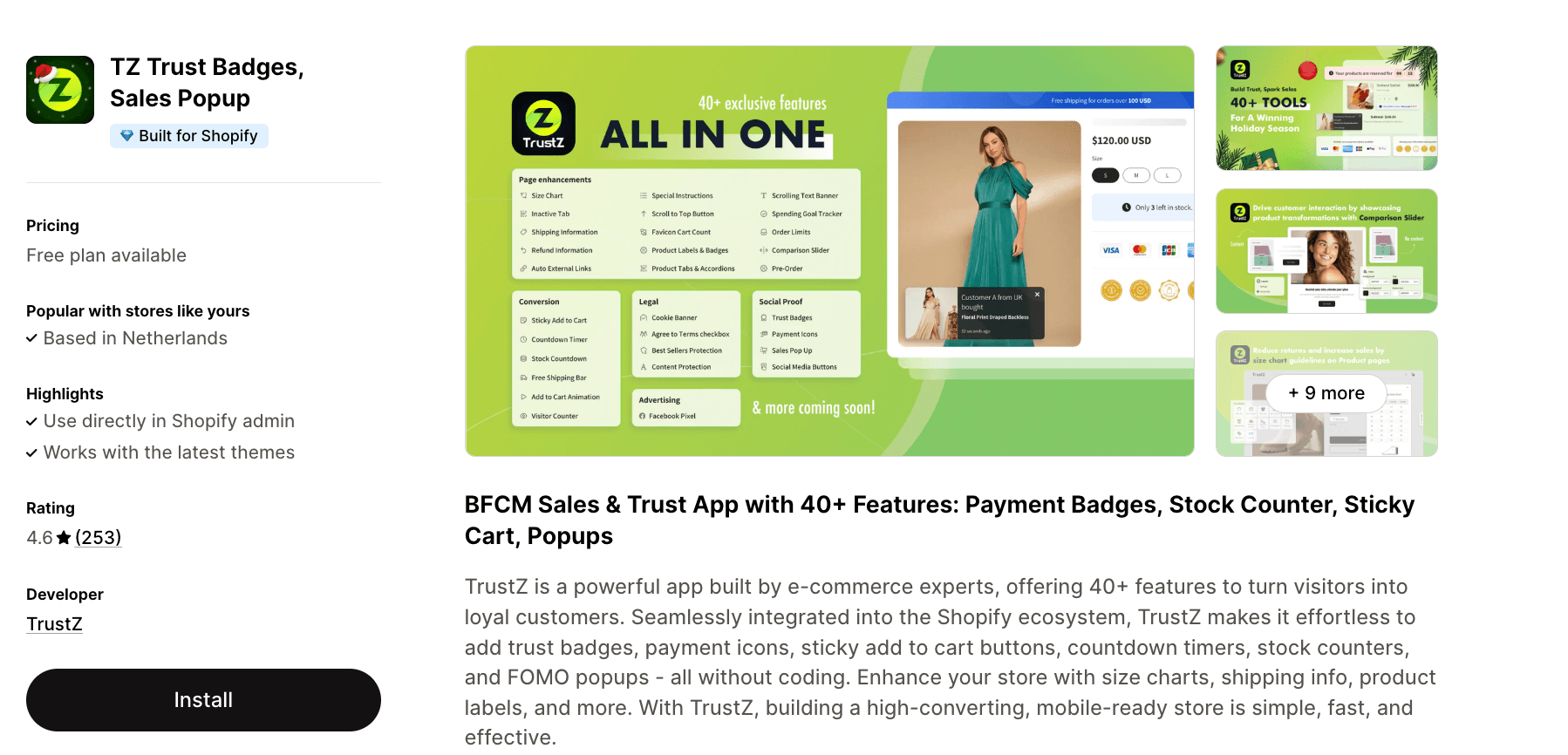
Rating: 4.6★ (253 reviews)
Pricing: Free - $15/mo
TrustZ takes a comprehensive approach with over 40 features designed to transform visitors into customers. Built specifically for e-commerce by industry experts, this app integrates trust badges into a broader conversion optimization strategy.
Key Features:
Payment icons, trust badges, and secure checkout indicators
Sticky add-to-cart buttons and quote upsell functionality
Scarcity elements including stock counters, countdown timers, and low stock alerts
Product tabs, accordions, size charts, and discount badges
Privacy elements like cookie bars and terms checkboxes
Best For: Merchants preparing for major sales events like BFCM who need a complete toolkit of conversion features beyond basic trust badges.
7. Iconito - Trust Badges & Icons
Rating: 4.6★ (170 reviews)
Pricing: Free - $9.99/mo
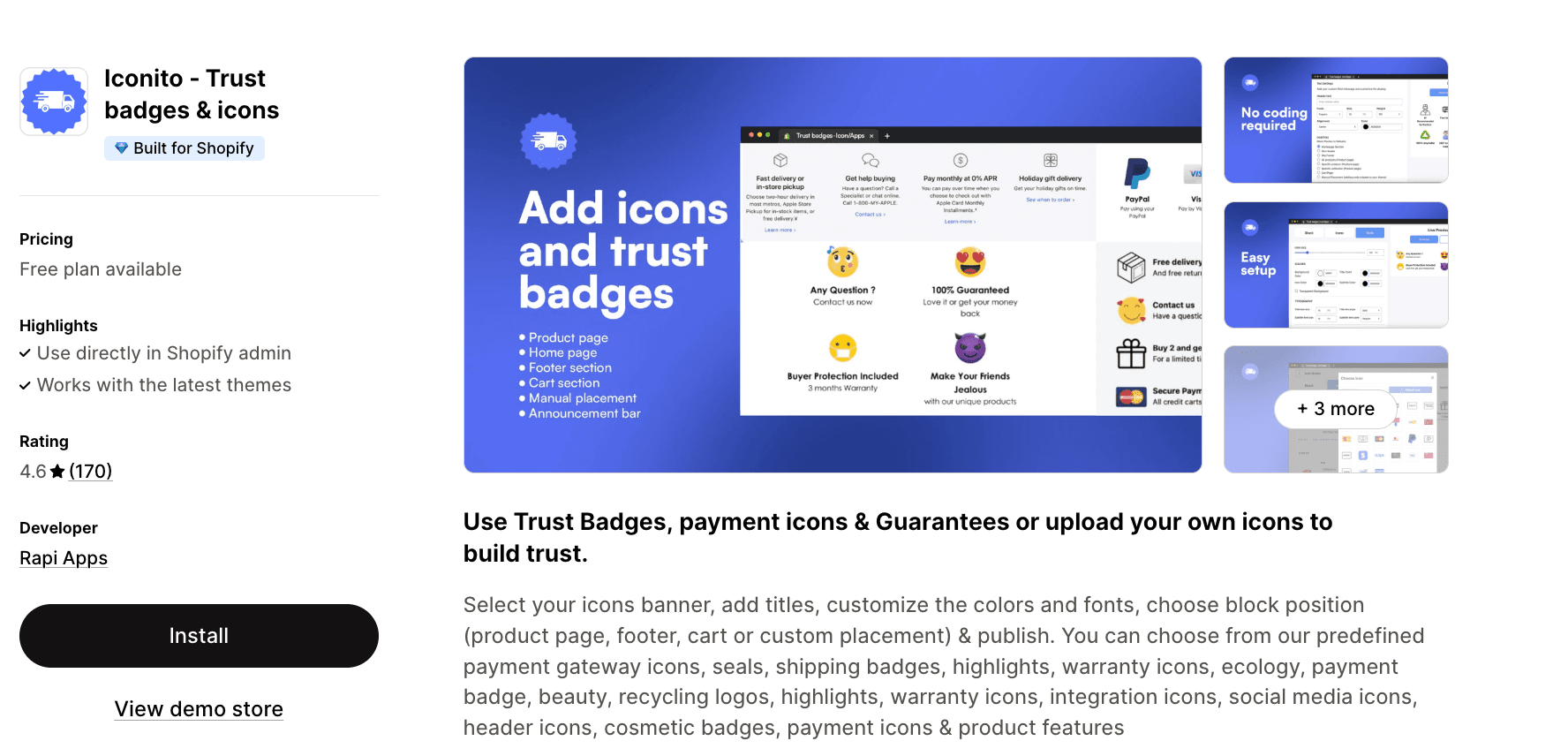
Iconito emphasizes versatility in badge types and placement options. With an extensive icon library covering everything from payment logos to ecology symbols, this app helps you communicate multiple aspects of your brand values.
Key Features:
Diverse icon selection including payment, shipping, warranty, ecology, and social media
No-code banner creation with custom titles and styling
Unlimited placement options across product pages, homepage, footer, or custom locations
Upload your own custom icons and logos
Adjustable icon sizing to perfectly match your store design
Best For: Stores that want to highlight multiple brand values—sustainability, quality, security—using a diverse range of icon types.
8. Google Reviews Trust Badges HP
Rating: 4.9★ (147 reviews)
Pricing: Free - $10 or $25 one-time charge
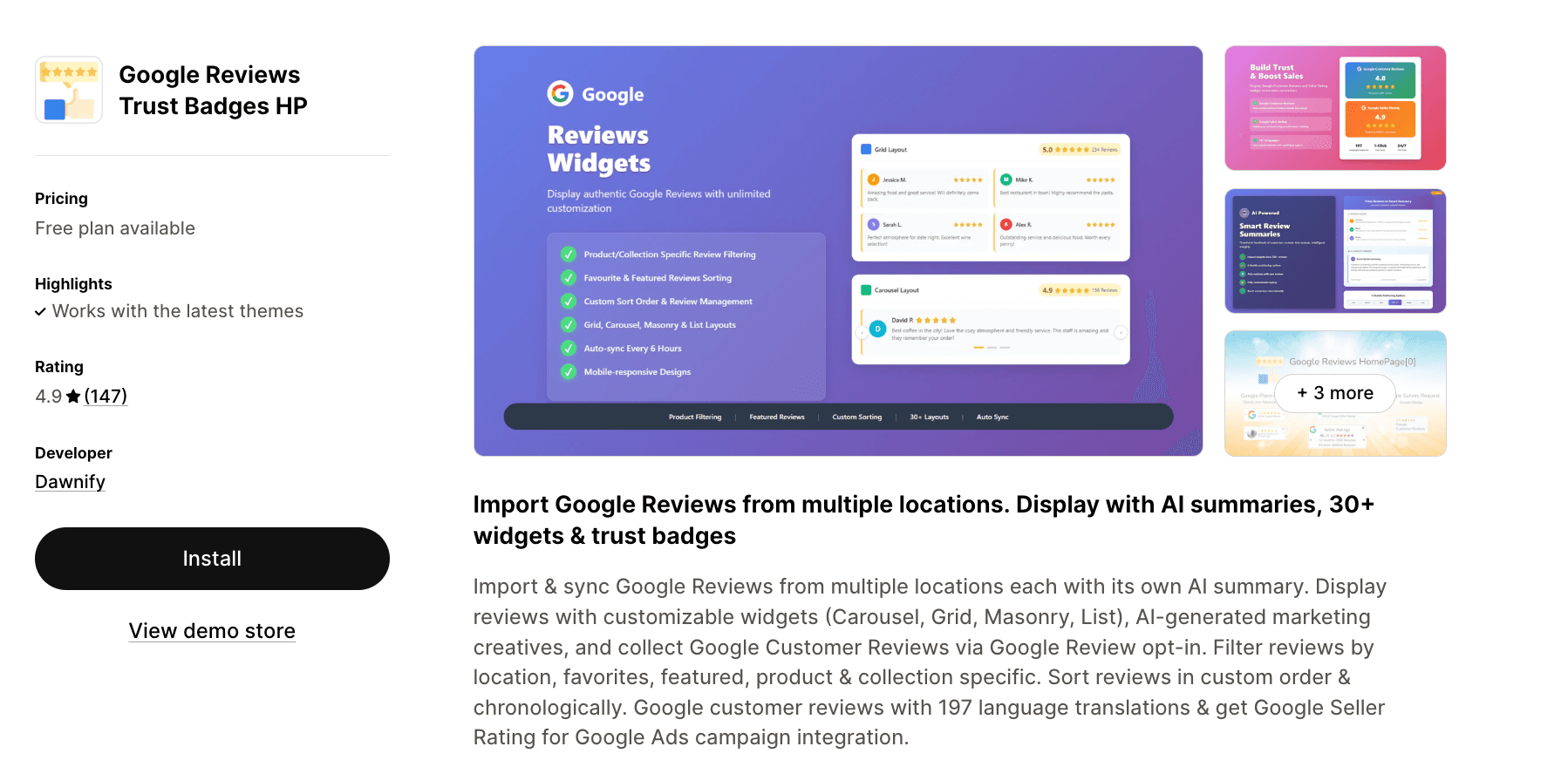
This app takes a unique approach by combining trust badges with Google Reviews integration. Rather than just displaying generic trust signals, you can showcase actual customer feedback alongside security and payment badges.
Key Features:
Import and sync Google Reviews from multiple business locations
AI-generated summaries of your reviews for quick customer insights
30+ customizable widget layouts (Carousel, Grid, Masonry, List)
Filter and tag reviews for specific products and collections
Google Customer Reviews opt-in for Google Ads campaign integration
Support for 197 languages with Google Seller Rating badge
Best For: Businesses with multiple locations or strong Google review presence who want to leverage real customer feedback as a trust signal.
9. PX Trust Badges & Icons
Rating: 4.7★ (111 reviews)
Pricing: Free - $29.99/mo
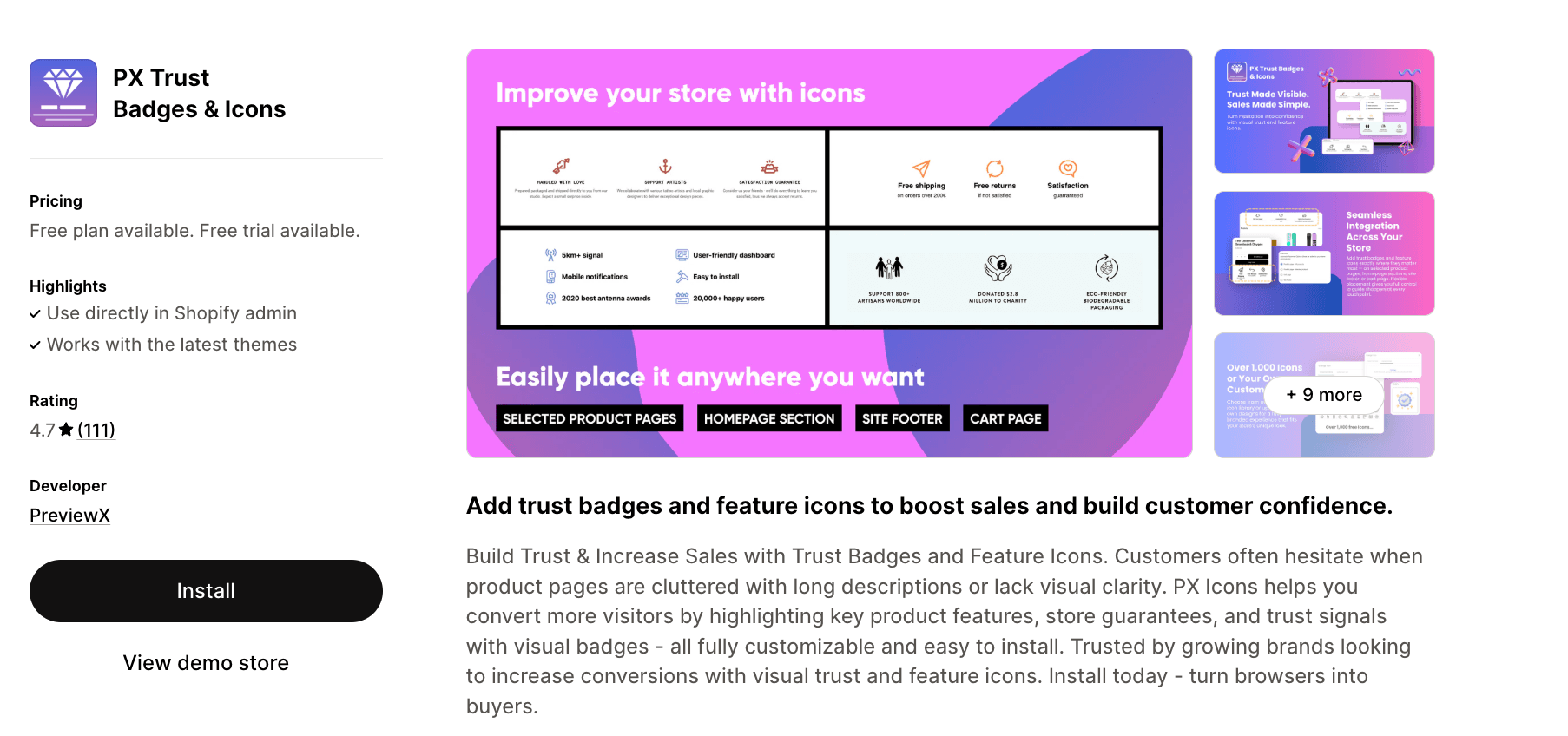
PX Icons focuses on visual clarity, helping you transform cluttered product descriptions into scannable, icon-based feature highlights. This approach not only builds trust but also improves the overall user experience of your product pages.
Key Features:
Access to over 1,000 pre-designed icons or upload custom designs
Place badges on product pages, cart, and throughout your store
Comprehensive layout customization including size, color, and spacing
Lightweight, fast-loading code that won't slow your site
Transform text-heavy descriptions into visual feature highlights
Best For: Stores with detailed product features who want to make key information more scannable and visually appealing while building trust.
10. ShopClimb - Trust Badges
Rating: 4.7★ (156 reviews)
Pricing: Free - $19.99/mo
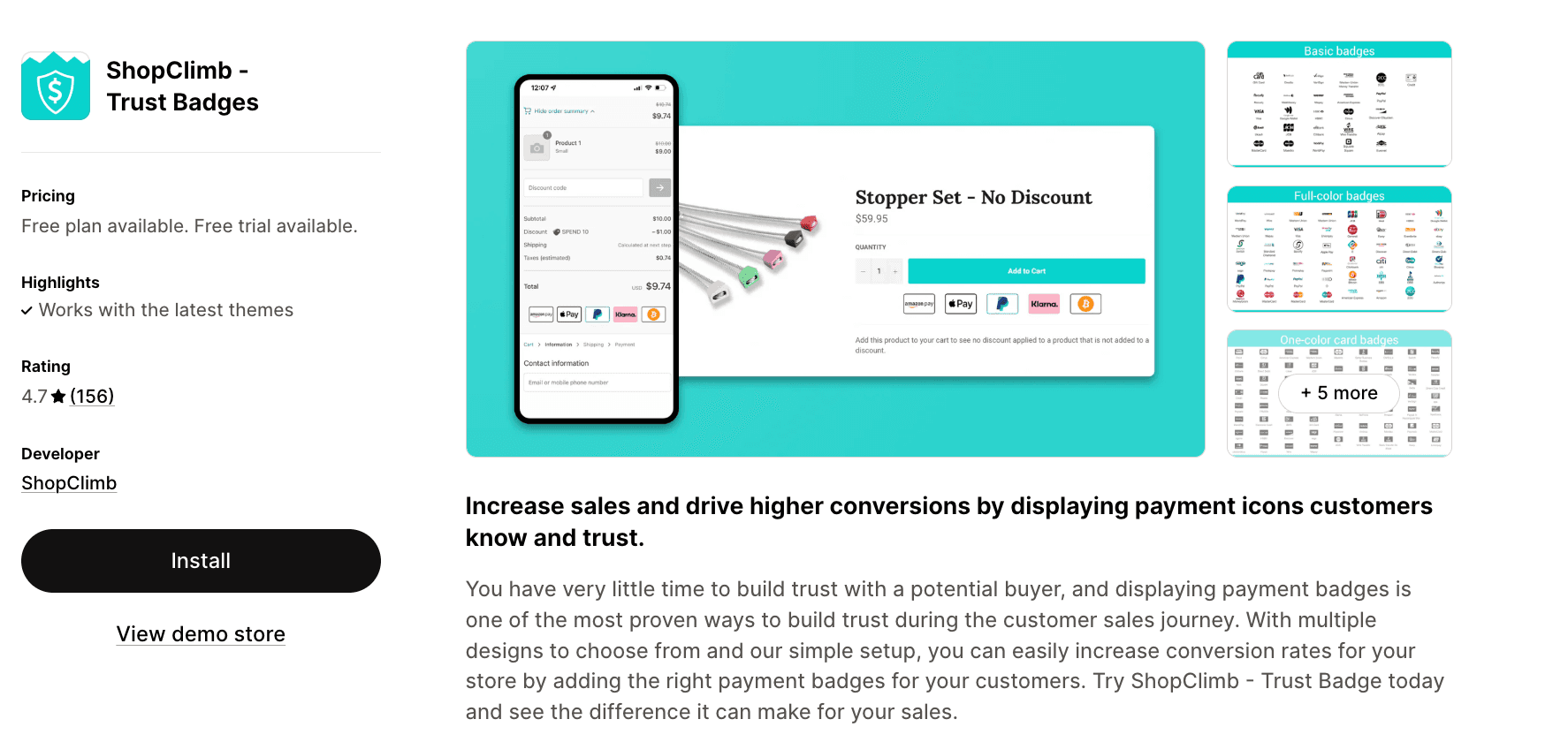
ShopClimb introduces intelligent geolocation awareness to trust badges, showing customers the payment methods most relevant to their location. This localization can significantly improve trust, especially for international stores.
Key Features:
Geolocation-aware badges displaying local payment options
Display badges in checkout to reduce abandoned carts (Shopify Plus only)
Zero-code drag-and-drop installation with custom placement options
Multiple design templates with full customization capabilities
Focus on payment badges that customers recognize and trust
Best For: International stores or those with diverse customer bases who want to show location-specific payment options to maximize trust.
11. Goat - Trust Badges and Icons
Rating: 5.0★ (47 reviews)
Pricing: Free - $2.89/mo
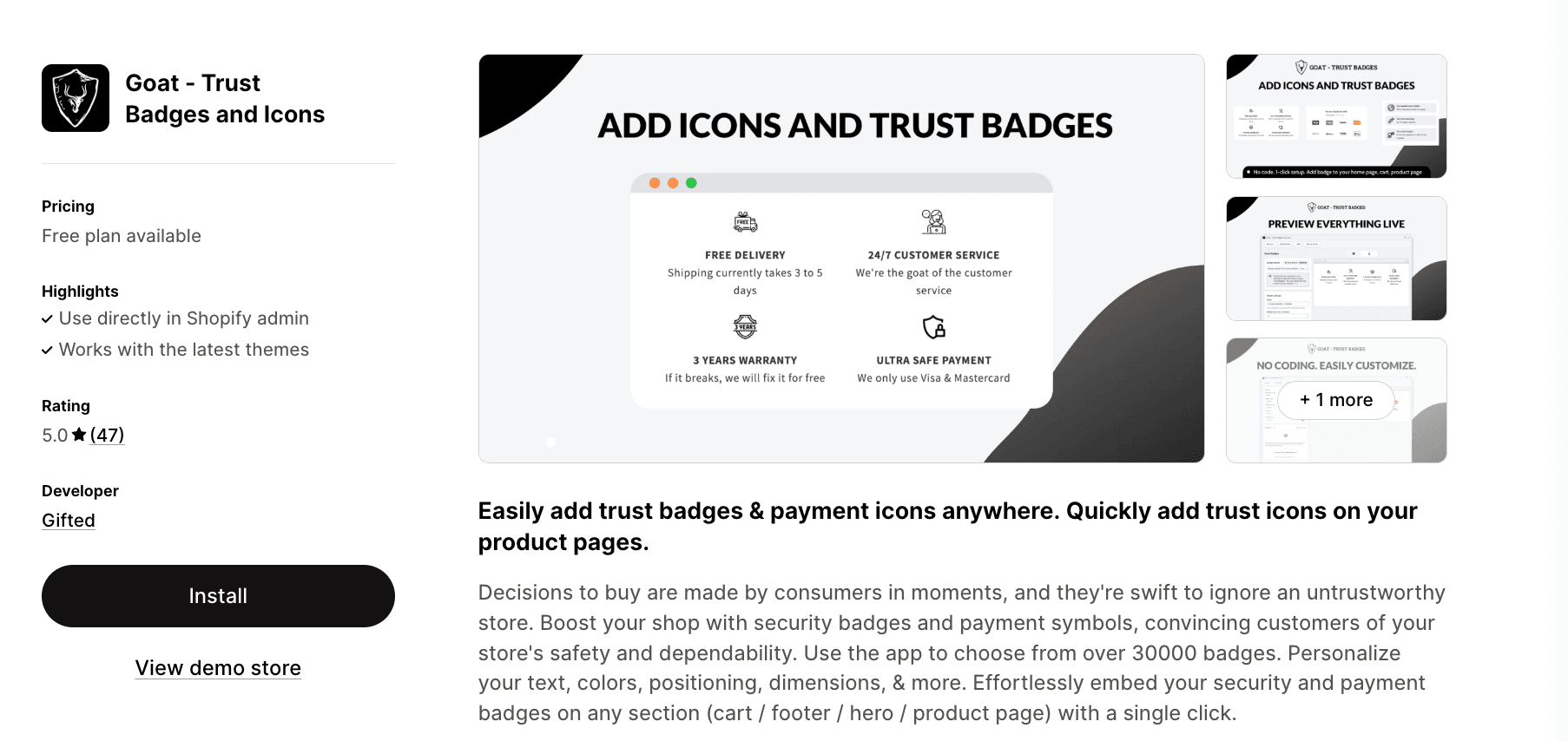
Despite having fewer reviews, Goat offers an incredibly affordable paid option and an enormous library of over 30,000 icons. This massive selection ensures you'll find the perfect badges for any niche or industry.
Key Features:
Access to over 30,000 trust badges, icons, logos, and symbols
Add badges to product pages, footer, homepage, and custom sections
Separate customization options for desktop and mobile displays
One-click color application across all icons
Extremely affordable paid tier at just $2.89/mo
Best For: Merchants in specialized niches who need access to a massive icon library to find industry-specific badges, or those seeking the most affordable paid option.
Best practices for using trust badges
To add icons and trust badges to your Shopify pages, follow these proven strategies:
1. Don't overdo it
While trust badges are beneficial, cluttering your pages with too many can have the opposite effect. Choose 3-5 of the most relevant badges for each page section to maintain a clean, professional appearance.
2. Place badges strategically
Position trust badges where purchase decisions are made:
Near the "Add to Cart" button on product pages
In the cart and checkout process
In your website footer for site-wide reassurance
Above the fold on your homepage
3. Use recognizable logos
Stick with well-known payment providers, security seals, and shipping partners. Obscure or unfamiliar badges may confuse rather than reassure customers.
4. Match your brand aesthetic
Customize badge colors, sizes, and styles to align with your overall store design. Inconsistent styling can make badges look like afterthoughts rather than integrated trust signals.
5. Keep badges up to date
If you change payment providers, shipping partners, or security certificates, update your badges accordingly. Displaying outdated information can damage trust rather than build it.
6. Test and optimize
Use A/B testing to determine which badges resonate most with your audience. Try different combinations, placements, and designs to find what drives the highest conversion rates.
How trust badges impact conversion rates
The psychology behind trust badges is well-documented. When customers see familiar logos and security indicators, several cognitive biases come into play:
Authority: Recognized brand logos (Visa, Norton, PayPal) leverage the authority of established companies to transfer trust to your store.
Social Proof: Badges indicating customer reviews, satisfaction guarantees, or "trusted by thousands" messages show that others have successfully purchased from you.
Risk reduction: Security seals and money-back guarantees reduce perceived risk, making the purchase decision feel safer.
Research consistently shows that trust badges can increase conversion rates by 10-42%, depending on your industry and implementation. The impact is particularly strong for new stores without established brand recognition, where trust is hardest to earn.
Common mistakes to avoid
Using fake or unearned badges
Never display security seals or certifications you haven't actually obtained. This is not only unethical but potentially illegal, and savvy customers will verify these claims.
Inconsistent badge display
Ensure badges appear consistently across all relevant pages. Displaying trust signals on some product pages but not others creates confusion and inconsistency.
Poor mobile optimization
With over 60% of e-commerce traffic coming from mobile devices, your trust badges must display properly on smaller screens. Test thoroughly on various devices.
Ignoring loading speed
Some poorly optimized badge apps can slow your site. Prioritize lightweight apps that maintain your page speed, as slow loading times hurt conversions more than badges help them.
Conclusion
Trust badges remain one of the simplest yet most effective tools for increasing e-commerce conversions in 2025. By displaying recognizable payment logos, security seals, and guarantee badges, you can significantly reduce purchase anxiety and build confidence in your store, even among first-time visitors.
The 11 apps featured in this guide offer solutions for every budget and requirement. If you're just starting out, free options like Conversion Bear, SEOAnt, or Avada Boost Sales Trust Badges provide excellent functionality without monthly fees. For stores requiring advanced customization or additional conversion features, premium options like Essential Trust Badges & Icons or Instant Section & Page Builder deliver comprehensive solutions worth the investment.
Remember that trust badges are just one piece of the conversion optimization puzzle. Combine them with fast loading times, clear product information, transparent shipping policies, and excellent customer service to create a truly trustworthy shopping experience.
Start by choosing one app from this list, implement it with our best practices in mind, and test different badge combinations to find what resonates with your specific audience. The right trust badges, properly implemented, can provide an immediate boost to your conversion rates and contribute to long-term customer confidence in your brand.
Ready to build trust and increase your sales? Pick an app from our list and start adding trust badges to your store today.