Best Shopify mega menu, dropdown menu, navigation, & footer apps [2026]
Compare the 10 best Shopify navigation menu apps for building navigation menus, drop-downs, headers, footers, mobile-optimized menus, and more.
![Best Shopify mega menu, dropdown menu, navigation, & footer apps [2026]](/_next/image?url=https%3A%2F%2Fcms.instant.so%2F_emdash%2Fapi%2Fmedia%2Ffile%2F01M47TRKSCXXTHXW6KZK89QE73.jpg&w=3840&q=75)
Your Shopify store's navigation is one of the most critical elements affecting customer experience and conversions. A well-designed mega menu or dropdown menu helps shoppers find products quickly, reduces bounce rates, and can significantly boost sales. Whether you're looking to create a feature-rich mega menu, optimize your mobile navigation, or build a custom footer, the right app can transform how customers interact with your store.
In this guide, we'll explore the best Shopify navigation and menu apps available in 2025, comparing their features, pricing, and ideal use cases to help you choose the perfect solution for your store.
Quick comparison: Top Shopify menu apps
| App Name | Rating | Pricing | Best for |
| Instant Section & Page Builder | 5.0★ (238) | $39 - $249/mo | Navigation menus, drop-down menus, mega menus, headers, mobile-optimized menus, & footers |
| Qikify Mega Menu & Navigation | 4.9★ (866) | $9.99 - $19.99/mo | Mega menu, drop-down menus, mobile menu |
| Globo Mega Menu & Navigation | 4.9★ (986) | $9.90 - $14.90/mo | Mega menu, tabbed submenus, mobile menu |
| Buddha Mega Menu & Navigation | 4.8★ (596) | $9.95/mo | Mega menu, tabbed submenu, simple menus |
| Navigo Mobile Menu Tab Bar | 4.7★ (84) | $4.99 - $9.99/mo | Mega menu and mobile navigation |
| Hukify - Mega Menu Creator | 4.7★ (101) | $9.99/mo | Mega menu and mobile menu |
| KOBU - Menu Highlight | 5.0★ (25) | $4/mo | Circle or square menu bar |
| Navi+ TabBar/Mega Menu Builder | 4.7★ (27) | $6.25 - $120/mo | Sticky Navbar, Tab bar, Mega Menu, Slide Menu & Grid Menu |
| Meteor Mega Menu & Navigation | 4.5★ (172) | $8 - $14/mo | Dropdown menus, mobile menus |
| ANG Extra menu | 4.5★ (63) | $5.99 - $7.99/mo | Mega menu, tab menu, and tree menu |
The 10 best Shopify menu & navigation apps
1. Instant Section & Page Builder
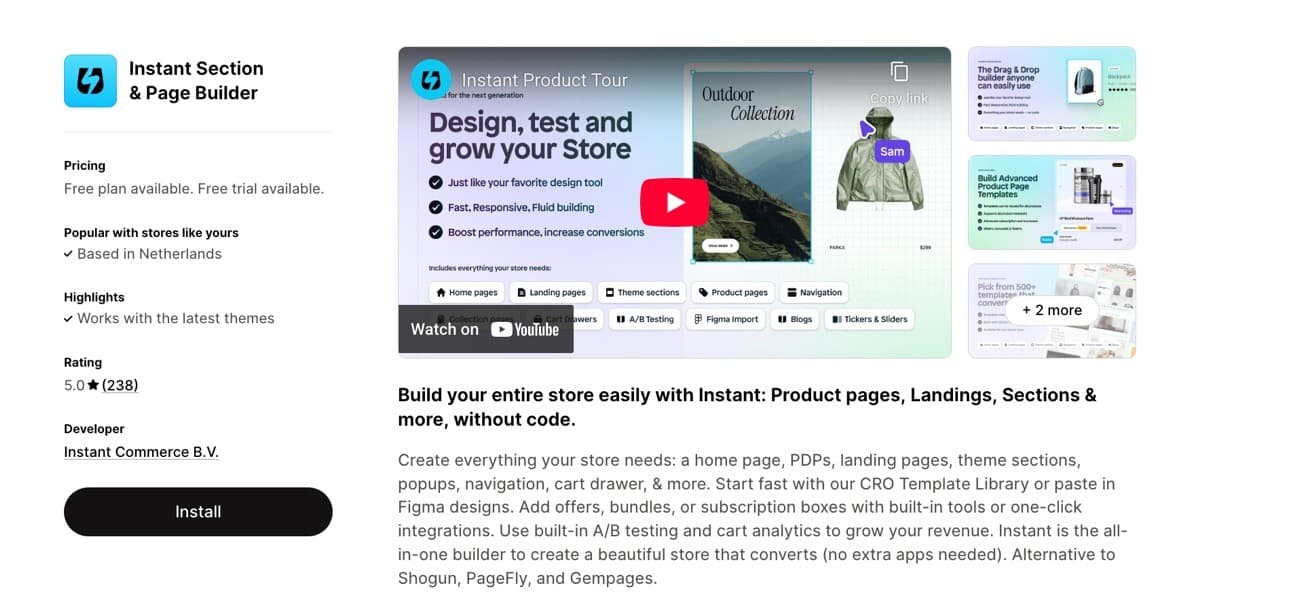
Best for: Complete store design, including navigation menus, mega menus, headers, and footers
Instant stands out as the only all-in-one solution that lets you build fully customizable navigation menus alongside your entire Shopify store. Whether you need a simple dropdown menu or a sophisticated mega menu with images, videos, and featured products, Instant's template library and drag-and-drop builder make it effortless. The platform excels at mobile-optimized navigation, allowing you to customize menus separately for mobile devices to ensure seamless browsing on any screen size. With built-in cart, currency, and language selectors, plus the ability to set custom headers and footers as your store default in one click, Instant delivers exceptional value by replacing multiple single-purpose apps with one powerful builder.
Key Features:
- Pre-designed templates or build from scratch
- Advanced mega menus with images, icons, videos, and featured products
- Separate mobile menu customization
- Built-in cart, currency, and language selectors
- Flexible footer builder with social icons, forms, and trust badges
- Set as default header/footer for your entire theme
- Full store building capabilities beyond just menus
2. Qikify Mega Menu & Navigation
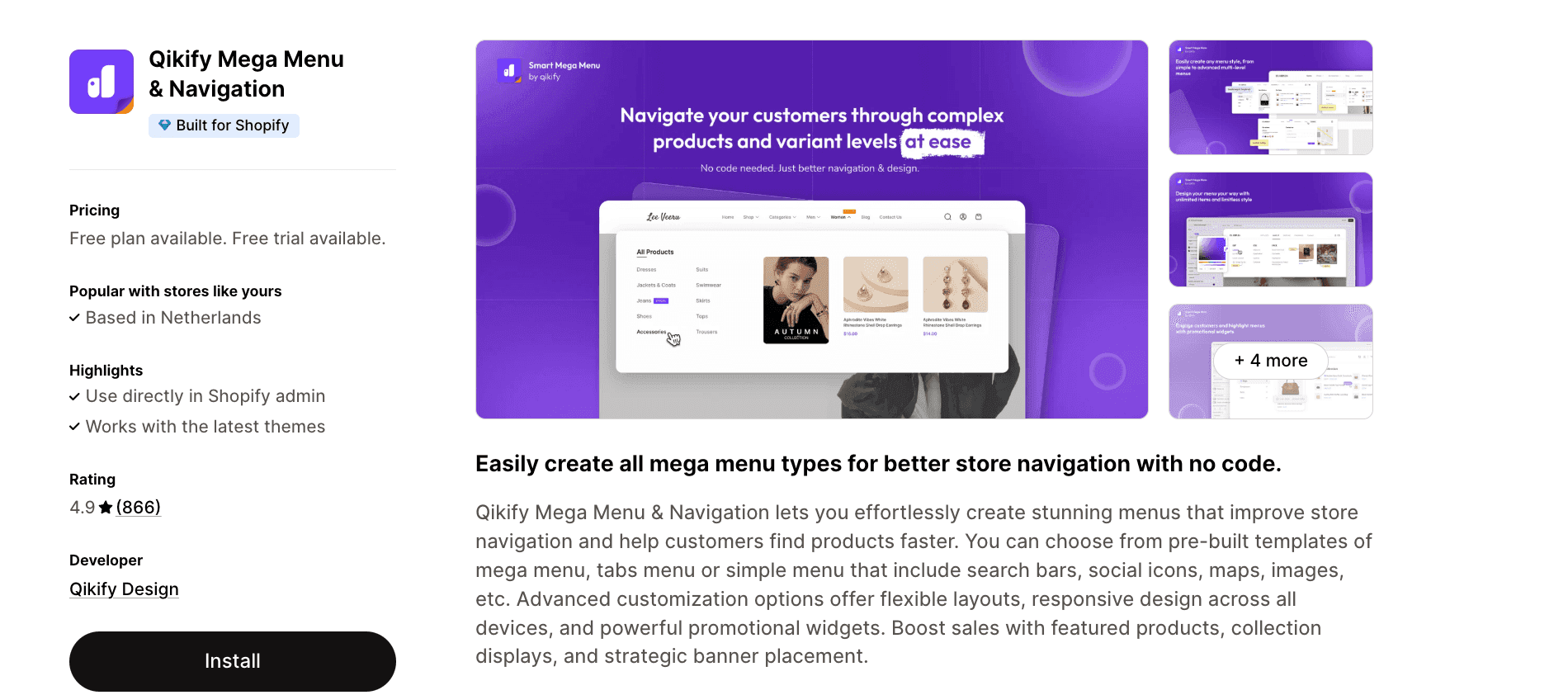
Qikify offers an accessible solution for merchants who want professional-looking menus without touching code. The app provides pre-built templates for mega menus, tab menus, and simple menus that include search bars, social icons, maps, and images. With advanced customization options for layouts and responsive design, plus promotional widgets to showcase featured products and collections, Qikify helps boost navigation and sales simultaneously.
Key Features:
- Product, collection, page, and custom link support with tag filtering
- Search bar, contact forms, Google maps, and HTML integration
- Eye-catching labels, badges, and icons for promotions
- Unlimited menu items with full customization (fonts, colors, sizes)
- Multi-level menu templates including mega, tab, and tree menus
3. Globo Mega Menu & Navigation
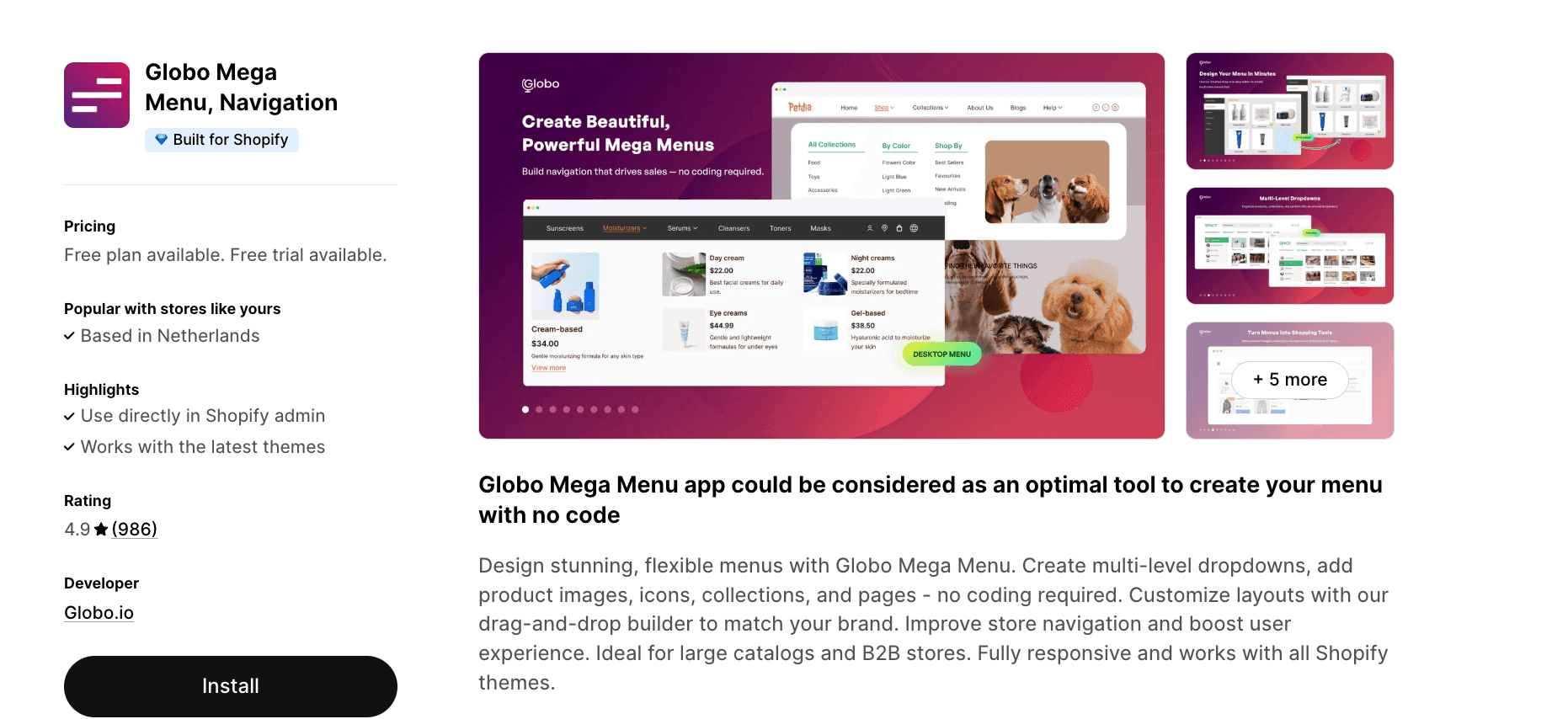
Globo Mega Menu makes it simple to design stunning, flexible navigation without coding skills. Create multi-level dropdowns enhanced with product images, icons, collections, and pages using an intuitive drag-and-drop builder. The app is particularly well-suited for stores with large catalogs or B2B operations, offering fully responsive menus that work seamlessly with all Shopify themes.
Key Features:
- Multiple dropdown levels with tabs, blocks, and images
- Featured products, new products, and blog post blocks
- Contact forms, search boxes, theme-matched fonts, and icons
- "HOT" and "NEW" badges with menu item highlighting
- Fully responsive and mobile-friendly design
4. Buddha Mega Menu & Navigation
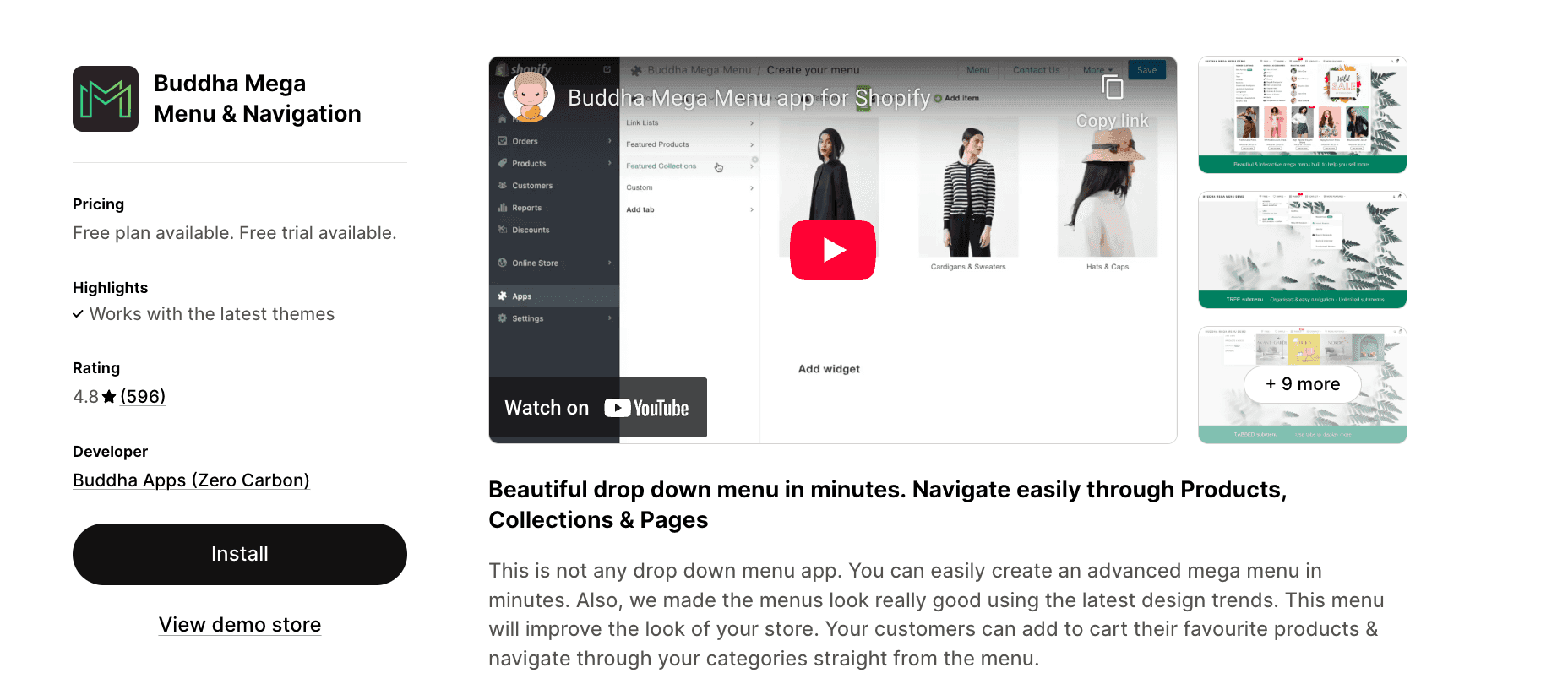
Buddha Mega Menu focuses on creating visually appealing navigation that enhances your store's overall aesthetic. Beyond just navigation, this app allows customers to add products to their cart directly from the menu, streamlining the shopping experience. With four submenu design options and support for countdown timers, labels, badges, icons, and videos, Buddha helps you showcase promotions effectively while maintaining a polished look.
Key Features:
- Four submenu designs: Tree, Simple, Tabbed, and Contact
- Simple menu items linking to products, collections, pages, or custom URLs
- Images on collections, products, blogs, pages, and banners
- Countdown timers, labels, badges, icons, and videos
- One-click multi-language translation support
5. Navigo | Mobile Menu Tab Bar
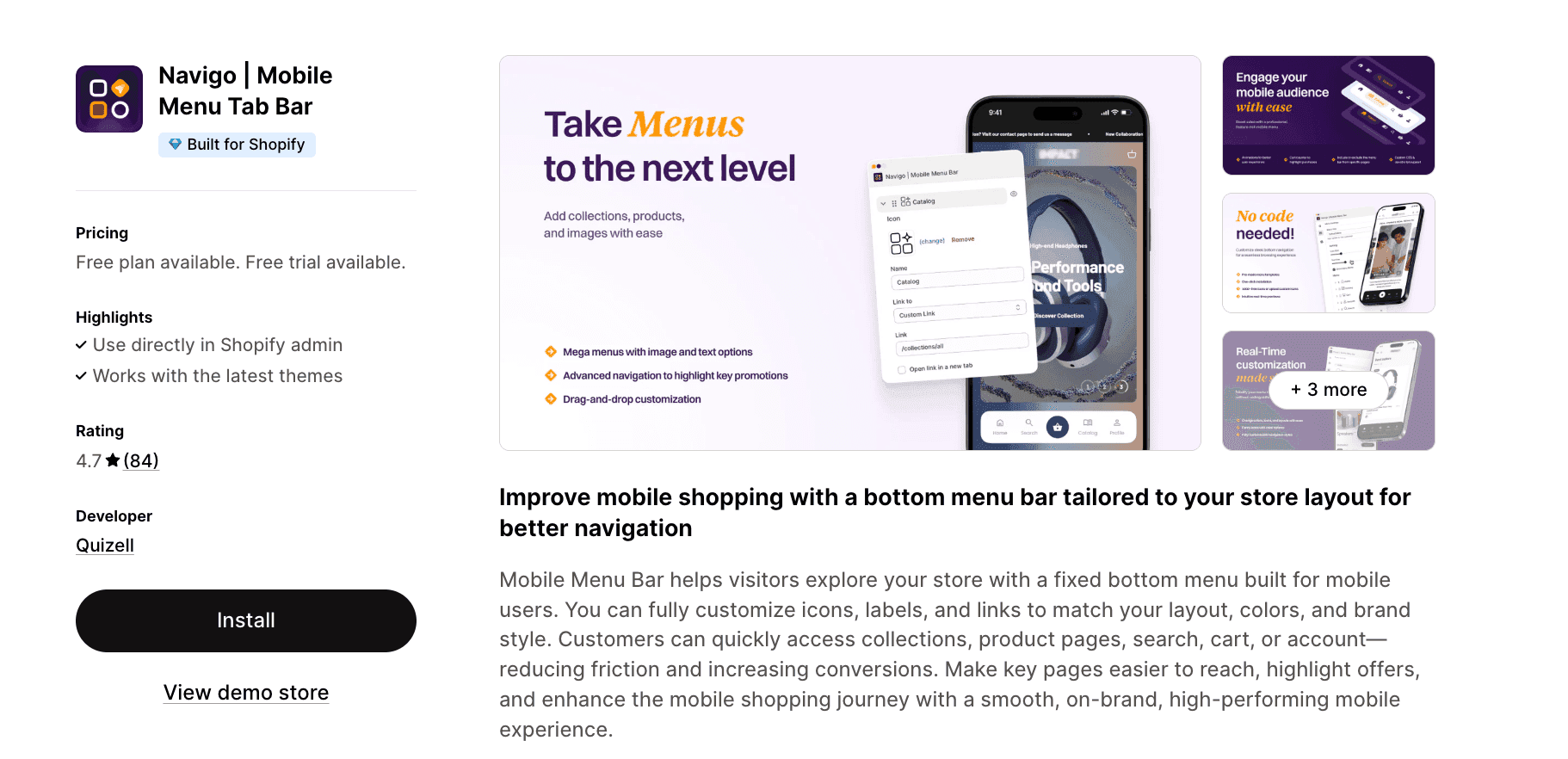
Navigo specializes in improving the mobile shopping experience through fixed bottom menu bars designed specifically for mobile users. Fully customize icons, labels, and links to match your brand while giving customers quick access to collections, product pages, search, cart, or account functions. This mobile-optimized approach reduces friction and can significantly increase mobile conversions by making key pages instantly accessible.
Key Features:
- Unlimited menus and submenus with custom icons and colors
- Cart counter, badges, and collection image links
- Multi-language translation support
- CSS customization options
- Built-in analytics for performance tracking
6. Hukify - Mega Menu Creator Pro
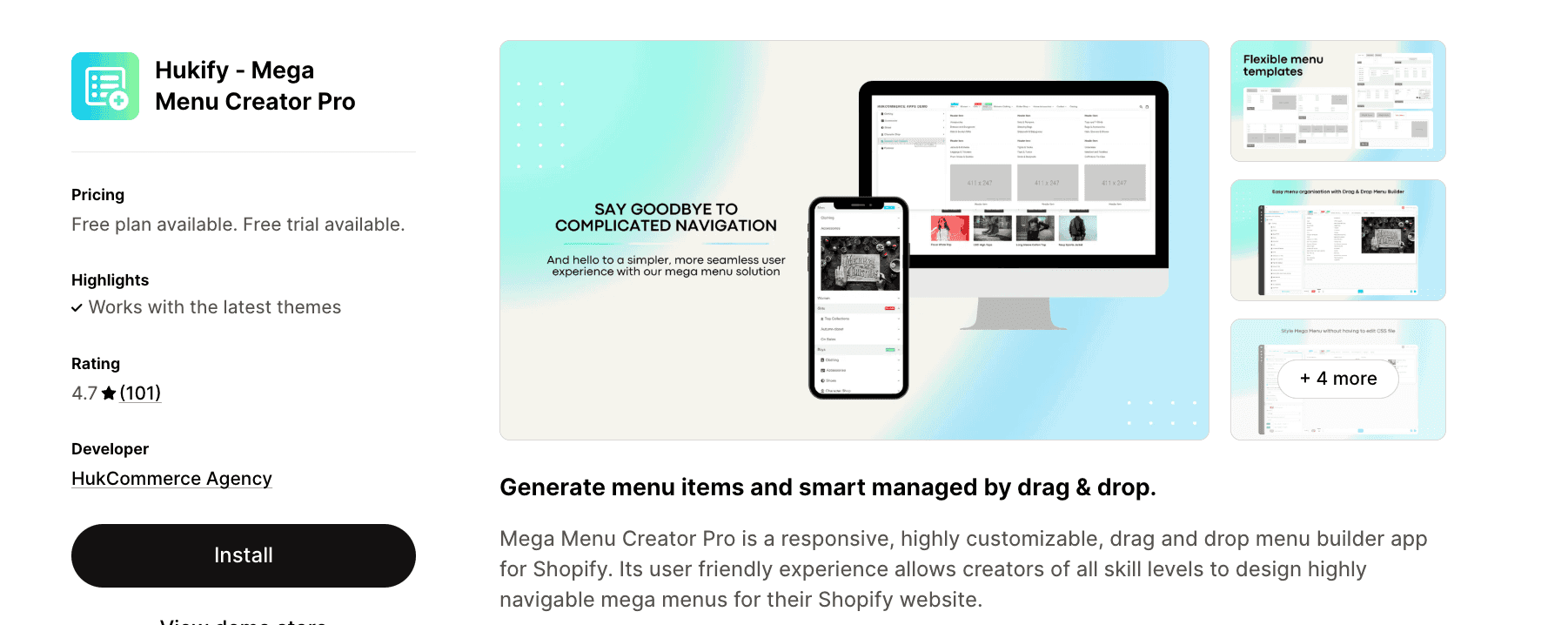
Hukify provides a responsive, highly customizable drag-and-drop menu builder accessible to creators of all skill levels. The smart menu creator allows you to add HTML, shortcodes, maps, contact forms, or any widget directly into your menu structure. With touch-enabled responsiveness optimized for mobile and tablet experiences, plus caching optimization for fast loading and SEO benefits, Hukify balances ease of use with powerful functionality.
Key Features:
- Drag-and-drop builder with no page reloads
- HTML, shortcode, map, contact form, and widget integration
- Responsive and touch-enabled for mobile/tablet
- Flexible custom layouts with instant item reordering
- Caching optimization for speed and SEO
7. KOBU - Menu Highlight
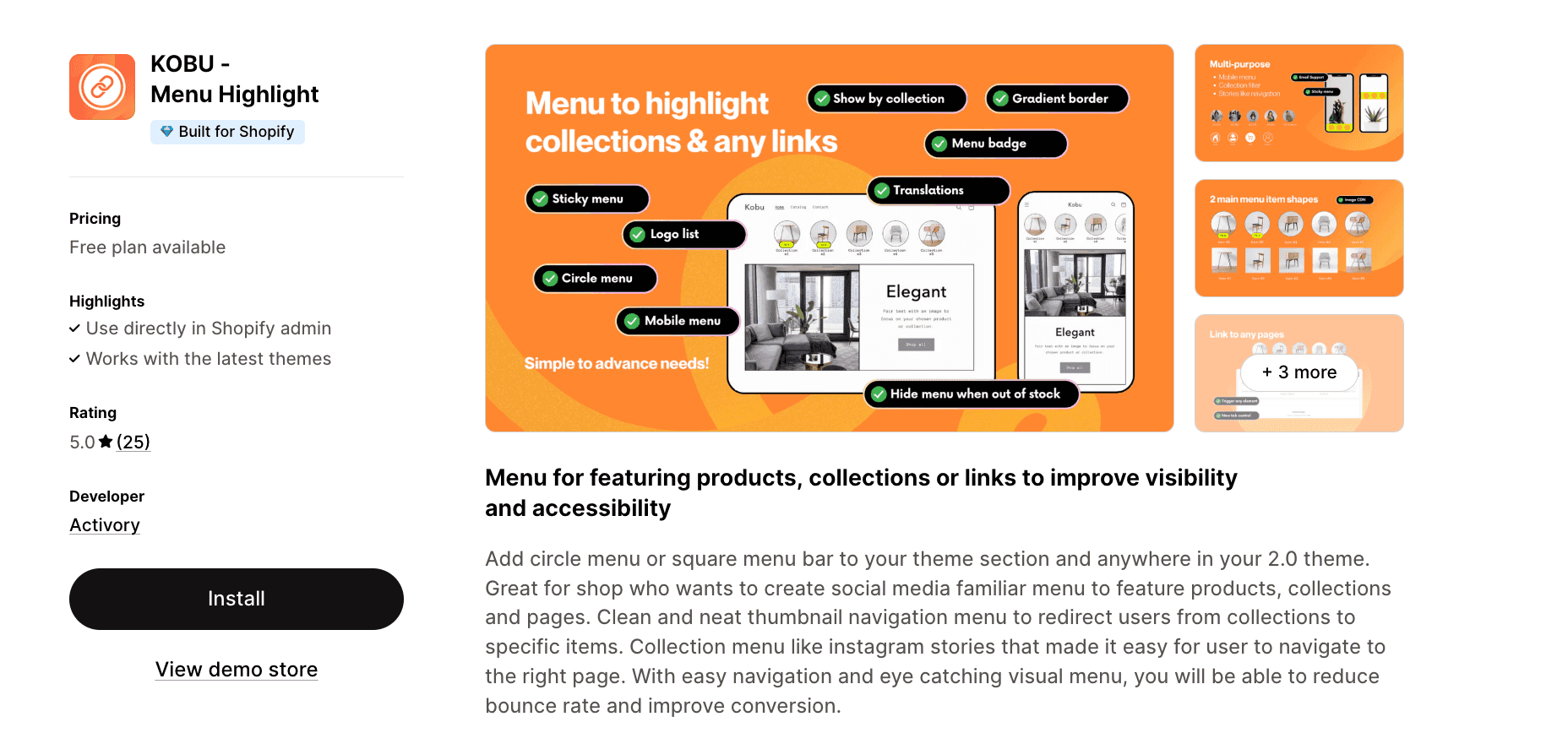
KOBU brings social media familiarity to your Shopify store with circular or square menu bars reminiscent of Instagram stories. Perfect for featuring products, collections, and pages in a visually engaging thumbnail navigation format, this app helps reduce bounce rates and improve conversion through eye-catching visuals and easy navigation. Add the menu to any section of your theme with comprehensive design options for complete control over appearance.
Key Features:
- Display on mobile, desktop, or both
- Multiple menu groups for different product types or collections
- Comprehensive design customization (gap, width, margin, custom CSS)
- Menu badges to highlight new items or sales
- Multi-language support
8. Navi+ TabBar/Mega Menu Builder
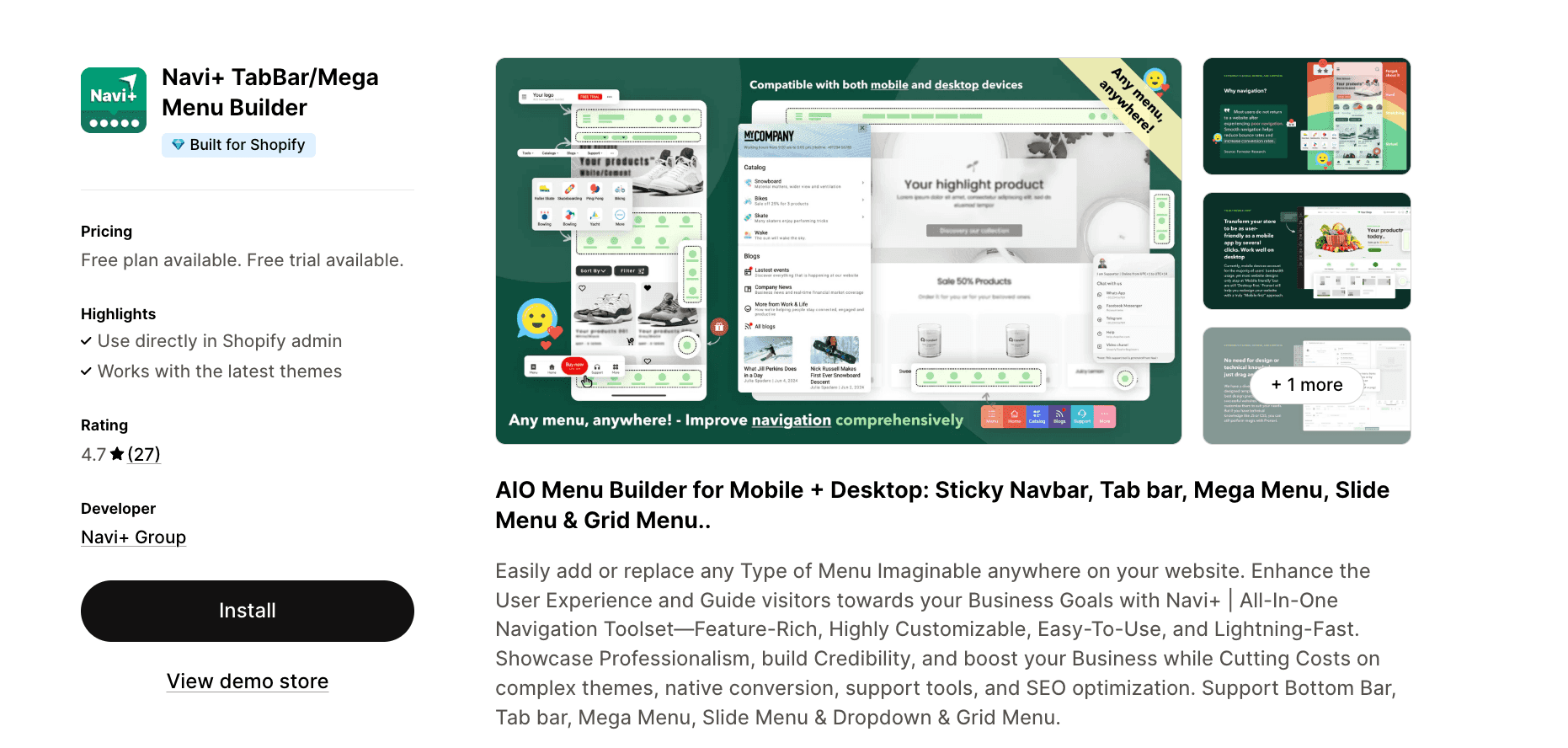
Navi+ positions itself as a comprehensive navigation solution offering sticky navbars, tab bars, mega menus, slide menus, and grid menus for both mobile and desktop. With over 50 pre-designed layout templates and extreme flexibility through drag-and-drop functionality, the app helps create professional, user-friendly stores without requiring design or technical skills. Premium infrastructure with ultra-fast CDN delivery across six continents ensures excellent performance.
Key Features:
- 50+ layouts with pre-designed templates
- Native app-like professional appearance
- Drag-and-drop interface requiring no technical skills
- Ultra-fast CDN edge delivery globally
- Native HTML5/CSS3 without library conflicts
9. Meteor Mega Menu & Navigation
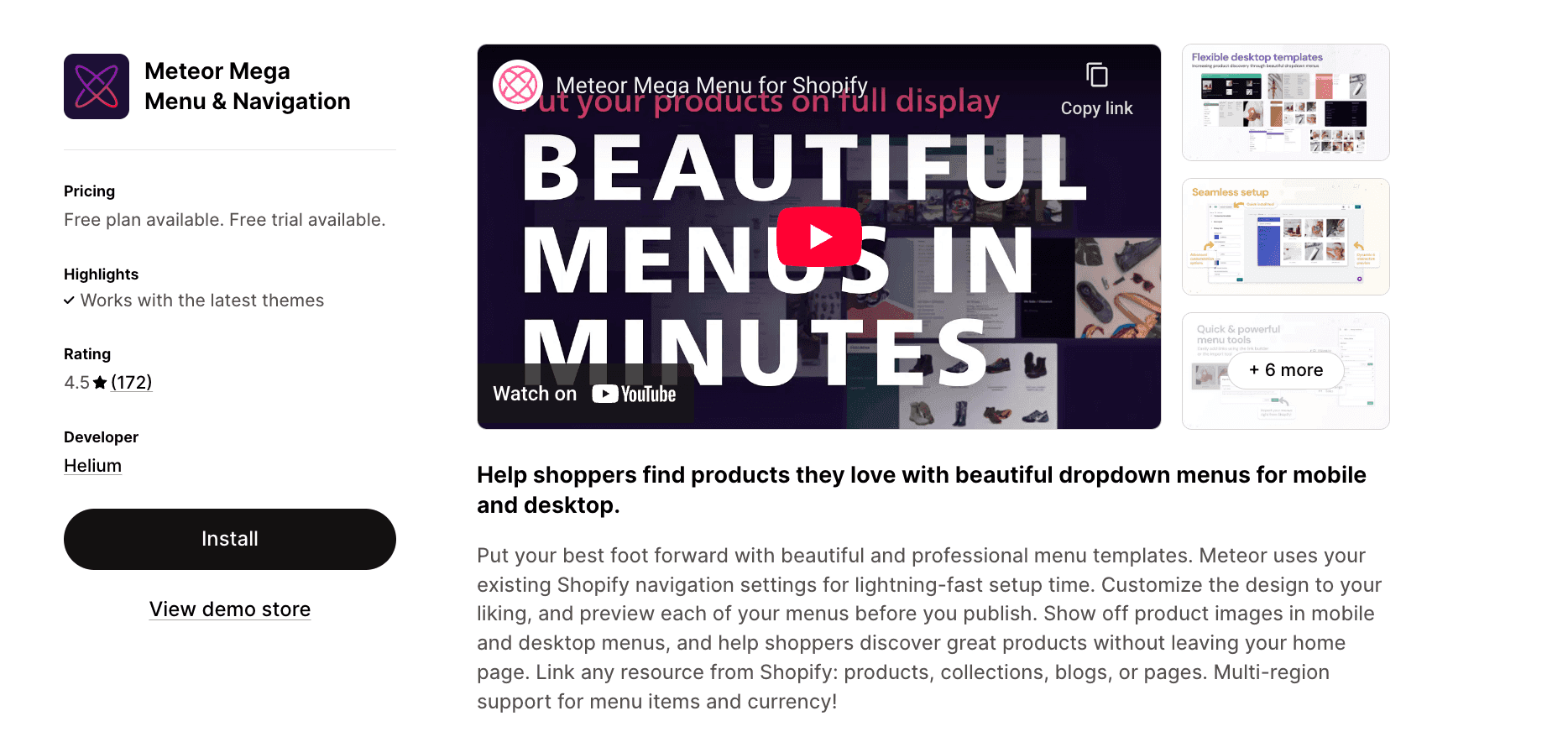
Meteor emphasizes speed and simplicity by leveraging your existing Shopify navigation settings for lightning-fast setup. Choose from beautiful professional menu templates for both mobile and desktop, customize the design, and preview before publishing. The ability to display product or collection images directly in menus helps shoppers discover products without leaving your homepage, while multi-region support handles translated menu items and local currency.
Key Features:
- Fast setup using existing store menus
- Beautiful templates for desktop and mobile
- Product and collection images in main menu
- Multi-region support with translations and currency
- Customer-friendly UX for easy tier navigation
10. ANG Extra Menu
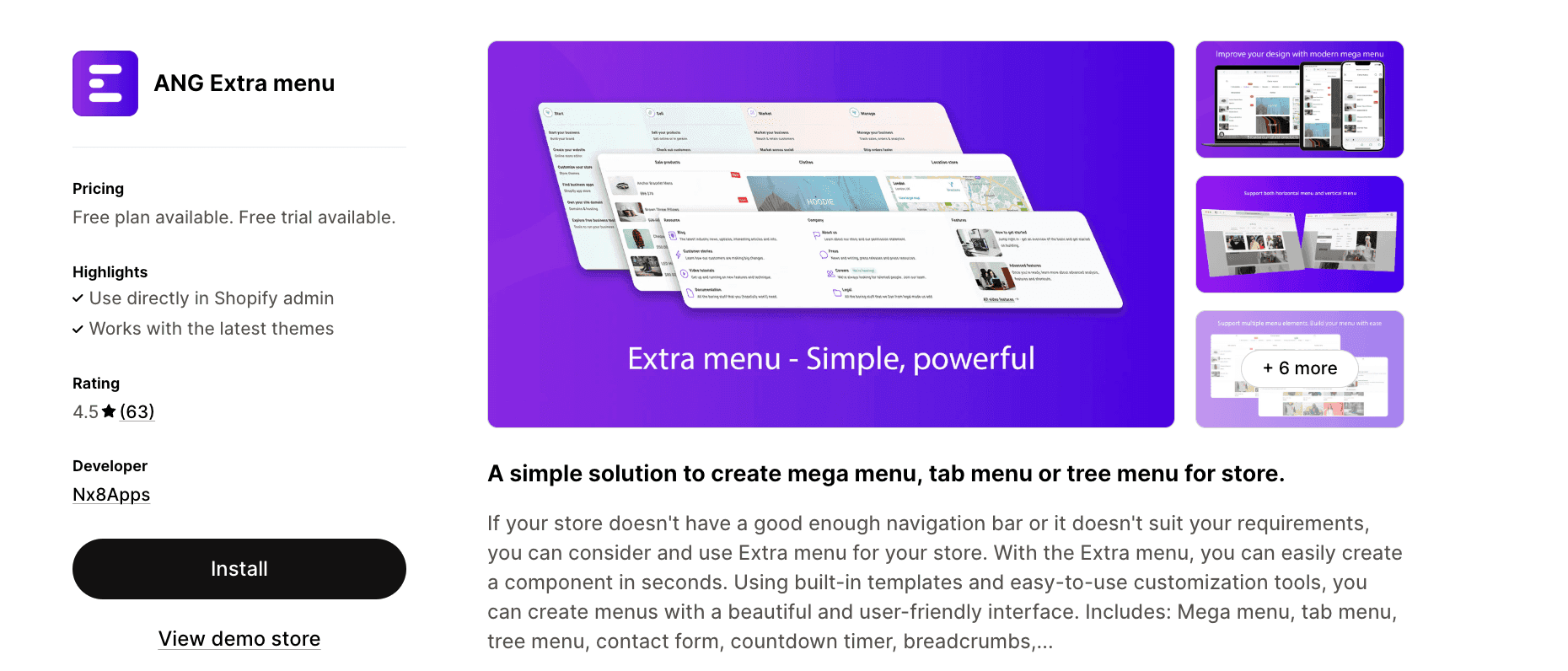
ANG Extra Menu provides a straightforward solution for stores needing better navigation than their default theme offers. Create menu components in seconds using built-in templates and easy customization tools that deliver beautiful, user-friendly interfaces. The app supports mega menus, tab menus, tree menus, contact forms, countdown timers, and breadcrumbs, with vertical menu options and full mobile optimization.
Key Features:
- Mega menu, tab menu, and tree menu templates
- Simple and fast customization
- Vertical menu options
- Multi-language support with market and page limits
- Mobile-friendly responsive design
How to choose the right Shopify menu app
When selecting a navigation app for your Shopify store, consider these key factors:
- Store complexity: Larger catalogs with multiple product categories benefit from robust mega menus with subcategories and featured products. Smaller stores might only need simple dropdown menus.
- Mobile traffic: If most of your traffic comes from mobile devices, prioritize apps with strong mobile optimization and mobile-specific menu builders like Navigo or those offering separate mobile customization.
- Budget and value: While standalone menu apps range from $4-20/mo, consider whether an all-in-one solution like Instant offers better value by replacing multiple apps and providing additional store-building capabilities.
- Design flexibility: Evaluate how much customization control you need. Some apps offer extensive design options, while others focus on quick setup with templates.
- Technical skills: No-code drag-and-drop builders suit merchants without development experience, while more technical users might appreciate apps allowing custom CSS and HTML.
- Additional features: Consider whether you need features like cart counters, language selectors, currency switchers, analytics, or the ability to customize footers alongside navigation.
7 Best practices for Shopify navigation menus
Here are some tips when building a Shopify navigation menu:
- Keep it simple: While mega menus can showcase many products, avoid overwhelming visitors. Organize items logically with clear category labels and limit the number of top-level menu items to 5-7.
- Optimize for mobile: More than half of ecommerce traffic comes from mobile devices. Ensure your menu is easy to navigate on small screens with appropriately sized touch targets and simplified mobile layouts.
- Include search functionality: Integrate a search bar in your navigation to help customers find specific products quickly, especially if you have a large catalog.
- Highlight promotions: Use badges, labels, or featured sections in your mega menu to draw attention to sales, new arrivals, or best-sellers.
- Test user experience: Preview your menu on different devices and browsers before publishing. Consider having friends or colleagues navigate your store to identify any usability issues.
- Improve site speed: Choose apps optimized for performance with features like caching and CDN delivery to ensure your menu doesn't slow down your store.
- Maintain consistency: Ensure your navigation design matches your overall brand aesthetic, using consistent fonts, colors, and styling throughout.
Build your own custom Shopify navigation menu
The right navigation menu can transform your Shopify store's user experience, helping customers find products faster and ultimately driving more conversions. Whether you choose a specialized menu app like Qikify or Globo, a mobile-focused solution like Navigo, or an all-in-one platform like Instant, the key is selecting an app that matches your store's specific needs, catalog size, and design requirements.
For stores seeking maximum flexibility and value, Instant Section & Page Builder stands out by offering comprehensive navigation tools alongside complete store-building capabilities. With its intuitive drag-and-drop interface, extensive template library, and ability to create custom headers, mega menus, and footers that can be set as your theme default, Instant replaces multiple single-purpose apps with one powerful solution.
Ready to upgrade your Shopify navigation? Explore Instant's navigation features →