How to start A/B testing your Shopify store (2026 guide)
Learn how Shopify A/B testing can increase your conversion rate. Get tips on the best tools and strategies to use to turn more visitors into customers.
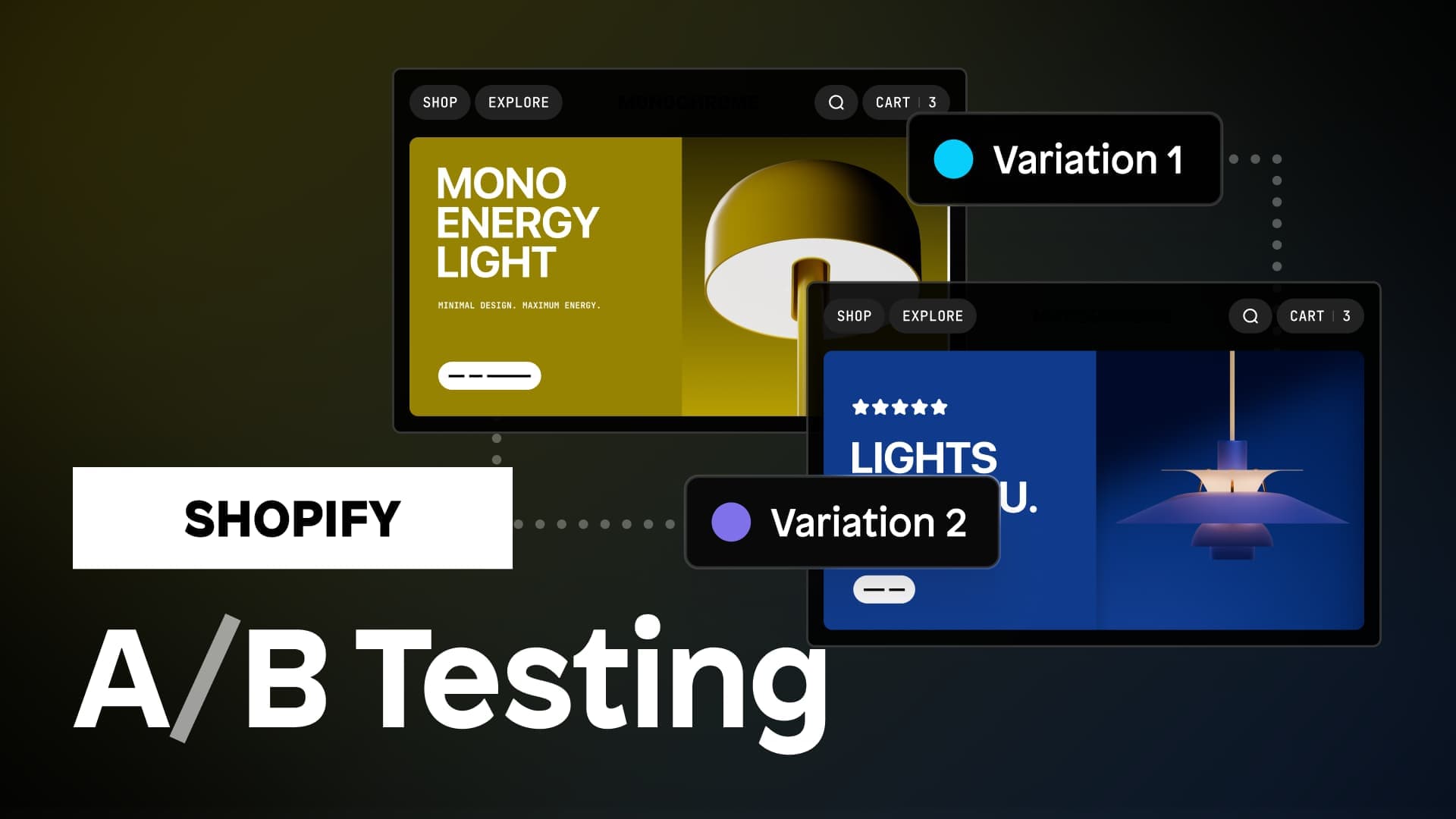
Knowing your customers is crucial to running a successful online shop. To understand what your target audience wants, you need to constantly test and optimize your website's design and content.
One of the most effective ways to do this is through A/B testing. This data-driven approach lets you test changes directly with real customers, measure what actually works, and systematically increase your revenue by improving your customer journey.
But what is A/B testing? How does it work? And what tools do you need to get started with A/B testing?
We'll cover everything from picking the right A/B testing tool to building pages for your A/B tests, so you can discover how to increase the revenue of your online store.
What is A/B testing?
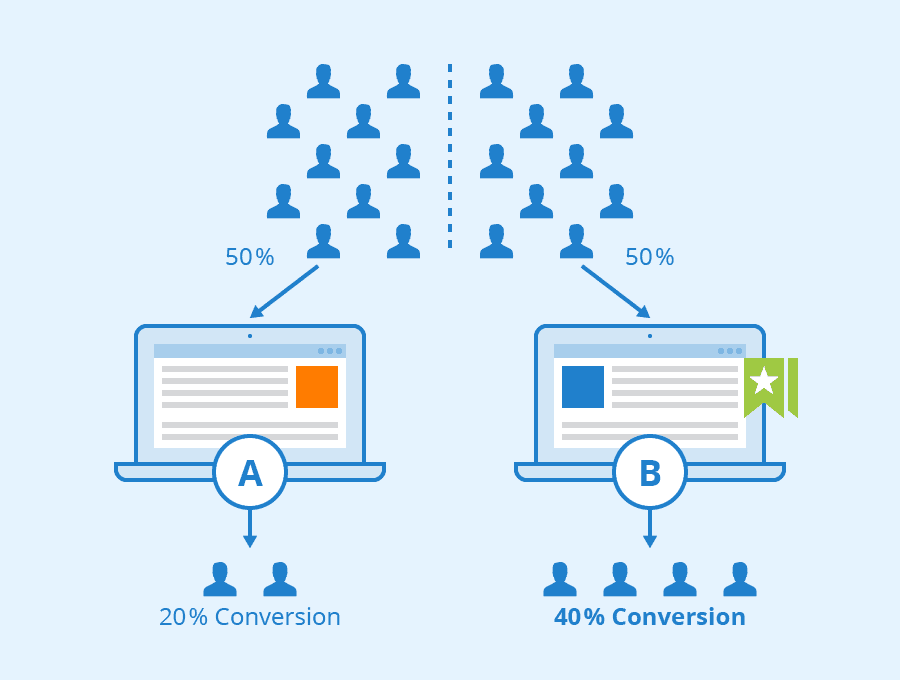
A/B testing (also called split testing) is a method of comparing two versions of a webpage to determine which performs better. You create version A (your original control) and version B (your variant with one change), then show these versions to different visitors and track their behavior.
The beauty of A/B testing is that it removes guesswork from your decision-making. Instead of copying what competitors do or implementing changes based on assumptions, you let real data from your actual customers guide your choices.
Shopify A/B testing, explained
A/B testing is fundamentally about increasing your revenue by improving conversion rates without raising your advertising budget. You're earning more from the traffic you already have.
The formula for calculating your conversion rate is quite straightforward:
- Online store conversion rate = Orders/Shopify site visits
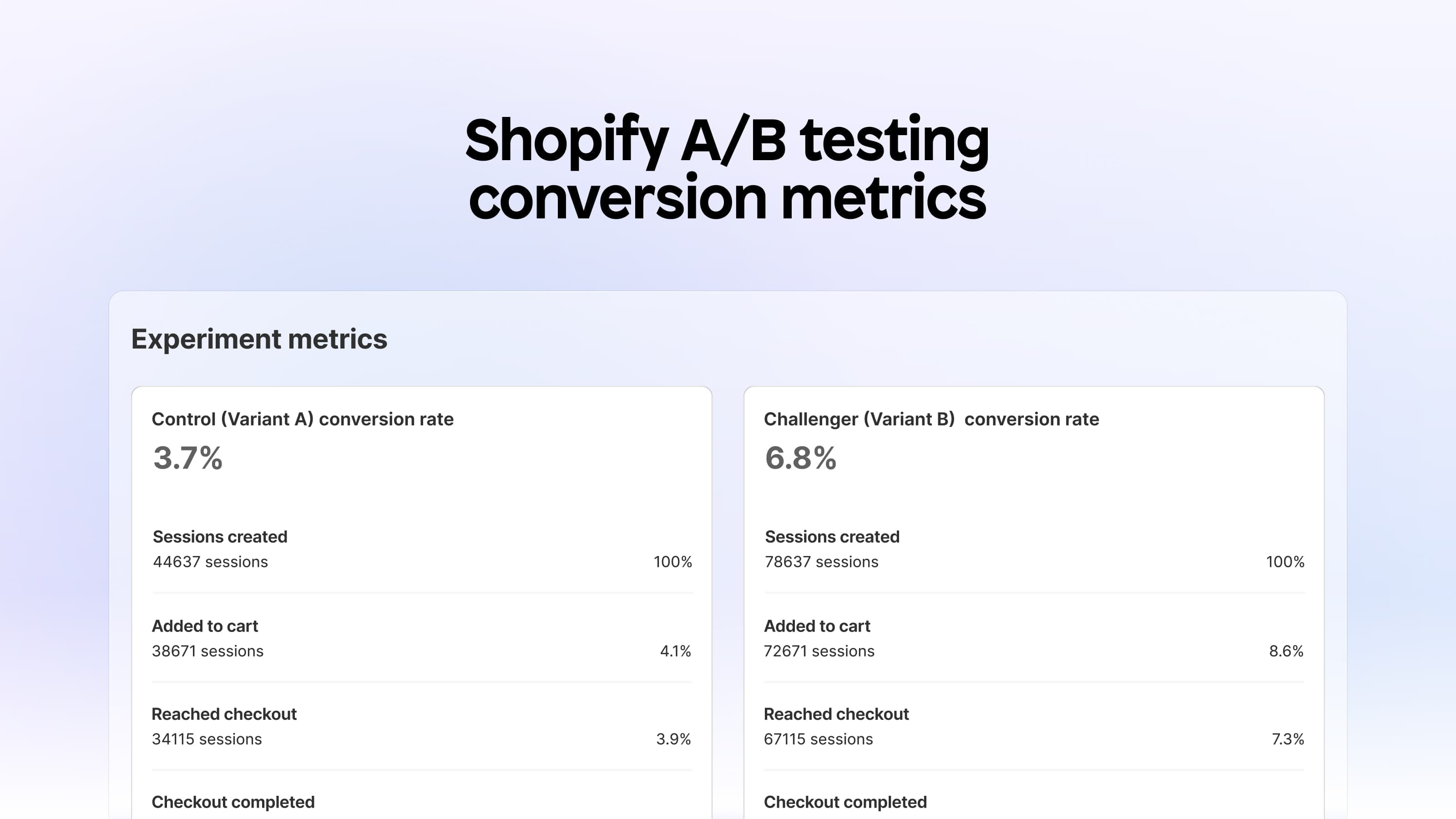
For Shopify store owners, key conversion metrics include:
- Sessions
- Added to cart
- Reached checkout
- Checkout completed
By tracking each of these metrics, you can analyze your conversion rate from the top to the bottom of the sales funnel.
After running an A/B testing experiment on pages within your store, you can see if one of the page variants produced significantly more session conversions than the other.
This is beneficial to merchants because it allows them to optimize their store, based on the winning test results.
Let's look at a concrete example:
Store A:
- 50,000 monthly visitors
- $50 average order value (AOV)
- 2% conversion rate
- Monthly revenue: $50,000
Store B:
- 50,000 monthly visitors (same)
- $50 AOV (same)
- 2.2% conversion rate (only 10% higher)
- Monthly revenue: $55,000
That small 10% improvement in conversion rate generates an extra $5,000 per month ($60,000 more per year) without spending a cent more on advertising.
Calculate your A/B testing potential
Before going further, answer these four questions for your store:
- What is your current conversion rate?
- What is your current monthly traffic?
- What is your current AOV?
- What would a 10% lift mean in monthly dollars for you?
Create this simple calculation for yourself. When you see the real dollar impact, you'll understand why systematic A/B testing is essential.
Now that we've established the goal of A/B testing for your Shopify store, let's look into how it works:
How to formulate a high-quality hypothesis
Random testing doesn't work. Successful A/B testing starts with a strong hypothesis that connects a specific problem to a proposed solution and a measurable outcome.
The high-quality hypothesis formula
Because [problem we observed], we believe [change] will lead to [behavior shift] resulting in [metric lift].
Here's a real example:
This hypothesis works because it:
- Identifies a specific problem (low add-to-cart rate)
- Uses data to understand why (session replays show hesitation)
- Proposes a clear solution (simplify the buy box)
- Explains the behavioral mechanism (reduces cognitive load)
- Targets a measurable metric (add-to-cart rate)
The 4-step process to create your hypothesis
Step 1: Find your highest value pages
Focus your testing efforts on pages that can actually move the needle. For most stores, these are:
- Most visited product detail pages (PDPs)
- Most visited landing pages
- Most visited collection pages
Check your Shopify Analytics or Google Analytics to identify these pages.
Step 2: Start with a clear problem
Never start with a solution. Begin by identifying what isn't working in your funnel. Use data sources like:
- Shopify Analytics or Google Analytics
- Scroll depth maps
- Heat maps
- User surveys
- Session replay recordings
Common problems you might identify:
- Low add-to-cart rate on PDPs
- High bounce rate on landing pages
- Low product discovery on collection pages
- Poor clickthrough on variant choices
- Low engagement with product images or reviews
Step 3: Find the friction behind the problem
Every poor metric has an underlying cause. Your job is to explain why users behave this way.
Examples of friction:
- "Shoppers fail to understand the value because the hero section is unclear"
- "The buy box looks overwhelming, so shoppers hesitate"
- "Product images are too small and not detailed enough"
- "The variant selector causes confusion"
Step 4: Connect friction to your proposed change
Explain what you think will fix that friction and why:
- "If the hero section is clearer, more users will understand the value and continue reading"
- "If reviews are higher on the page, more users will trust the product and click add-to-cart"
- "If images are larger and higher quality, more users will inspect details and feel comfortable purchasing"
This hypothesis predicts how the change affects user behavior first, then how that behavioral shift impacts your metric. That's the key to effective A/B testing.
High-leverage vs low-leverage tests
Not all tests are created equal. To maximize your impact, focus your energy on changes that truly matter.
Low-leverage tests
Expected lift: 1-3% on your target metric
Examples:
- Button color changes
- Minor spacing adjustments
- Tiny copy edits
- Icon changes
- Small styling tweaks
High-leverage tests
Expected lift: Up to 20% on your target metric
Examples:
- Complete PDP layout redesign
- Adding a new section above the add-to-cart button
- New image strategy (higher quality or more lifestyle images)
- Simplified variant selector
- Strong before-and-after visuals
- Shipping clarity improvements
Focus 80-100% of your testing time on high-leverage tests. These are the changes that can genuinely transform your store's performance.
Everything you need to know about A/B testing your Shopify store
Want to see these concepts in action? Watch this complete A/B testing tutorial where Sam, one of the founders of Instant, walks you through everything you need to know to get started.
In this video, you'll learn:
- Why A/B testing matters and how to calculate the potential revenue impact for your specific store
- How to formulate high-quality hypotheses using real examples
- The difference between high-leverage and low-leverage tests (with visual examples)
- The 6 biggest A/B testing mistakes you need to avoid
- The complete 8-step framework for systematic testing
- How to set up and launch your first test without any code
Whether you're completely new to A/B testing or looking to refine your approach, this video gives you a practical, step-by-step framework you can implement immediately.
What tools can you use for Shopify A/B testing?
To start A/B testing on Shopify, you need two things:
- An easy way to create page variants for your Shopify store
- An easy way to run an A/B test experiment on these two pages
The best A/B testing tools enable you to do both of these things.
By running experiments on your store pages, you can determine which version converts more, ultimately improving your customer experience (and growing your revenue!).
A tool for building Shopify A/B test page variants
To get started, you'll need a tool to build your Shopify layout variants.
That's where Instant, a no-code, Shopify page and section builder, can come in handy.
Here are three different use cases for using a page builder for building A/B test pages:
- If you want a headstart on your design process: Customize pre-built templates & sections to match your brand, publish them to your Shopify store, and then test to see which performs best!
- If you like to build from scratch: Drag-and-drop elements onto the visual canvas to build up your landing page(s).
- If you like using Figma for your Shopify designs: Copy and paste your page designs from Figma into Instant Page Builder, then publish to Shopify using the Figma to Shopify plugin.
No matter how you choose to build, using a no-code builder is a fast and easy way to create page variations for your A/B tests.
A tool for native Shopify A/B testing
After you've created two pages to test against each other, you can run your tests using Instant.
This app can test any page, section, or layout within a Shopify store (like product pages or landing pages!).
Inside the app, users can track sessions, conversions, CTR, AOV, and revenue per visitor directly inside Instant, with no extra setup. This makes it easy to evaluate the results of your tests across the full sales funnel!
Instant A/B Testing was designed to give users complete control over their experiments by allowing them to:
- Test any Shopify page with custom or existing URLs
- Easily dictate the test size and distribution
- Run multiple experiments at once
Here's how to get started A/B testing in Instant:
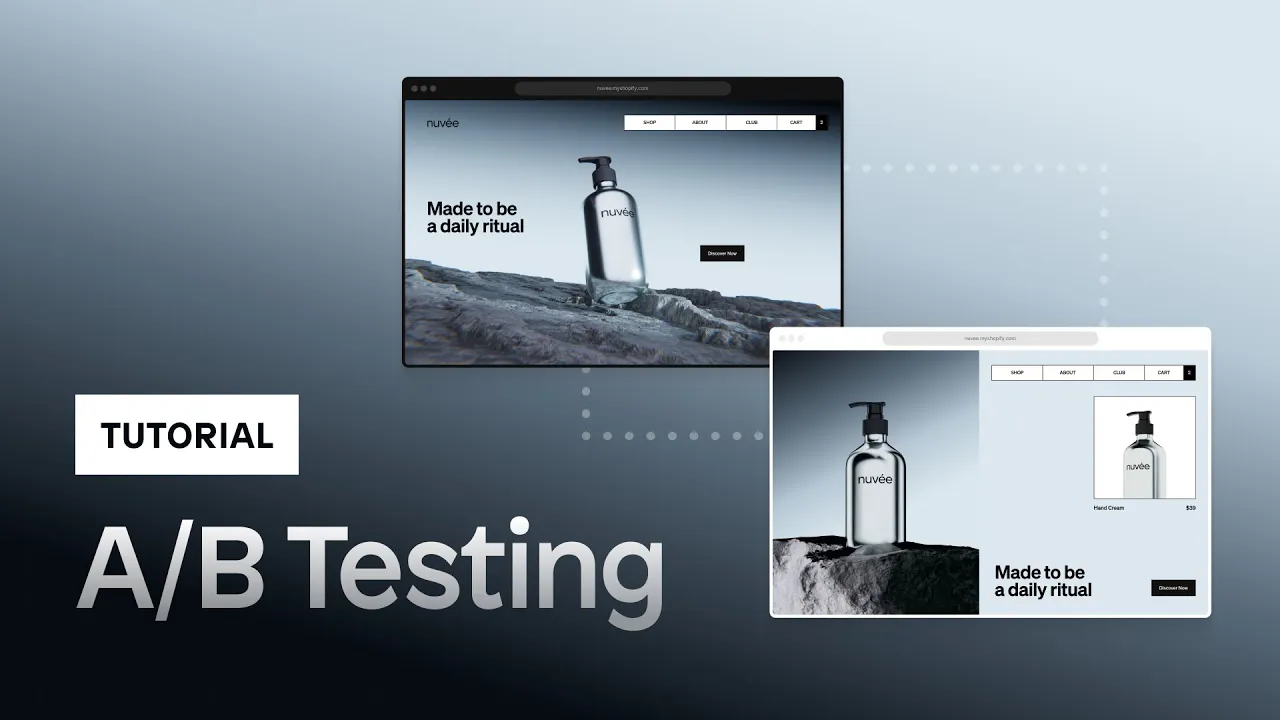
Start A/B testing today
A/B testing isn't about making your store perfect. It's about systematic improvement: testing, learning, and optimizing your way to higher revenue.
Remember:
- Small improvements compound over time
- Even a 10% conversion lift can mean thousands in extra monthly revenue
- The best changes are those validated by your actual customers' behavior
- High-leverage tests matter far more than lots of small tests
Start simple: pick your highest-traffic page, identify its biggest friction point, write a hypothesis, and run your first test. Then repeat this process monthly to build unstoppable momentum.