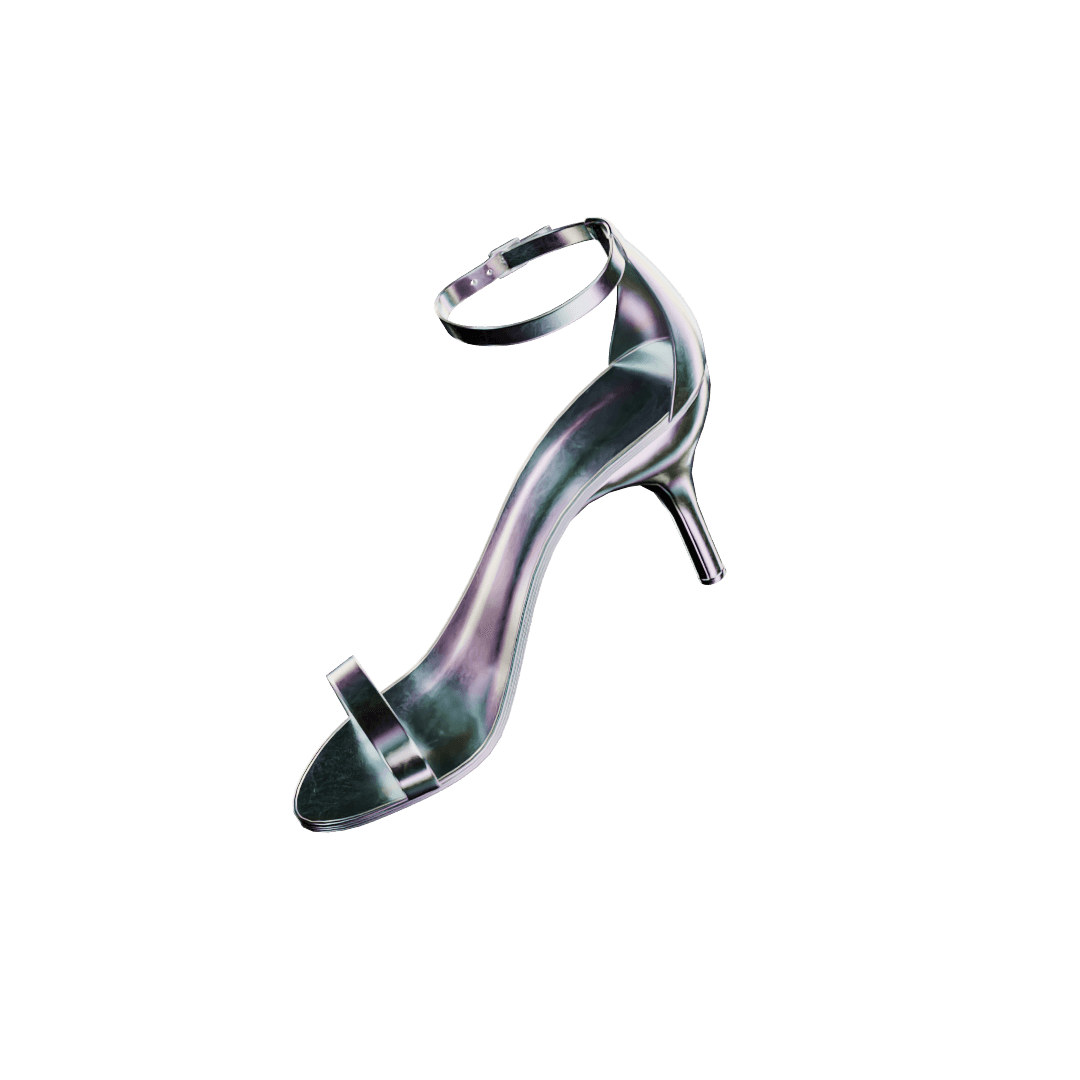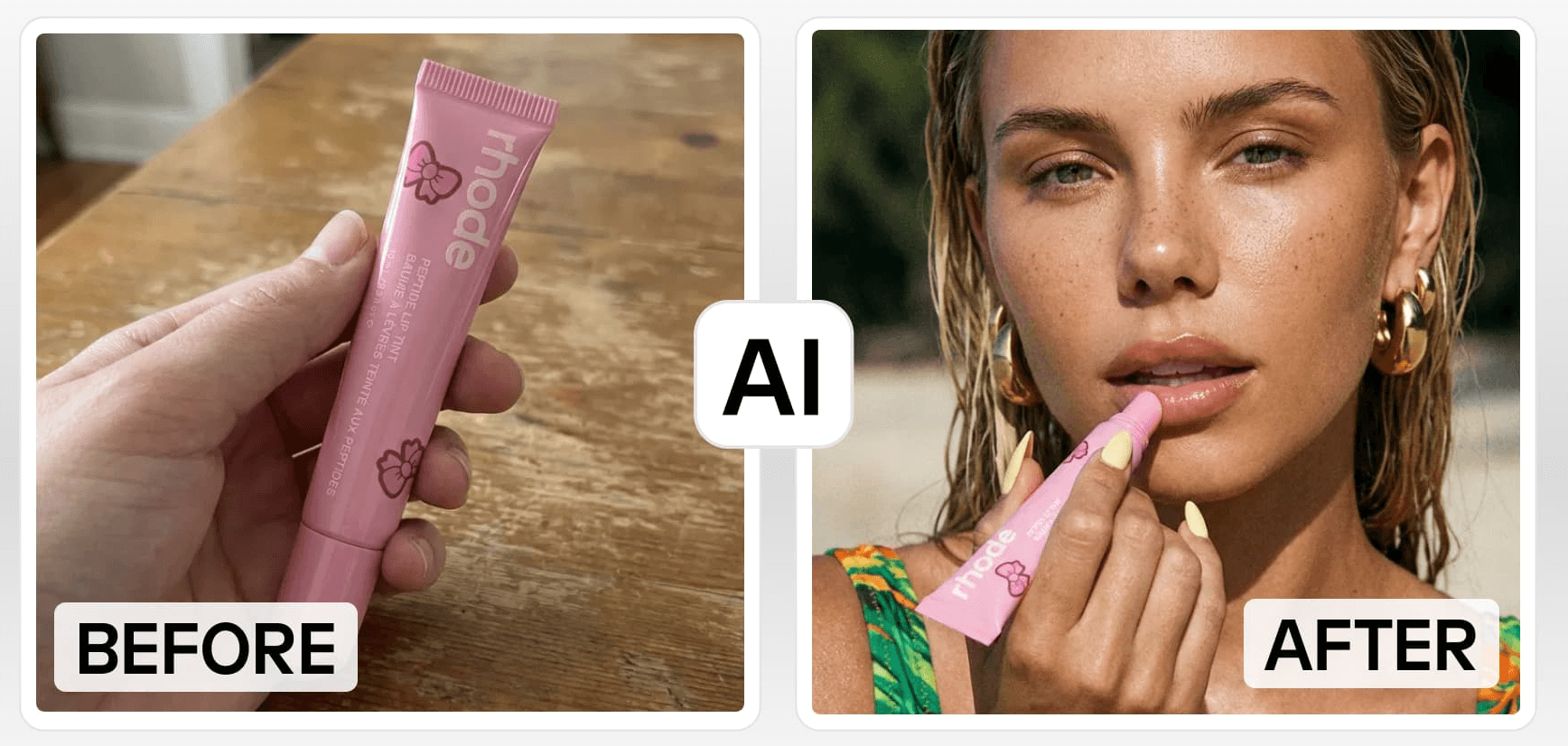
Your product photos do a lot of the heavy lifting when it comes to making a sale. On Shopify, customers can’t pick things up or try them on, so your images have to do that job for them. That’s a big reason why more store owners are turning to AI photography tools, with Photoroom becoming a go-to for many.
That said, what works for everyone else isn’t always the right fit for your store. If you’re selling on Shopify, you need something that actually fits into how you work, not a general editing tool you have to bend to your process. That’s where Instant Studio starts to stand out.
In this blog, we’re comparing Photoroom and Instant Studio side by side, looking at what really matters for Shopify sellers: image quality, AI features, day-to-day workflow, and pricing. By the end, you should have a clear sense of which one makes more sense for your setup.
What is Photoroom?
Photoroom is an AI photo studio and editing tool built for e-commerce and social media. It's widely used by sellers across multiple platforms, Shopify, Etsy, Amazon, and Instagram, and offers a strong suite of features including background removal, AI product staging, virtual models, and batch exports. It's available as a web app and mobile app, making it accessible for sellers who shoot and edit on the go.
Photoroom is a solid, versatile tool. Its broad appeal is also its limitation: it's designed for everyone, which means it's optimised for no one in particular, including Shopify sellers.
What Is Instant Studio?
Instant Studio is an AI product photography tool built specifically for eCommerce brands. It lets you generate professional product shots and lifestyle images with virtual models, starting from just a basic photo of your product.
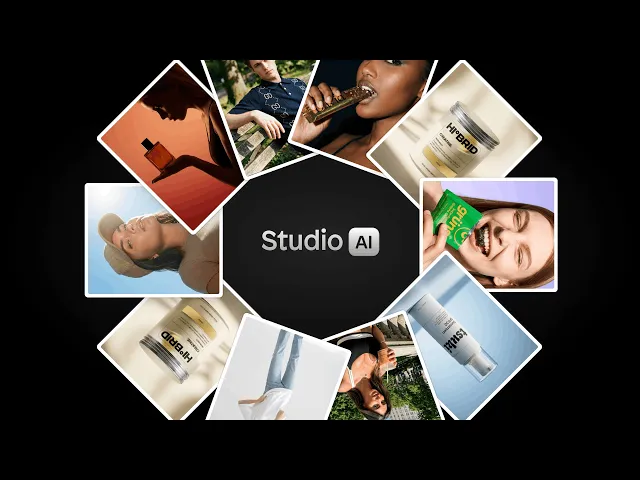
What sets it apart is where it lives: Instant Studio is part of the Instant AI Page Builder, a Shopify app. That means you're not toggling between a photo editor and your store, your entire visual workflow, from generating images to publishing them on your product pages, happens inside Shopify.
Comparing Photoroom vs Instant Studio
Here is a feature comparison between Photoroom and Instant Studio.
Photoroom | Instant Studio | |
|---|---|---|
AI Product Staging | ✅ | ✅ |
AI Product Beautification | ✅ | ✅ |
AI Virtual Models | ✅ | ✅ Custom model creation |
Background Editing | ✅ | ✅ |
Image Resizing | ✅ | ✅ |
Product Image Animation | ✅ | ⚠️ Featuring coming soon |
Batch Editing | ✅ | ❌ |
Shopify Integration | ⚠️ Max plan only | ✅ Native Shopify app |
AI Page Builder | ❌ | ✅ Included |
All Features on All Plans | ❌ Tiered | ✅ |
Credit Top-Ups | ❌ | ✅ One-time packages |
Starting Price | €9.99/month | $39/month |
AI photography features
Both tools cover the core AI features that Shopify sellers need:
AI product staging, placing products into realistic scenes
AI product beautification, enhancing raw product shots into polished images
AI virtual models, generating lifestyle images with models wearing or using your product
Background editing, removing, replacing, or editing backgrounds
Image resizing, creating images optimised for any use case or screen size
On these fundamentals, both tools are evenly matched. Where they diverge is in the details.
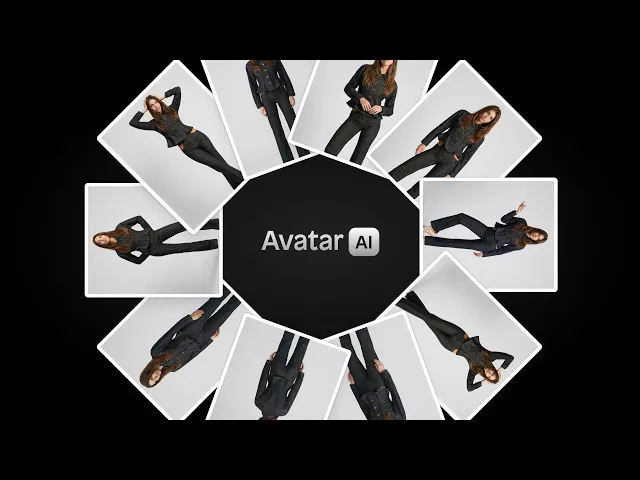
Virtual models: Both platforms offer AI virtual models, but Instant Studio lets you prompt and create your own custom AI fashion model, giving you more control over how your brand's lifestyle imagery looks and feels.
Photoroom extras: Photoroom offers a few features Instant Studio doesn't currently have, product image animation (turning photos into short videos), image retouching (removing objects or people from photos), ghost mannequin effects for apparel, logo and text visual creation, and batch editing. If any of these are central to your workflow, that's worth factoring in.
Shopify integration
This is the sharpest difference between the two tools. Instant Studio is a Shopify app. It's part of the Instant AI Page Builder, which means your generated images live inside the same environment as your store pages. You can push visuals directly to your landing pages, product pages, collection pages, and more, no export, no re-upload, no reformatting.
Pricing
Photoroom offers three tiers:
Pro, €9.99/month: Advanced AI tools (product staging, virtual model, ghost mannequin), 10x AI image credits, 500 batch exports/month, 1,000+ templates, high-resolution exports
Max, €26.99/month: Everything in Pro, access to better AI models, 3x Pro credit allowance, 1,500 batch exports/month, Shopify listing creation, faster processing, priority support
Ultra, €99/month: Everything in Max, best AI models, highest credit allowance, fastest processing, advanced AI workflows
Instant Studio pricing ranges from $39 to $249/month, with all features available across every plan, no feature gating based on tier. Each plan includes a set number of credits, and you can top up with one-time credit packages if needed.
Critically, your Instant Studio subscription doesn't just get you an AI photo tool. It gets you the full Instant AI Page Builder, the ability to design and build your entire Shopify store with AI prompting, including landing pages, product pages, collection pages, cart drawers, navigation, and your homepage.
For Shopify sellers, that changes the value calculation significantly. You're not paying for a photo editor, you're paying for a complete AI-powered store design platform that includes professional product photography.
Who should use each tool?
Choose Instant Studio if…
You sell primarily on Shopify and want your photo workflow inside your store
You want to combine AI product photography with AI store design in one subscription
You're scaling a catalog and need a fast, friction-free image workflow
You want to create custom AI fashion models for your brand's lifestyle imagery
Choose Photoroom if…
You sell across multiple platforms (Etsy, Amazon, Instagram) and need a standalone tool
You rely on batch editing to process large volumes of images at once
You need features like product animation, image retouching, or ghost mannequin effects
You prefer a mobile-first editing experience
Conclusion
Photoroom is a capable, well-designed tool, and for sellers who operate across multiple channels, it earns its place. But if Shopify is your primary storefront, it asks you to work around it rather than with it.
Instant Studio is built for exactly the workflow Shopify sellers need. Images go from generation to your store pages without the export-reformat-reupload loop. And because it's part of the Instant AI Page Builder, you're also getting a full AI store design tool in the same subscription.
For Shopify sellers who want speed, simplicity, and a tool that fits how they actually work, Instant Studio is the stronger choice.