Learn the fundamentals of Instant with these tutorials made for those who are just getting started.
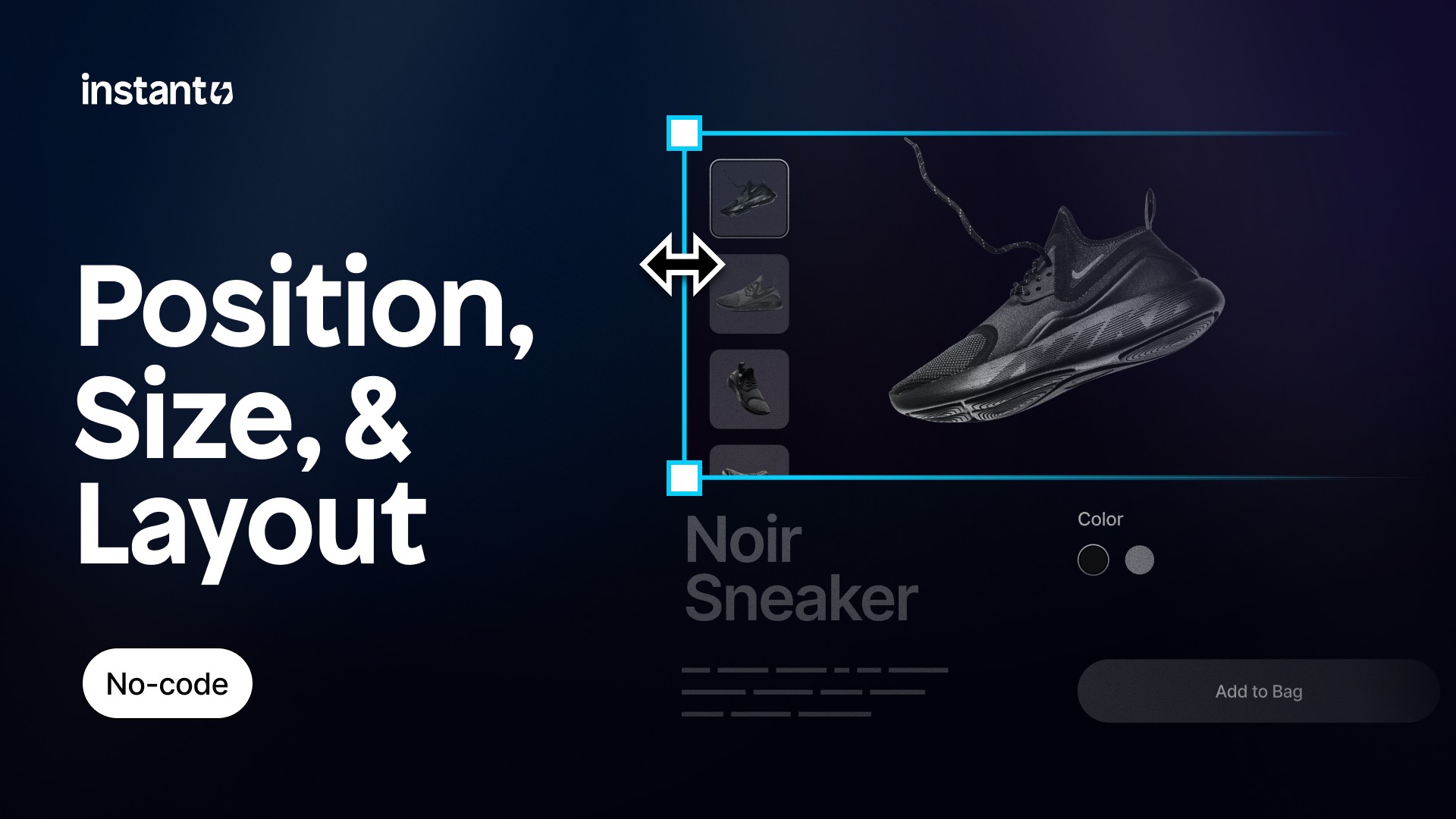
Position, size, and layout
Master how to size and position elements within rows and columns, so you can build beautiful, responsive Shopify pages in Instant.
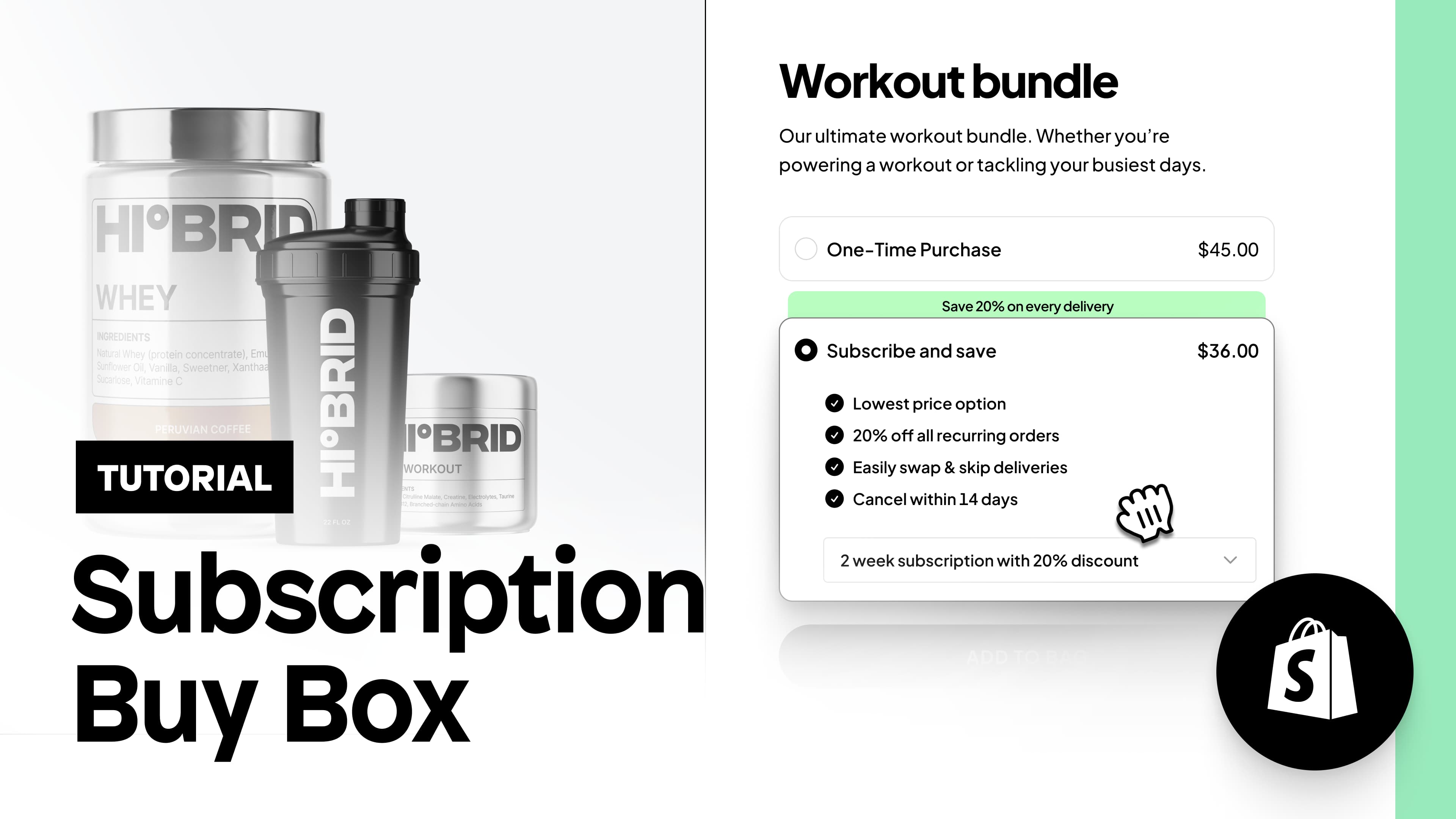
Subscription Buy Box
Build and customize a buy-box with one-time purchase and subscription options using any third-party Shopify subscription app!
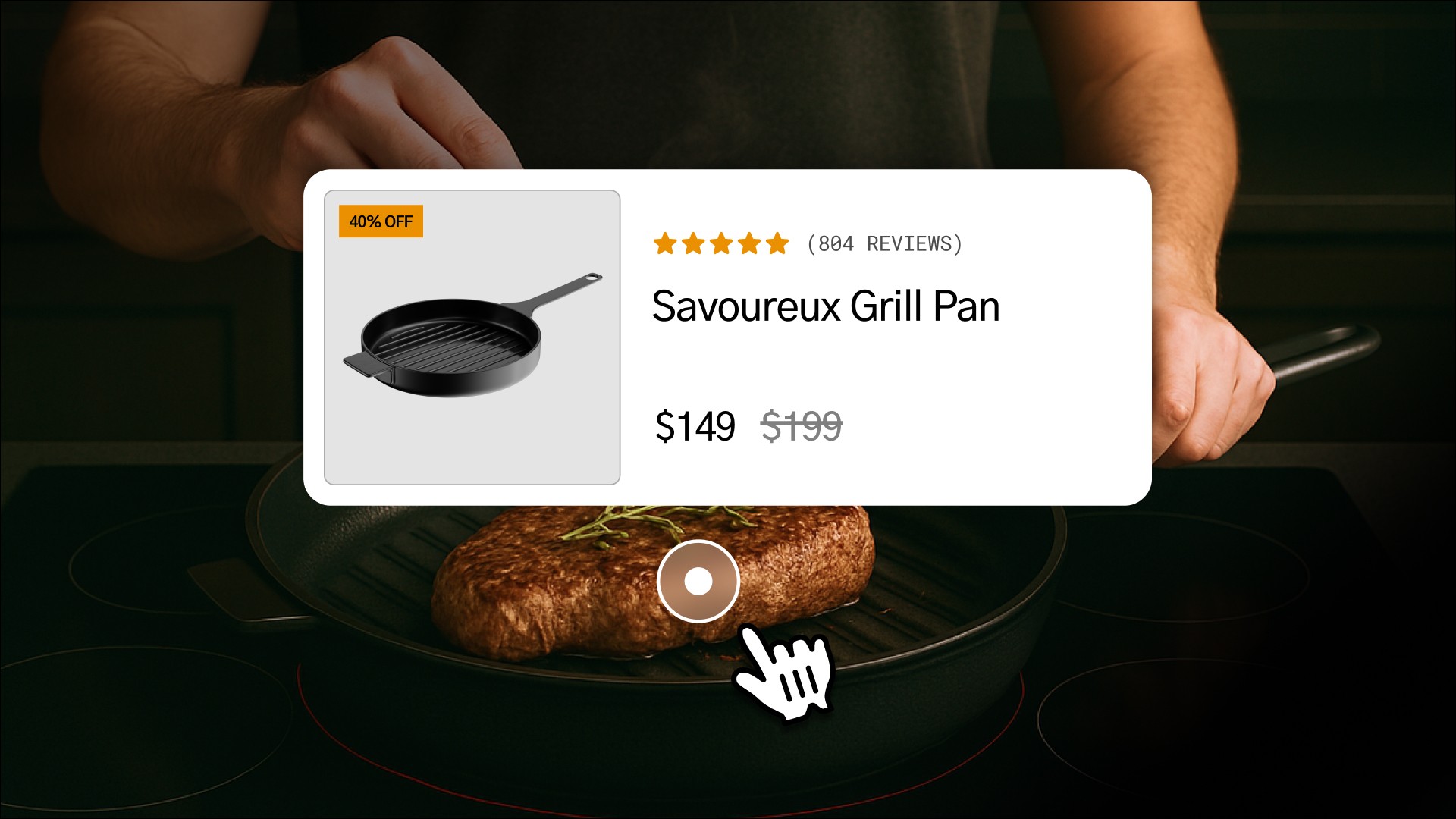
Shoppable Images
You can now add clickable pins to any image using Instant’s Tooltip element. It’s a simple way to upgrade lookbooks, UGC, your homepage, and more.

Figma to Shopify Workflow
In this course you'll learn how to build responsive Shopify stores faster with the Figma to Shopify plugin by Instant. Copy and paste any Figma frame to Instant and publish to your Shopify store in seconds without code.
Get to know the ins and outs of every major Instant feature.
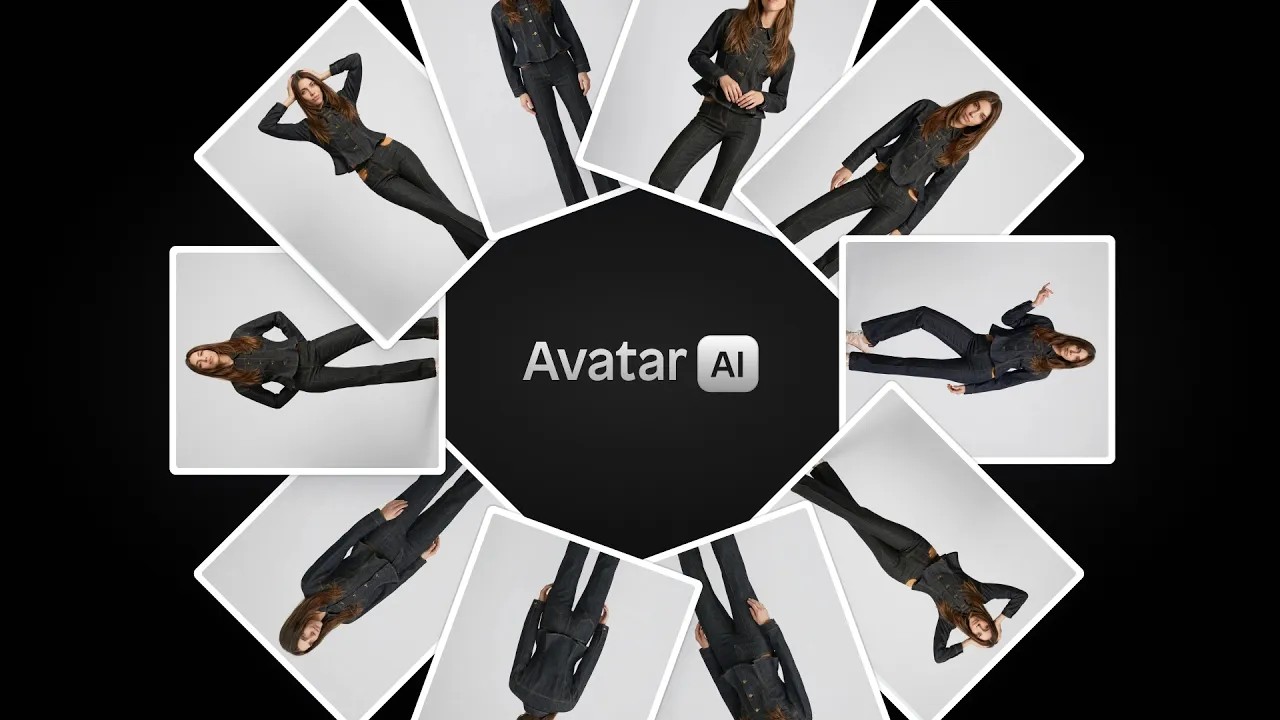
AI avatars
Create your own AI model for product photography. Keep the same face and look across every image.
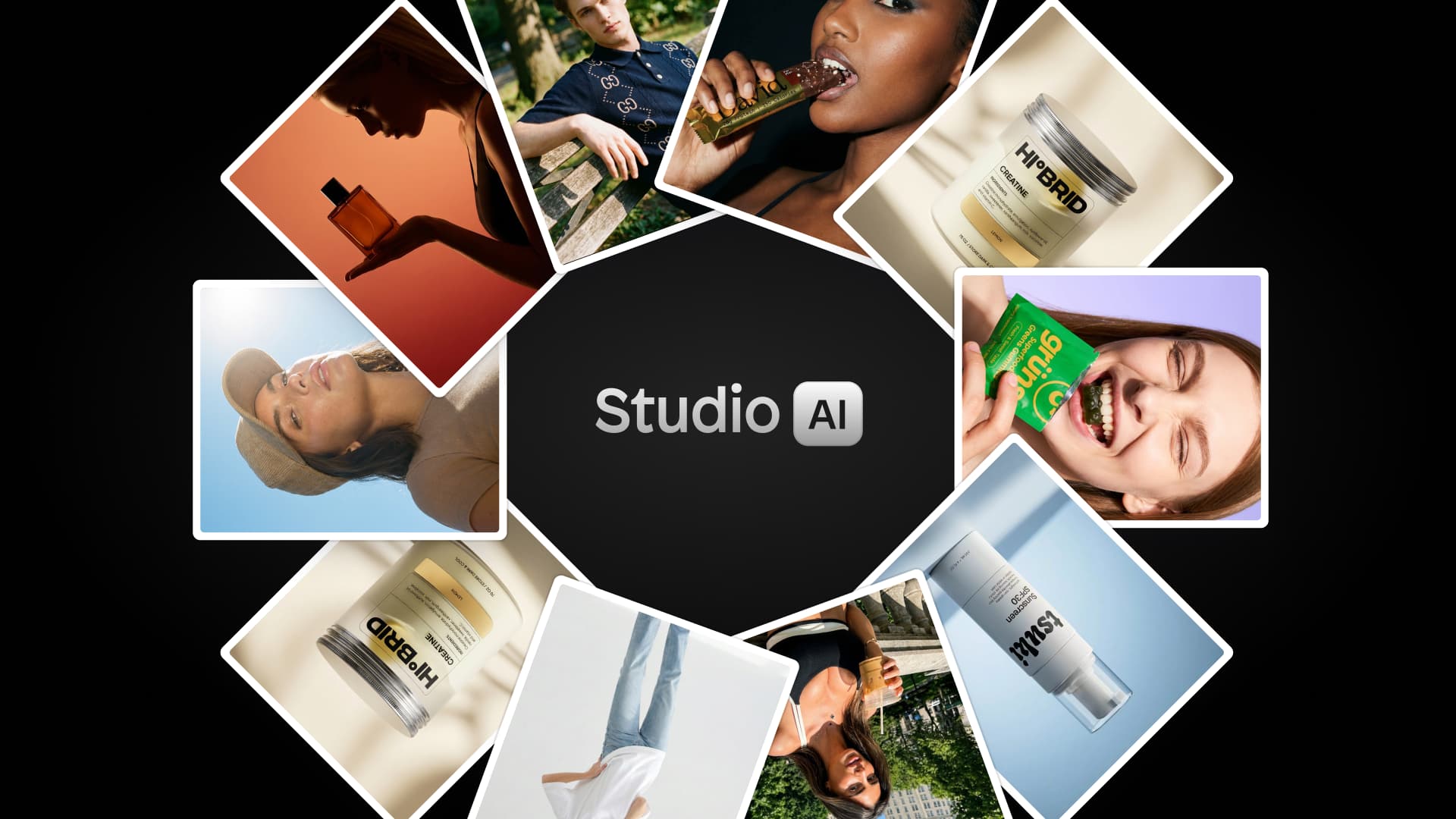
Instant Studio
With the release of Instant Studio, you can now generate on-brand product shots and lifestyle images in minutes with AI.
Instant AI v0.3
With the latest update to Instant AI, you can now generate PDPs, listicle pages, and a working buy box.
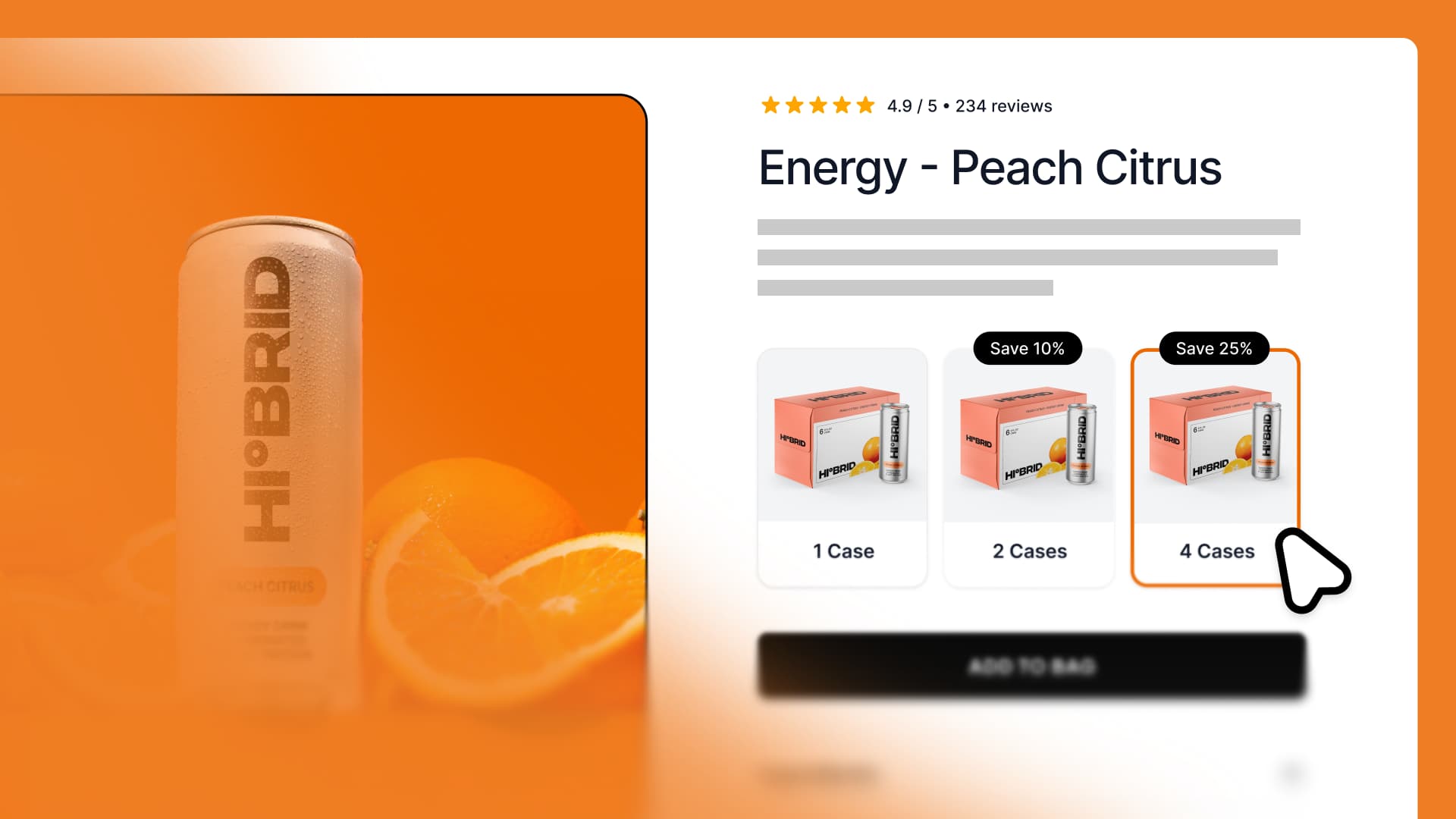
Custom Product Quantity Select
Let customers add multiple items to the cart with one click and unlock incentives like Buy 2 → Get 10% off.
Cart course
Learn how to build a custom Shopify cart with upsells, cross-sells, rewards, add-ons, countdown timers, & more.
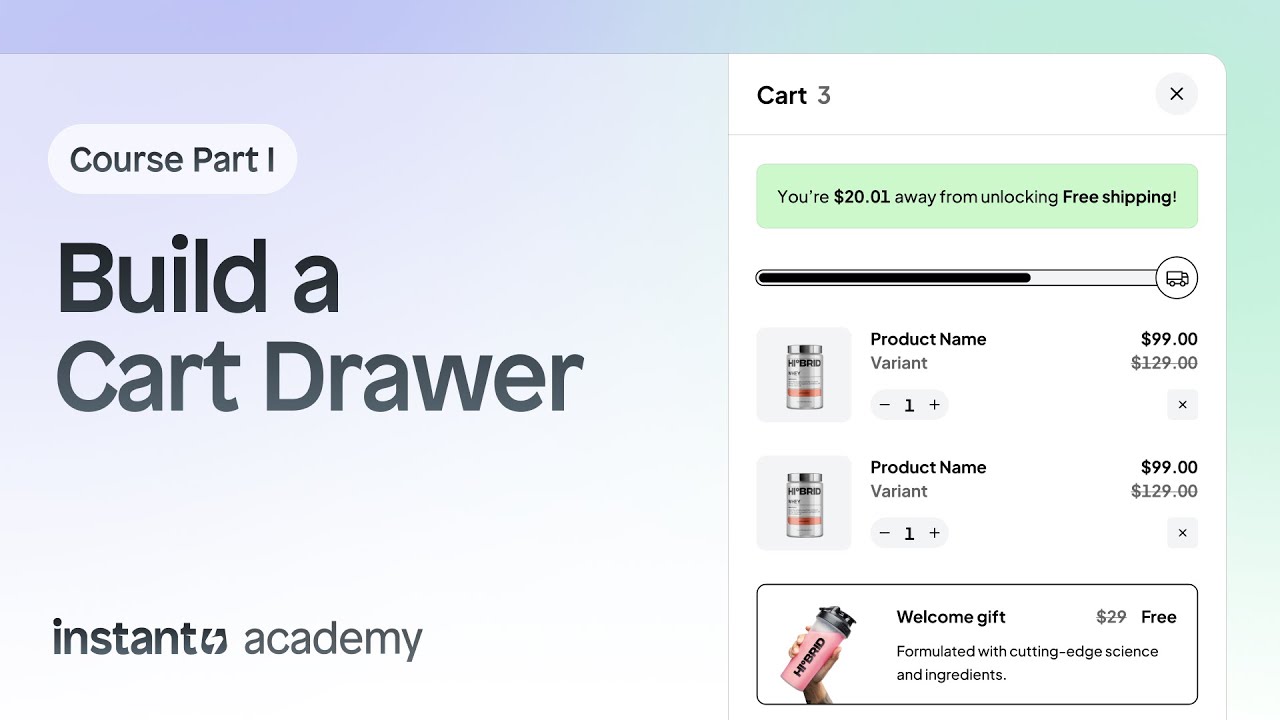
How to build a Shopify cart drawer with Instant (Part 1)
Want to build a custom cart drawer for your Shopify store? In this multi-video course, you will learn how it's done using Instant.
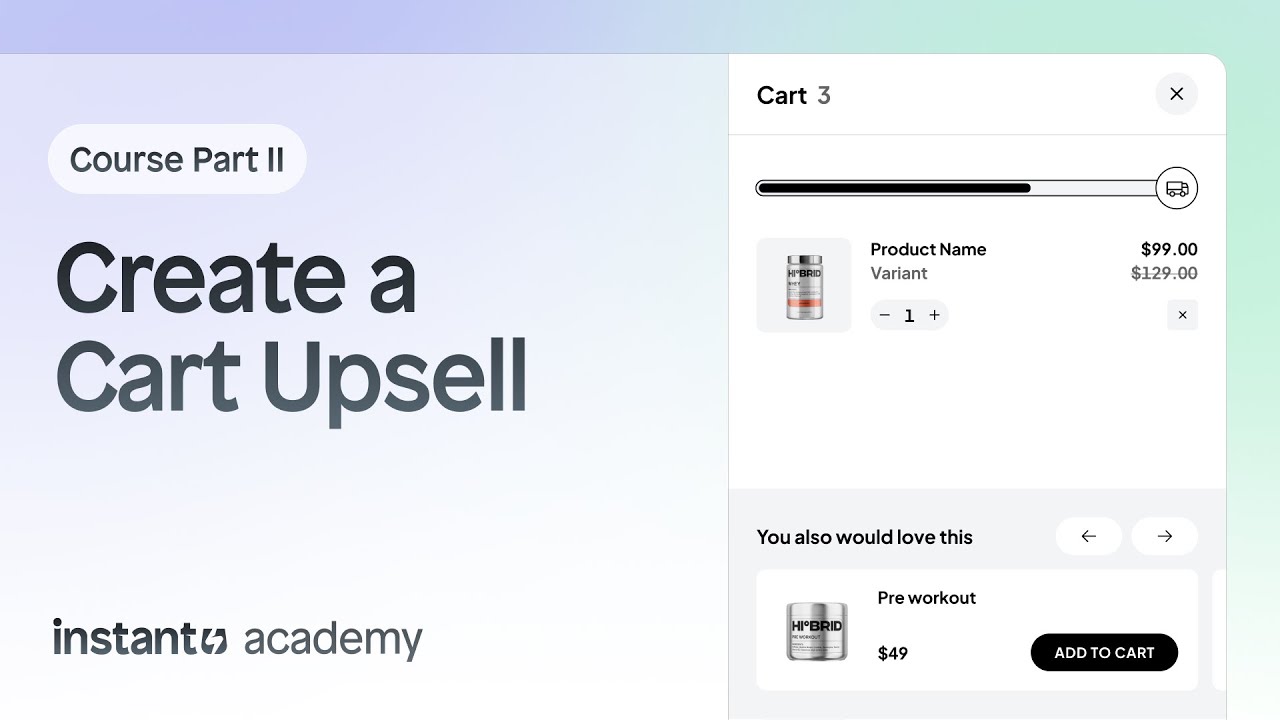
How to add product upsells to your Shopify cart (Part 2)
In this lesson, you’ll learn how to create a product upsell slider inside Instant. We’ll walk you through everything, from understanding its layers and behavior to fully customizing it to match your brand.
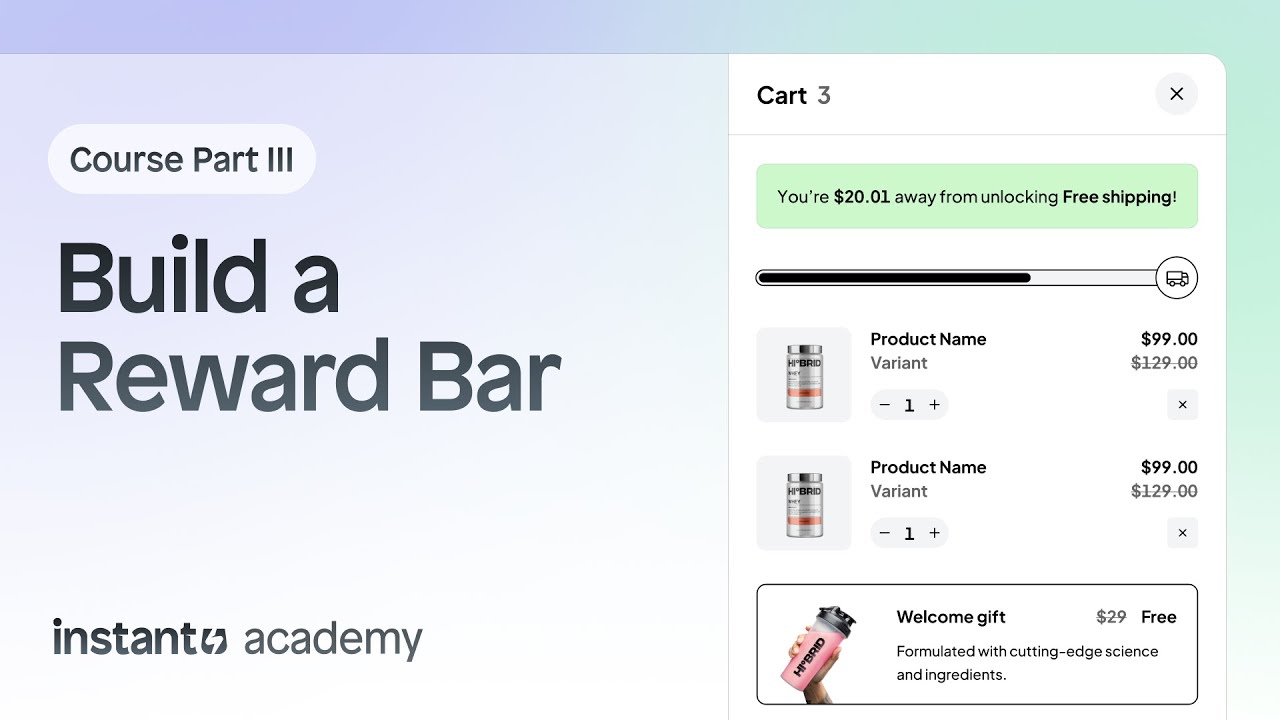
How to build a Shopify reward bar (unlock free shipping & gifts) - (Part 3)
In this lesson, you’ll learn how to create a Reward Bar inside your Shopify cart using Instant. Reward Bars are one of the most effective ways to increase your average order value (AOV) by motivating shoppers to unlock perks like free shipping, free gifts, or discounts.
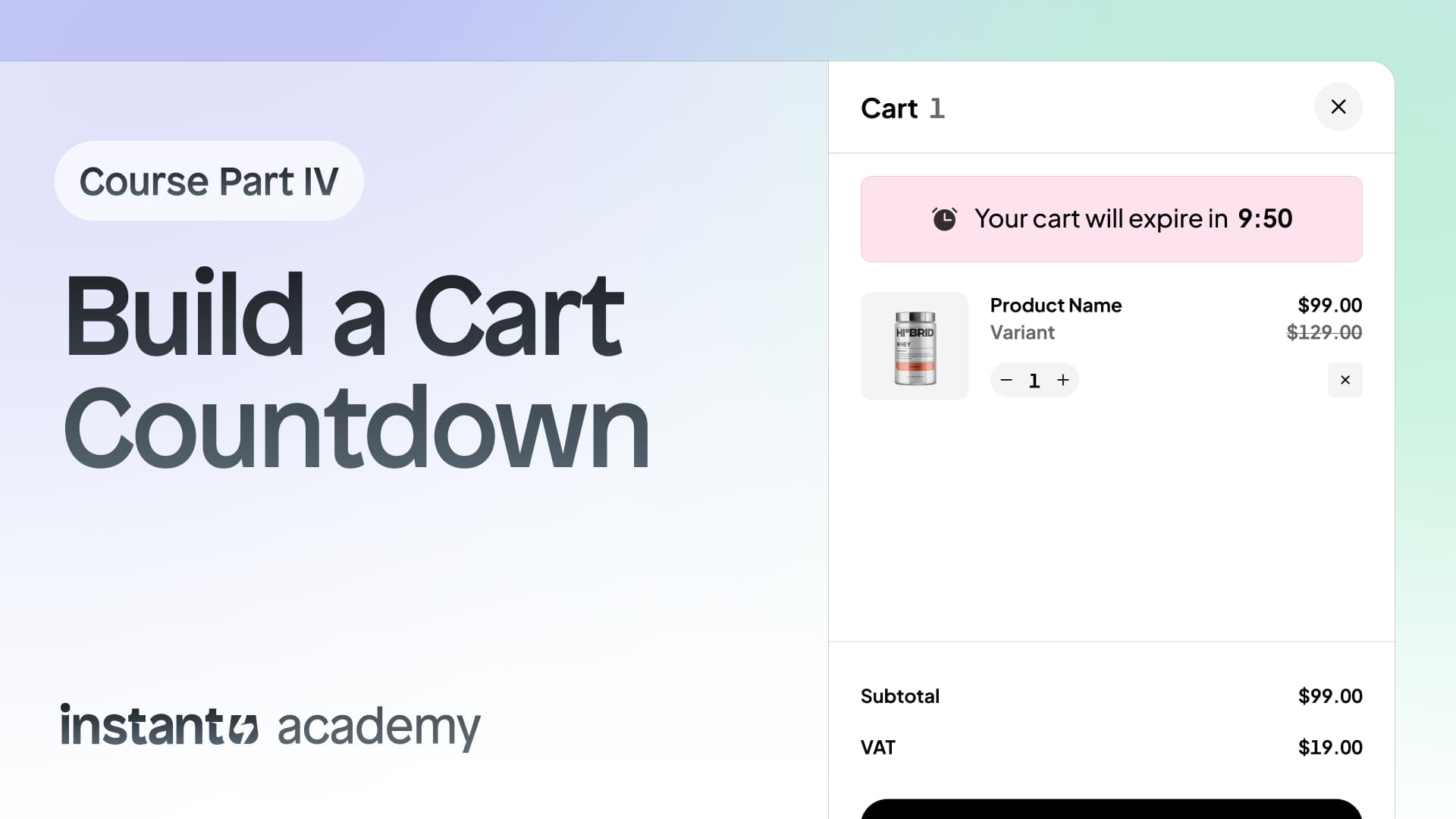
How to add a countdown timer to your Shopify cart drawer (Part 4)
In this lesson, you’ll learn how to add a Cart Countdown Timer to your Shopify cart drawer using Instant. A countdown timer creates urgency and motivates shoppers to complete their purchase before their cart expires, leading to higher conversion rates and fewer abandoned carts.
Instant Studio
Learn how to create product photos with AI including product shots and lifestyle images with AI models.
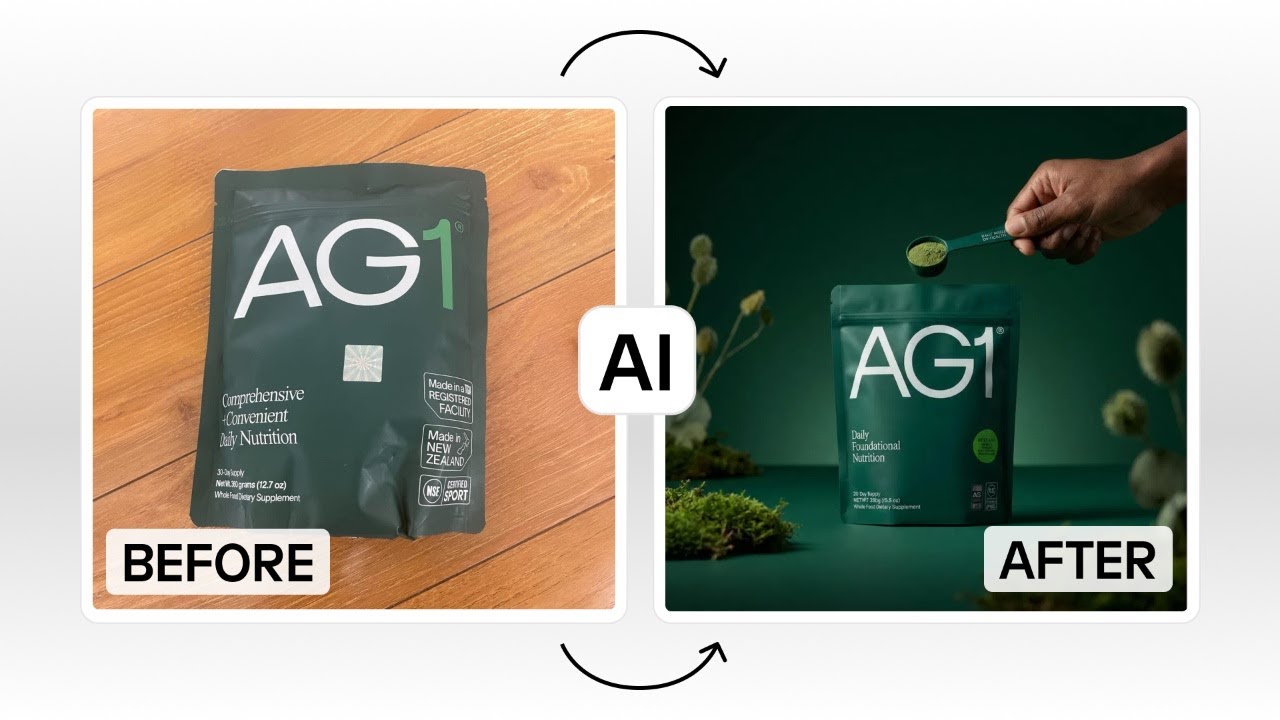
How to use AI product photography
Learn how to use Instant Studio to transform a simple product photo into professional packshots and lifestyle images, customize angles and lighting, and build a consistent image library for your Shopify store or ads using AI.
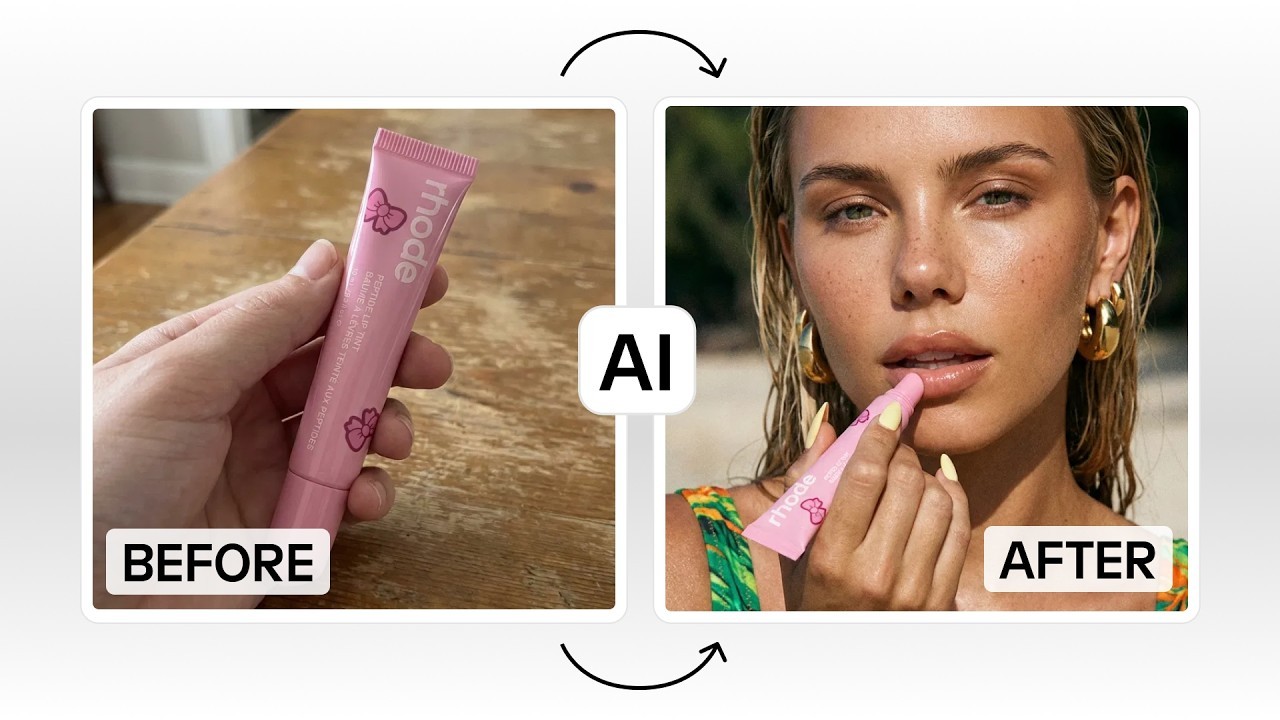
How to generate AI lifestyle images for ecommerce
Learn how to use an AI image generator to create high-converting lifestyle images for your ecommerce store.
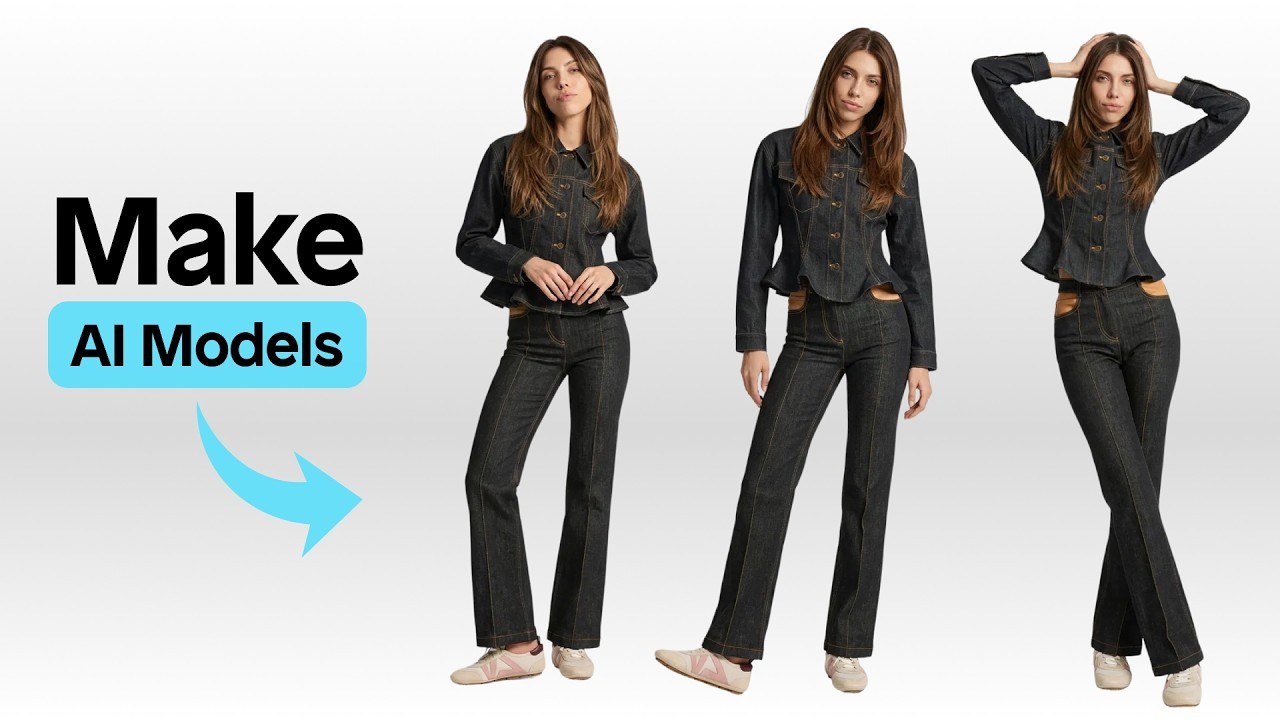
How to create AI models for product photography
Learn how to generate AI avatars for eCommerce that stay perfectly consistent across all your product images.
Discover how to run Shopify A/B tests on any Instant layout.
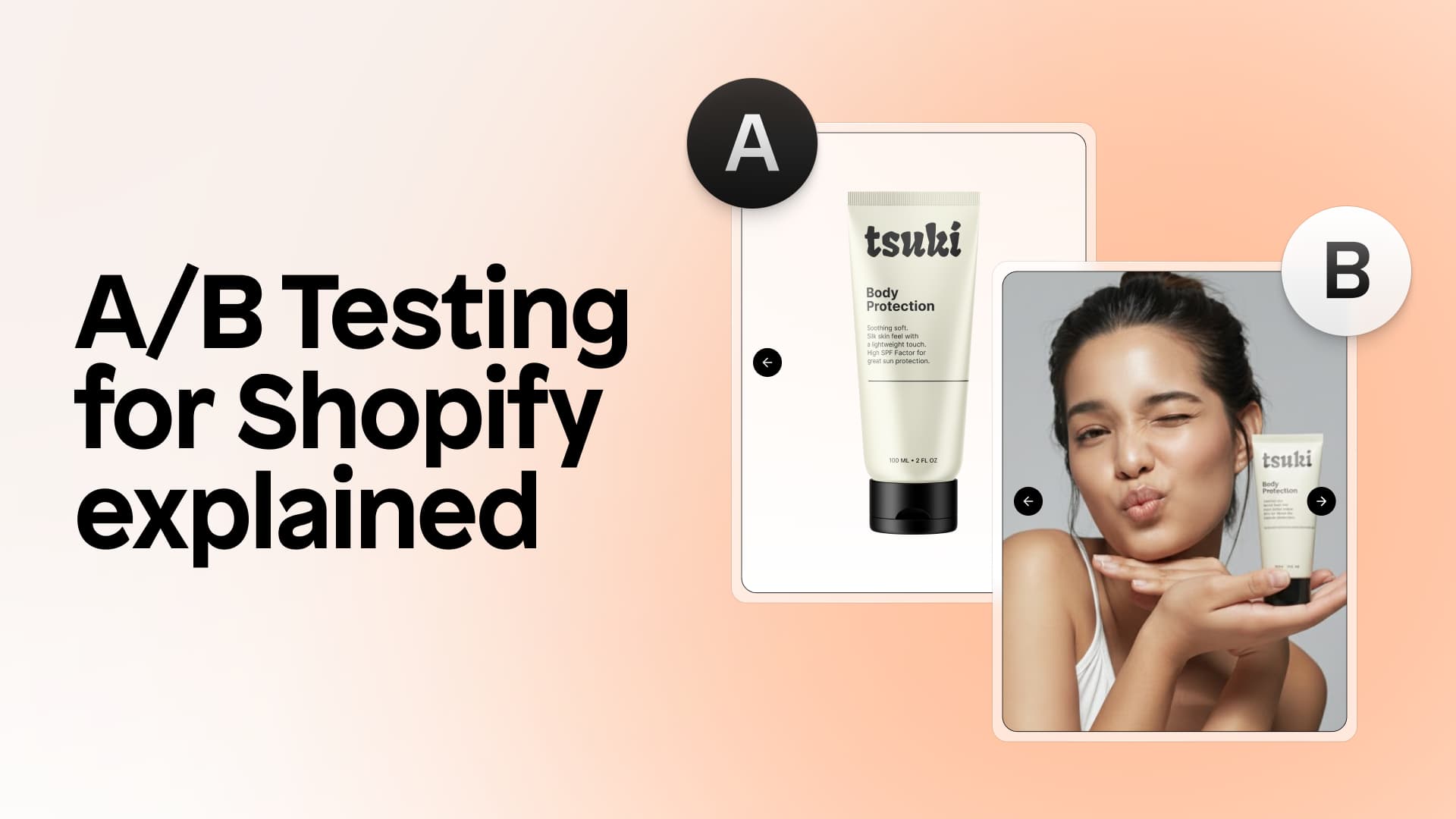
How to A/B test a Shopify product page
Master Shopify PDP A/B testing. Learn how to duplicate PDPs, create variants, set traffic splits, choose goals like conversion rate or AOV, and launch an A/B test directly inside Instant.
A/B testing for Shopify, explained
Learn how to structure A/B test hypotheses, avoid the most common testing mistakes, and prioritize high impact experiments that actually move revenue.