Running an online store means juggling product descriptions, customer support tickets, and endless content updates. What if an AI assistant could handle the heavy lifting? By connecting Claude to Shopify, you can automate everything from writing SEO-optimized product listings to crafting personalized customer responses, without much manual work.
Here are five powerful tools that make Shopify-Claude integration possible, each with its own strengths depending on your technical skills and automation needs.
Top Shopify Claude integrations tools (2026)
1. Instant AI
Best for: Shopify teams that want to build and edit their store directly with Claude
Instant MCP connects Claude directly to the Instant visual Shopify builder using the Model Context Protocol (MCP). Instead of only passing Shopify data into Claude or creating automated workflows, you can use Claude to actually build and modify your Shopify storefront.
Once connected, you can prompt Claude to create pages, sections, layouts, components, and other storefront experiences directly inside Instant. You can describe what you want in natural language, let Claude build it, and then continue editing everything visually in Instant.
This makes Instant MCP especially useful for teams that want to use Claude as an AI web designer and developer for Shopify. You could ask Claude to create a new product landing page, redesign a hero section, build a custom product component, or make changes across an existing layout.
Because Instant is natively connected to Shopify, the result is not just AI-generated code sitting in a chat. The storefront remains connected to Shopify content and can be visually edited and published to your Shopify theme.
Key advantages:
Build Shopify pages and sections directly through Claude
Prompt custom storefront functionality, even beyond standard builder features
Continue editing generated designs visually with no-code controls
Keep Shopify products and store content connected
Publish optimized storefront code directly to Shopify
If your goal is to use Claude to actually create and improve your Shopify storefront, rather than simply automate tasks around it, Instant MCP is the most direct integration on this list.
2. n8n
Best for: Technical teams who want complete control over their workflows
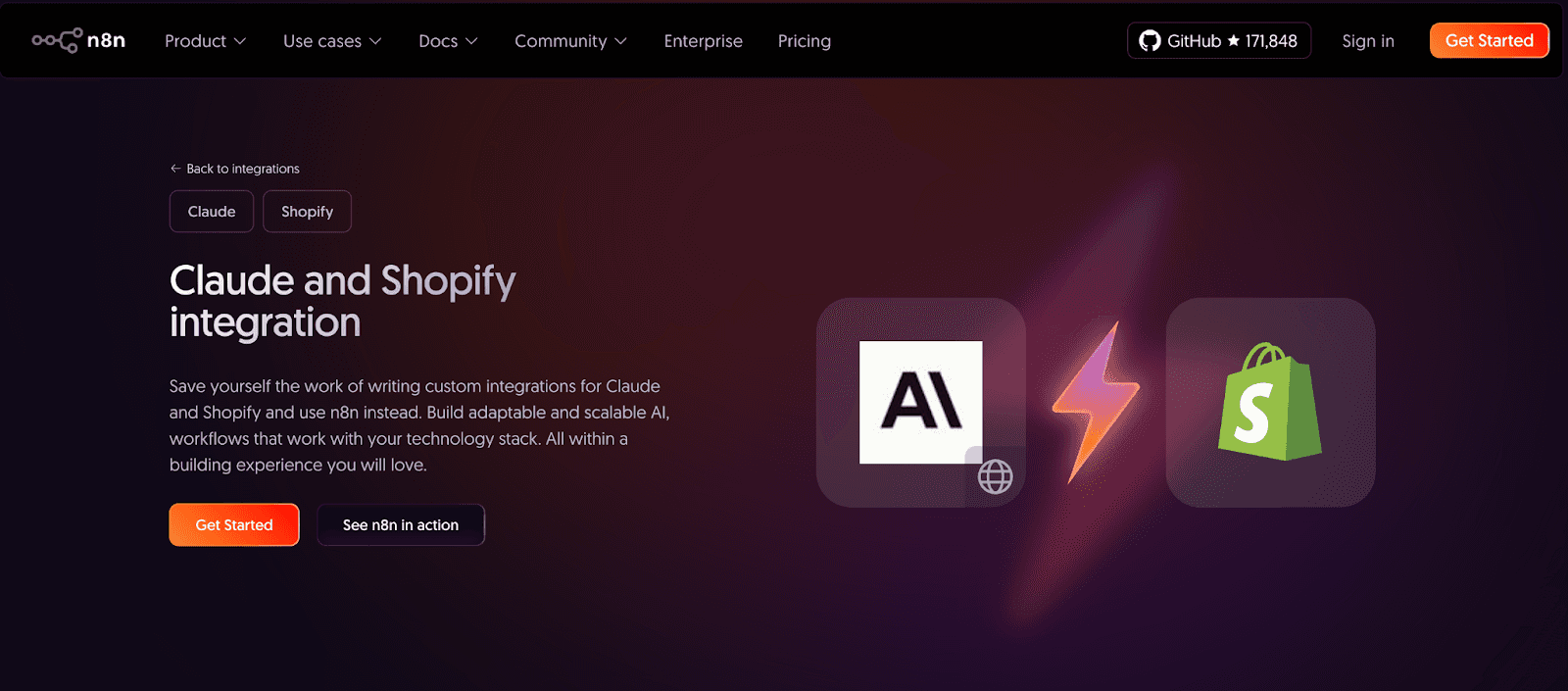
n8n is an open-source automation platform that lets you build custom integrations by connecting "nodes" (think of them as building blocks). With n8n, you design workflows that trigger actions between Shopify and Claude, such as automatically generating product descriptions when you add new inventory or routing customer questions through Claude before they reach your support queue.
Unlike black-box solutions, n8n shows you exactly how data flows between apps. You can create conditional logic, add filters, and even query external APIs with the HTTP Request node. It's overkill for simple tasks, but if you're managing complex e-commerce operations across multiple platforms, n8n gives you the flexibility to adapt as your business evolves.
Keep in mind that, you'll need some coding comfort. While the visual interface helps, setting up authentication and debugging workflows requires understanding API endpoints and data structures. Perfect for agencies or in-house dev teams; potentially frustrating for solo entrepreneurs.
3. Make
Best for: Growing businesses that need sophisticated workflows without hiring developers
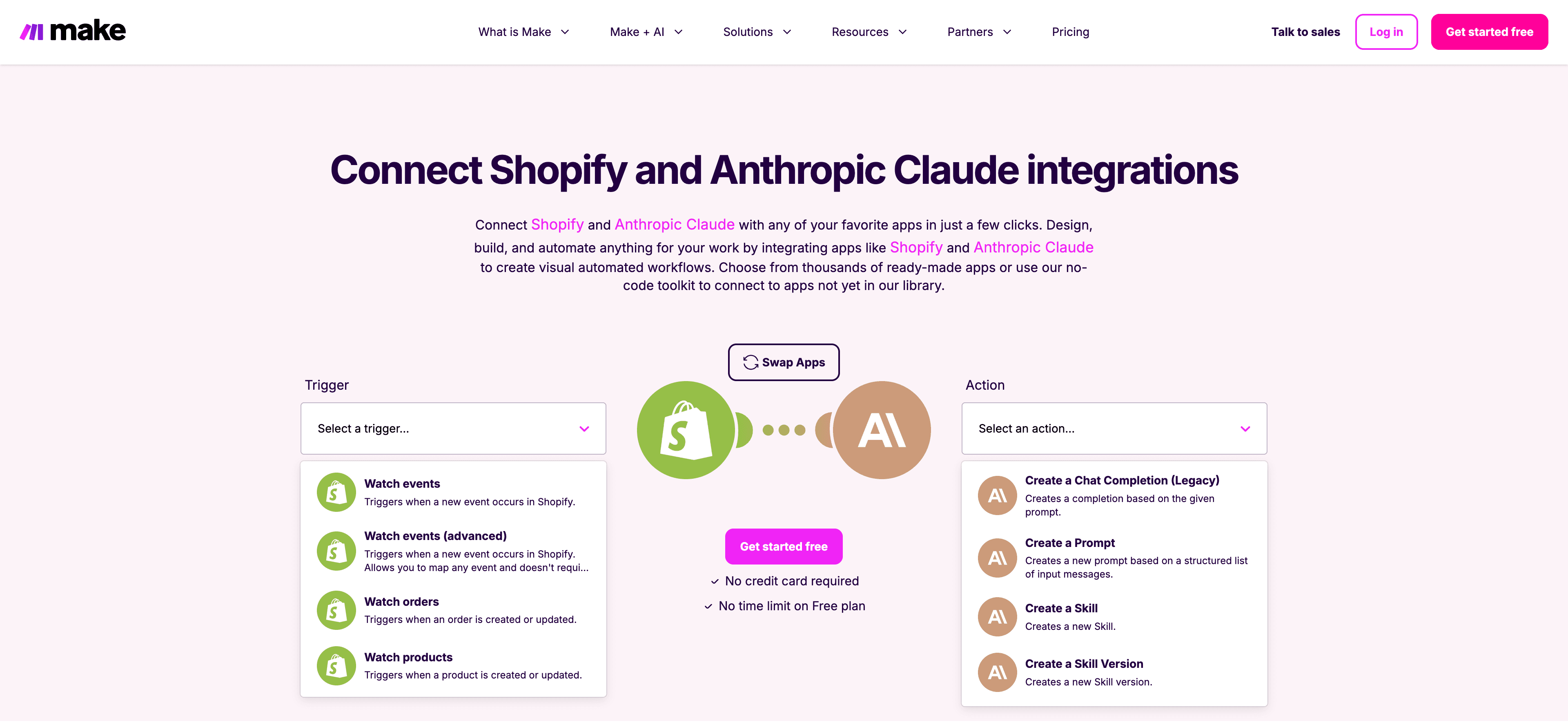
Make strikes a balance between power and usability. Its drag-and-drop interface lets you map out multi-step automations—called "scenarios"—where Shopify events trigger Claude actions. The platform includes advanced features like data transformation, error handling, and scheduling, all wrapped in a visual editor that actually makes sense.
Make's module library is extensive. Beyond basic triggers like "New Order" or "Product Updated," you can access granular Shopify functions (adjust inventory levels, create fulfillments) and pair them with Claude's full API capabilities—not just simple text prompts, but structured completions, file uploads, and custom skill creation.
With this integration, the learning curve is real. While you don't need to code, understanding how to structure scenarios, handle data arrays, and debug failed runs takes time. Budget a few hours for experimentation before your first workflow runs smoothly.
4. Appy Pie Automate
Best for: Small business owners who want automation without the headache
Appy Pie positions itself as the no-code option for non-technical users. The setup is deliberately straightforward: pick a Shopify trigger (like "New Paid Order"), connect it to a Claude action (like "Generate Customer Thank-You Message"), map a few fields, and you're done. No flowcharts, no conditional branches—just A-to-B automation that works.
Speed to value. You can set up your first Shopify-Claude workflow in under 10 minutes, including account authentication. Appy Pie also includes pre-built templates for common e-commerce scenarios, so you're not starting from a blank canvas.
Remember that simplicity comes with tradeoffs. Advanced logic, multi-step workflows, and custom API calls aren't in Appy Pie's wheelhouse. If your needs extend beyond basic triggers and actions, you'll quickly hit the platform's limitations. Think of it as training wheels—great for learning, less ideal for scaling.
5. Albato
Best for: Agencies and freelancers managing multiple client stores on a tight budget
Albato markets itself as the cost-effective alternative to Zapier and Make, offering comparable features at a lower price point. The platform uses the familiar trigger-action model, but with transparent pricing based on tasks (not arbitrary tiers) and unlimited app connections. For consultants juggling five or ten Shopify accounts, that pricing structure adds up to real savings.
Albato's "Embedded iPaaS" feature lets you white-label automation workflows for clients. You can build Shopify-Claude integrations once, then deploy them across multiple customer accounts without recreating the setup each time. The UI is clean, the documentation is thorough, and support actually responds—rare in the automation space.
The platform is less mature than competitors, so you might encounter rough edges or missing connectors for niche apps. The trade-off? You're paying significantly less per month while still accessing core automation capabilities.
Comparing Claude and Shopify integration tools (2026)
Feature | n8n | Make | Appy Pie | Albato | Instant |
Best For | Developers & technical teams | Growing businesses | Small business beginners | Agencies & freelancers | Shopify teams |
Coding Required | Some (for advanced features) | No, but logic skills help | None | None | None |
Setup Difficulty | Advanced | Moderate | Easy | Easy | Easy |
Pricing | Free (self-hosted) or $20+/month | From $9/month | From $12/month | From $13/month | From $39/month |
Workflow Complexity | Highly complex workflows | Complex multi-step scenarios | Simple trigger-action only | Moderate complexity | Super easy |
Pre-built Templates | Limited | Extensive | Yes, common scenarios | Yes, some available | Yes |
Custom API Calls | Yes, full control | Yes, with modules | Limited | Limited | Limited |
Multi-app Support | Unlimited connections | 1,000+ apps | 300+ apps | 500+ apps | 100+ data sources |
Conditional Logic | Advanced | Advanced | Basic | Moderate | N/A |
White-label Option | Self-hosted | No | No | Yes (Embedded iPaaS) | No |
Error Handling | Manual setup required | Built-in with notifications | Basic | Built-in | N/A |
Real-time Data Access | Event-driven | Event-driven | Event-driven | Event-driven | On-demand queries |
Learning Curve | Steep | Moderate | Minimal | Minimal | Minimal |
Support Quality | Community-based | Good documentation | Standard support | Responsive support | Excellent, personalized |
Main Use Case | Custom integrations | Sophisticated automation | Quick basic automations | Multi-client management | AI-powered analytics |
Data Actions | Create, update, delete | Create, update, delete | Create, update | Create, update, delete | Read-only analysis |
Best Free Option | Yes (self-hosted) | 14-day trial | 7-day trial | 7-day trial | 14-day trial ($0.99) |
Choosing your integration strategy
Here's the honest truth: the "best" tool depends entirely on what you're trying to accomplish.
Most successful e-commerce operators eventually use a combination. You might run basic order confirmations through Appy Pie, complex product syndication through Make, and strategic analysis through Adzviser, all working in parallel.
The key is starting small. Choose one repetitive task (product descriptions are a great first candidate), set up a single automation, and expand from there. Claude's language capabilities combined with Shopify's e-commerce infrastructure can genuinely transform how you run your store, but only if you actually implement the integration instead of just researching options forever.
Ready to connect them? Pick the tool that matches your comfort zone and get started today.