The Best Page Builders for Shopify in 2026 (Tested and Compared)
We compared the best page builders for Shopify in 2026 by speed, templates, AI, and price. See the top picks for stores, funnels, and agencies.

Last updated: June 2026
A Shopify theme gets you 80% of the way to a good store. The last 20%, the custom landing page, the product page that actually converts, the homepage that looks like your brand and not a template, is where most merchants get stuck. Your options used to be two: learn Liquid and code it yourself, or pay an agency a few thousand dollars and wait three weeks.
A page builder is the third option. It lets you design and publish custom Shopify pages with no code, usually with drag-and-drop or, increasingly, with AI. The problem is that the Shopify App Store now lists hundreds of them, and most "best page builder" lists are written by the builders themselves (this one included, so we'll be upfront about that and tell you where other tools win).
Here's the short version, then the detail.
The quick answer: best Shopify page builders by use case
- Best overall: Instant, an AI-native, all-in-one builder that designs pages from a prompt and keeps your store fast.
- Best integration library: PageFly, the most established builder, with a free plan that doesn't gate support.
- Best for funnels: GemPages, strong AI and post-purchase upsell tooling.
- Best for enterprise: Shogun, CMS, multi-store, and scheduling built in.
- Best for heavy A/B testing: Replo, analytics and split testing on every plan.
- Best budget all-rounder: EComposer, most page types covered at a low starting price.
- Best for dropshippers: PagePilot, generates a product page from a supplier URL.
- Best free option: Shopify's native theme editor, fine until you outgrow it.
Comparison at a glance
| Tool | Best for | Standout feature | Free plan | Starting price | App Store rating |
|---|---|---|---|---|---|
| Instant | Landing pages + AI + Complete Shopify stores | Prompt-to-page AI, native A/B testing, cart drawer | Yes (free forever) | $39/mo | 5.0 (300+) |
| PageFly | Templates + integrations | 100+ templates, 130+ integrations, 24/7 support on free | Yes | Free + paid tiers | 4.9 (5,000+) |
| GemPages | Conversion funnels | AI builder + post-purchase upsells | Yes | ~$39/mo | 4.9 (3,700+) |
| Shogun | Enterprise + content | Built-in CMS, multi-store, scheduling | Limited | Premium | 4.7 (3,000+) |
| Replo | Agencies + testing | Analytics + A/B testing on every plan | Limited | Premium | 4.9 (200+) |
| EComposer | Budget all-rounder | Every page type, big template library | Yes | Low | 4.9 (3,400+) |
| Zipify Pages | Sales funnels | Proven direct-response templates, upsells | No | Mid | 4.8 (1,400+) |
| PagePilot | Dropshipping | AI product page from a URL | Limited | Low | 4.8 (500+) |
| Shopify Theme Editor | Starting out | Native, free, zero apps | Built in | Free | n/a |
Prices and review counts move around. Check each provider's site before you commit. Now the detail.
How we picked these
We build a Shopify page builder, so we look at this category every day and we know where the bodies are buried. To keep this honest, we judged every tool on the same six things a merchant actually feels after install:
- Ease of use. How fast can a non-developer publish a real page, not a demo?
- Templates and starting points. Quality and range, not just a big number.
- Performance. Does it add bloated code that slows your store? Page speed affects both conversion and SEO.
- Conversion tools. A/B testing, analytics, upsells, and CRO sections that tie design to revenue.
- AI. Can it actually build and edit pages, or is "AI" a copy button?
- Pricing and support. What you pay, and whether help arrives when a page breaks on a Friday.
We weighted real merchant outcomes over feature checklists. A builder with 800 templates you'll never use loses to one that gets a clean product page live in ten minutes.
What is a Shopify page builder?
A Shopify page builder is a no-code app that lets you design and publish custom pages on your store without writing Liquid, HTML, or CSS. Instead of editing theme files, you arrange sections, images, text, and buttons in a visual editor, then publish straight to your Shopify store. Most builders cover landing pages, product pages, collection pages, homepages, and reusable theme sections.
The newer ones add AI: describe the page you want, and the builder drafts it for you to edit.
Do you actually need one?
If you only ever tweak text and swap images, Shopify's native theme editor is enough. You need a page builder when you want layouts your theme can't do, you're launching campaign landing pages, listicles, advertorials, or you want to A/B test designs without booking developer time for every change. Over 60% of Shopify merchants use one, mostly for that reason: speed and control without the dev queue.
The three types of page builder (pick the right shape first)
Not all builders solve the same problem, even though lists lump them together. Sort them into three buckets and the choice gets easier.
Drag-and-drop builders. The classic visual editor. You place and resize elements by hand. Best for full design control across every page type. Instant, PageFly, GemPages, EComposer, and Shogun live here.
AI builders. You prompt, it builds. Best for speed, for testing lots of pages fast, and for anyone who'd rather start from a draft than a blank canvas. Instant, PagePilot, and Atlas lead this group. The best ones still give you full manual editing after the AI draft, because AI is great at a first pass and less great at knowing your brand.
Funnel and CRO builders. Built around conversion: upsells, post-purchase offers, split tests. Best for performance marketers running paid traffic. Zipify and parts of GemPages, Instant and Replo fit here.
Most merchants want one tool that does all three. That's the case for an all-in-one.
The best Shopify page builders, reviewed
1. Instant: best overall
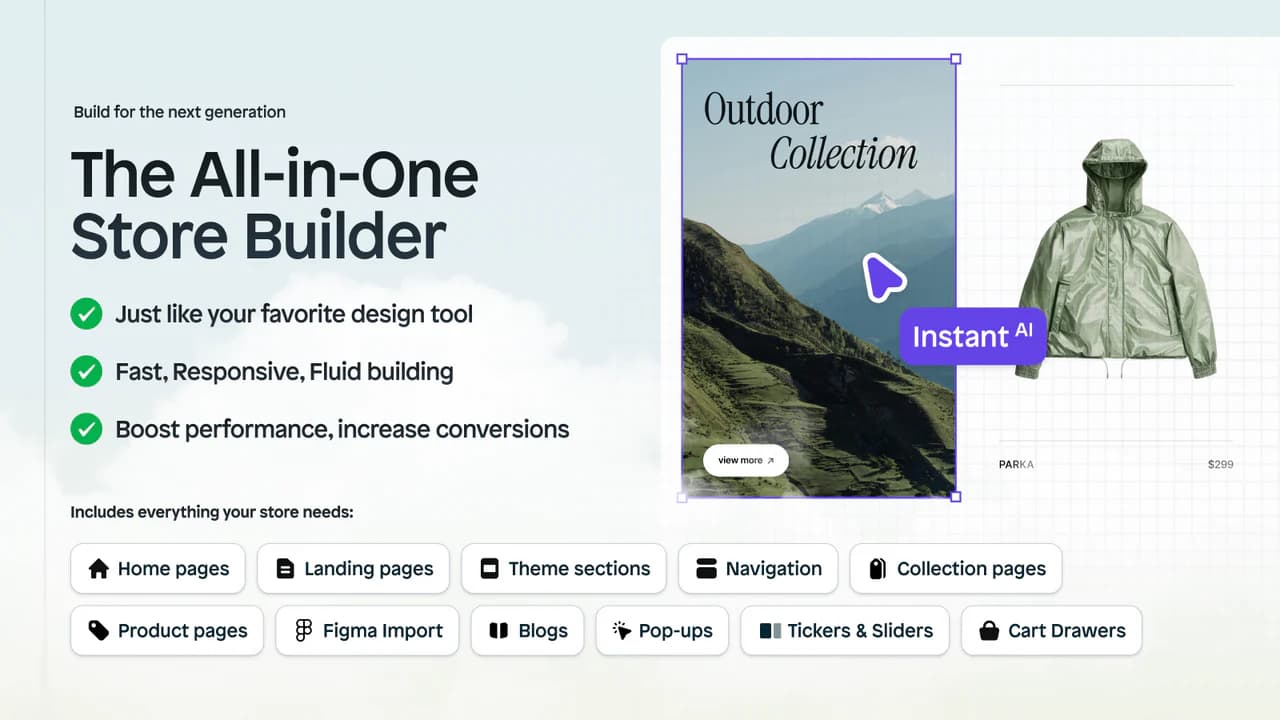
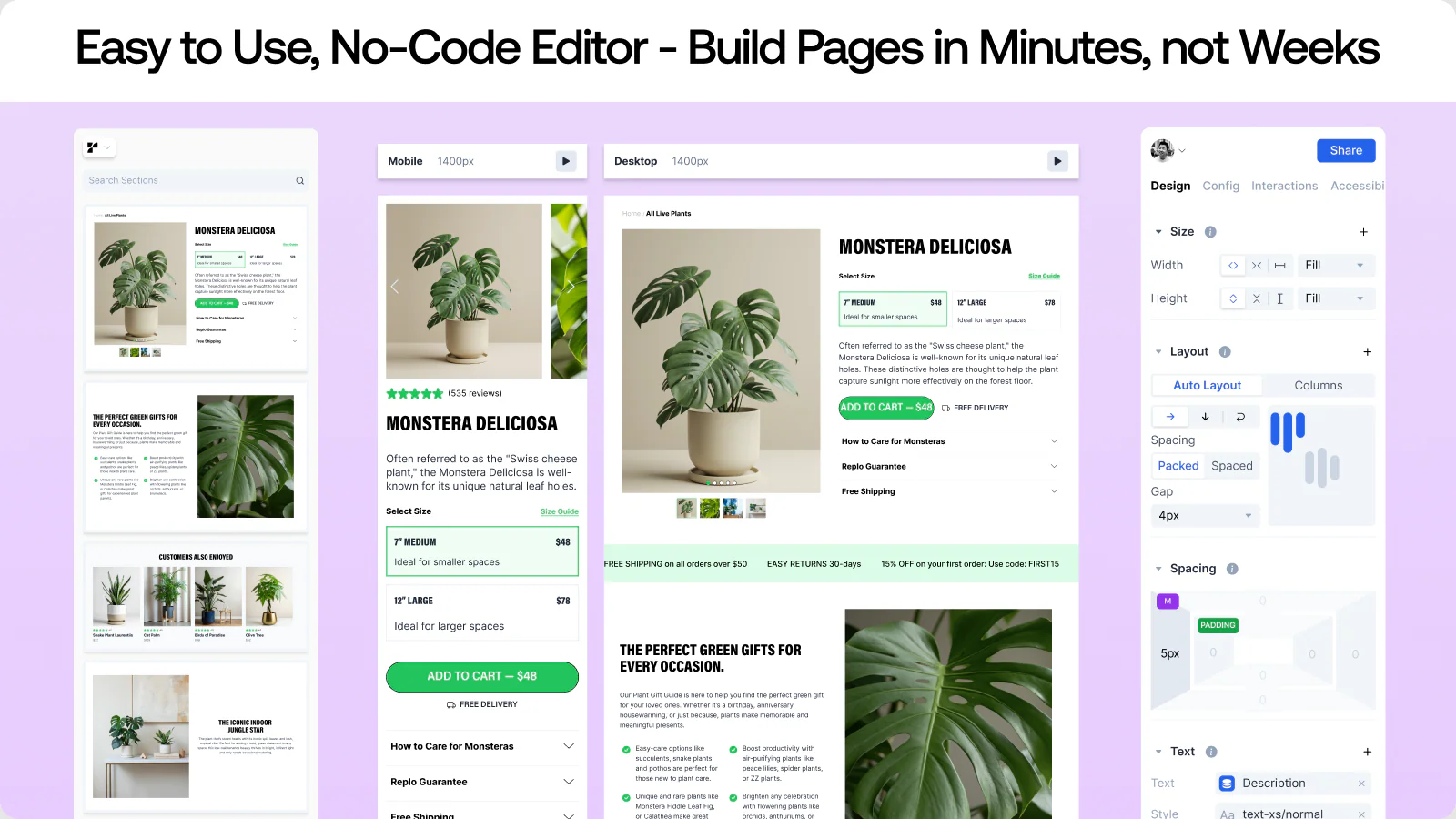
Instant is an AI-native, all-in-one builder for Shopify. You describe the page you want, and the AI builds it: homepage, product page, collection page, landing page, or a reusable theme section. Then you refine it in a visual editor that merchants regularly call the most capable on Shopify. It's used by 16,000+ stores and built by Instant Commerce.
The reason it tops the list is range. Most builders do pages. Instant also builds your cart drawer, runs native A/B tests that track revenue and AOV and auto-pick the winner, generates product and lifestyle images with AI, and converts Figma files into responsive Shopify layouts by copy and paste. That's several apps' worth of work in one, which keeps your tech stack and your page speed lean. Instant publishes clean, native Shopify pages, so it doesn't drag your load times down.
When you are interested hiring a landing page agency, Instant also has a done-for-you landing pages service. From first call to live landing page in 2 days.
Key features: prompt-to-page AI, 800+ CRO templates, native A/B testing with revenue tracking, custom cart drawer with upsells and rewards, AI image generation, Figma-to-Shopify, advanced product pages with bundles and subscriptions, real-time team collaboration.
Pros: the AI builds full pages, not just snippets; genuinely fast editor; one tool covers pages, cart drawer, testing, and images; clean code; support merchants rate 5.0 stars.
Cons: the newest builder of the group, so its template count, while large, is still growing against the oldest players. Power users who love hand-coding Liquid may want a hybrid workflow.
Pricing: Free plan, free forever (1 page and 1 section). Paid plans from $39/month, with a 7-day trial and 20% off annual. You can downgrade to free anytime and keep what you built.
Best for: founders, marketers, and designers who want to build a fast, on-brand store quickly and test their way to more revenue, without juggling five apps.
2. PageFly: best template and integration library
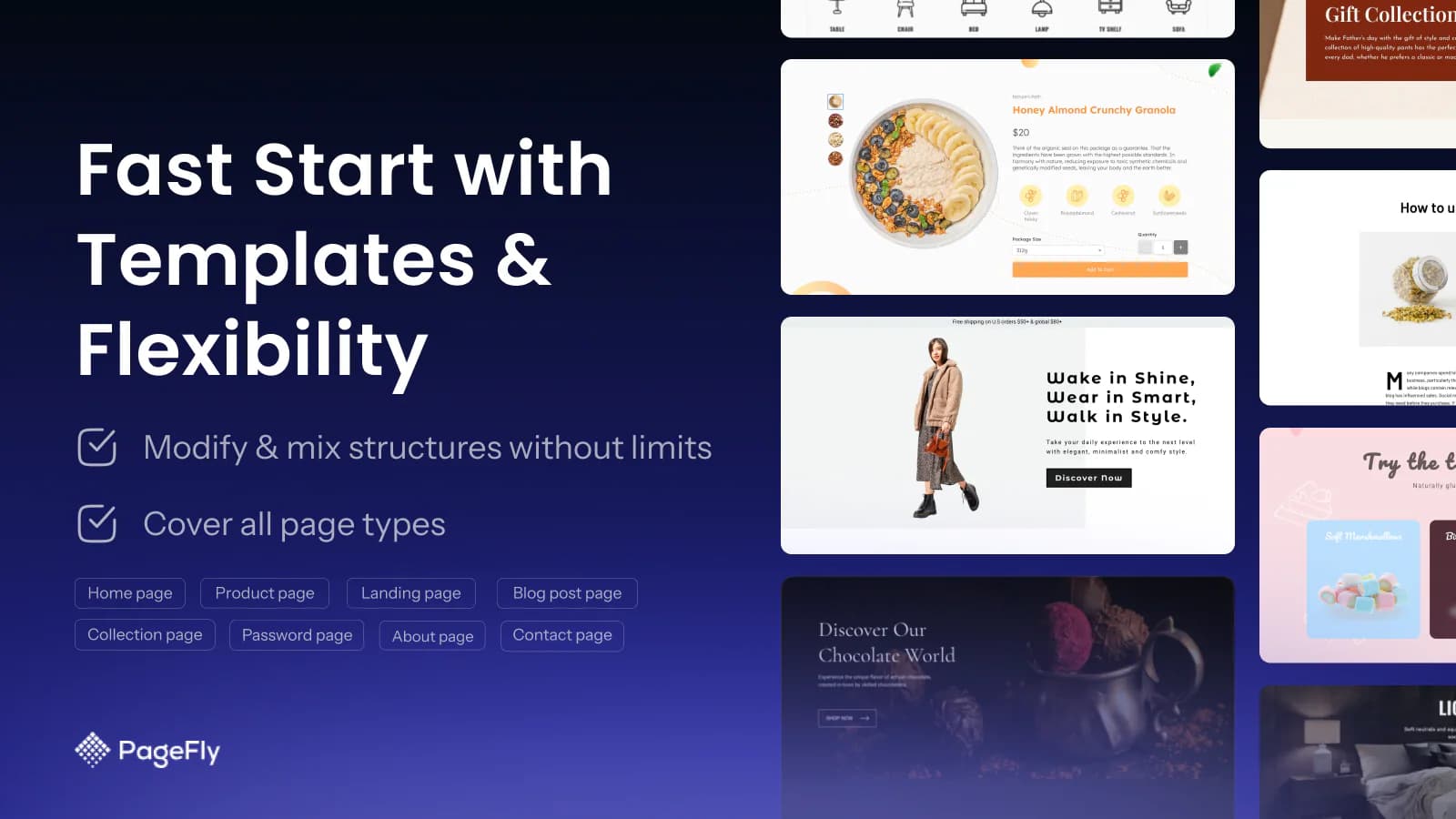
PageFly is the most established name in the category, with 5,000+ reviews and a deep ecosystem: 100+ templates, 100+ sections, and 130+ integrations. Its free plan is unusually generous, including its CRO features and 24/7 live chat support, which most rivals lock behind paid tiers.
Pros: huge template and integration library; strong free plan; round-the-clock support; battle-tested across years of stores.
Cons: the deepest customization runs into a learning curve with CSS and HTML; the editor can feel dense next to AI-first tools.
Pricing: free plan available, with paid tiers that scale as you publish more pages.
Best for: merchants who want maximum flexibility and integrations, and don't mind a steeper editor.
3. GemPages: best for conversion funnels
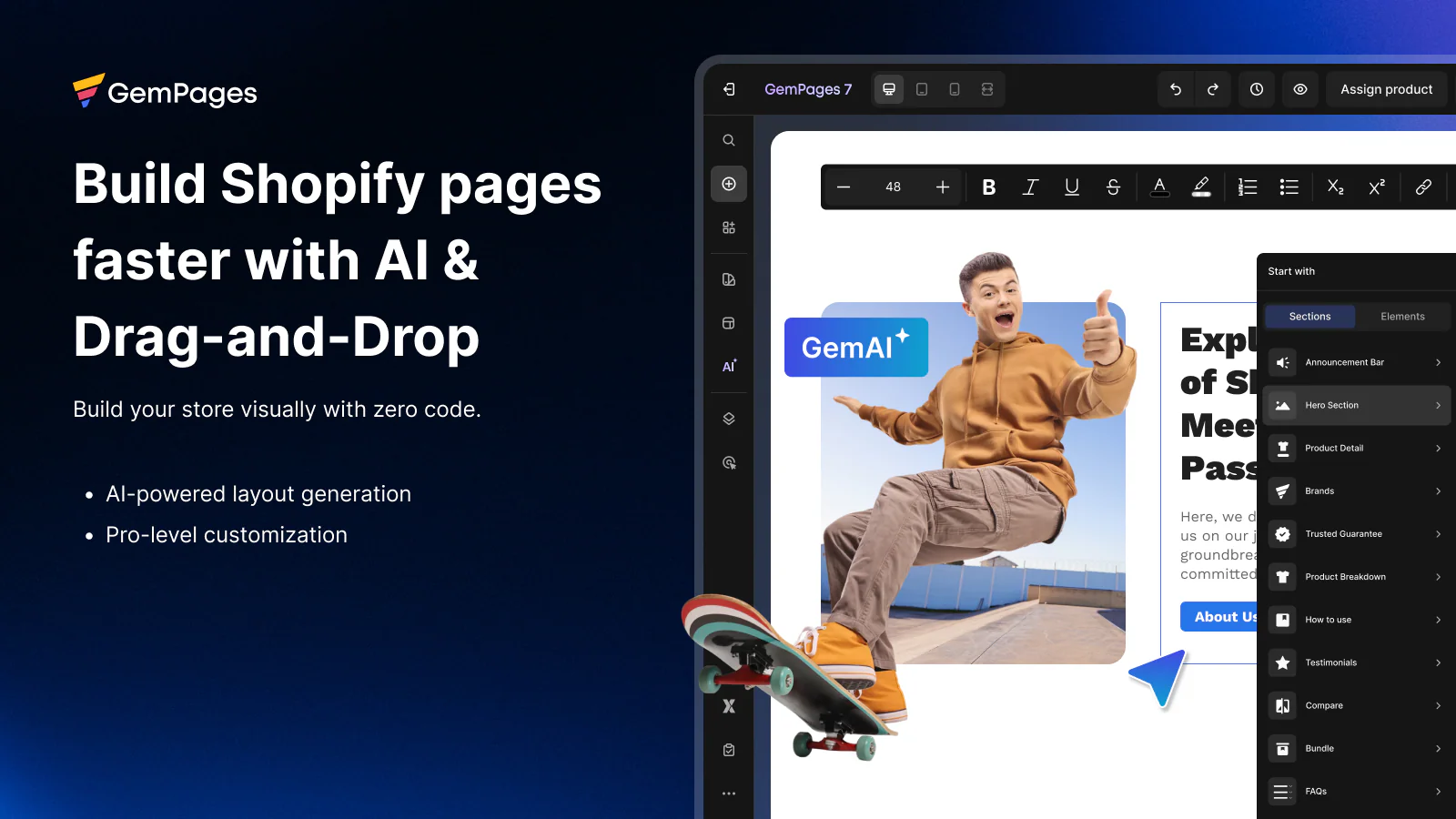
GemPages pairs a drag-and-drop editor with AI and leans hard into conversion: post-purchase upsells, sales-funnel building, and CRO-focused templates. It's a strong fit if your priority is the full path from ad click to second purchase, not just a pretty page.
Pros: solid AI builder; post-purchase and funnel tooling; large, conversion-minded template set.
Cons: the funnel features add complexity you won't need for simple pages; higher tiers get pricey.
Pricing: free plan available; paid plans roughly $39 to $249/month.
Best for: performance-focused stores that want design and funnel optimization in one place.
4. Shogun: best for enterprise and content-heavy stores
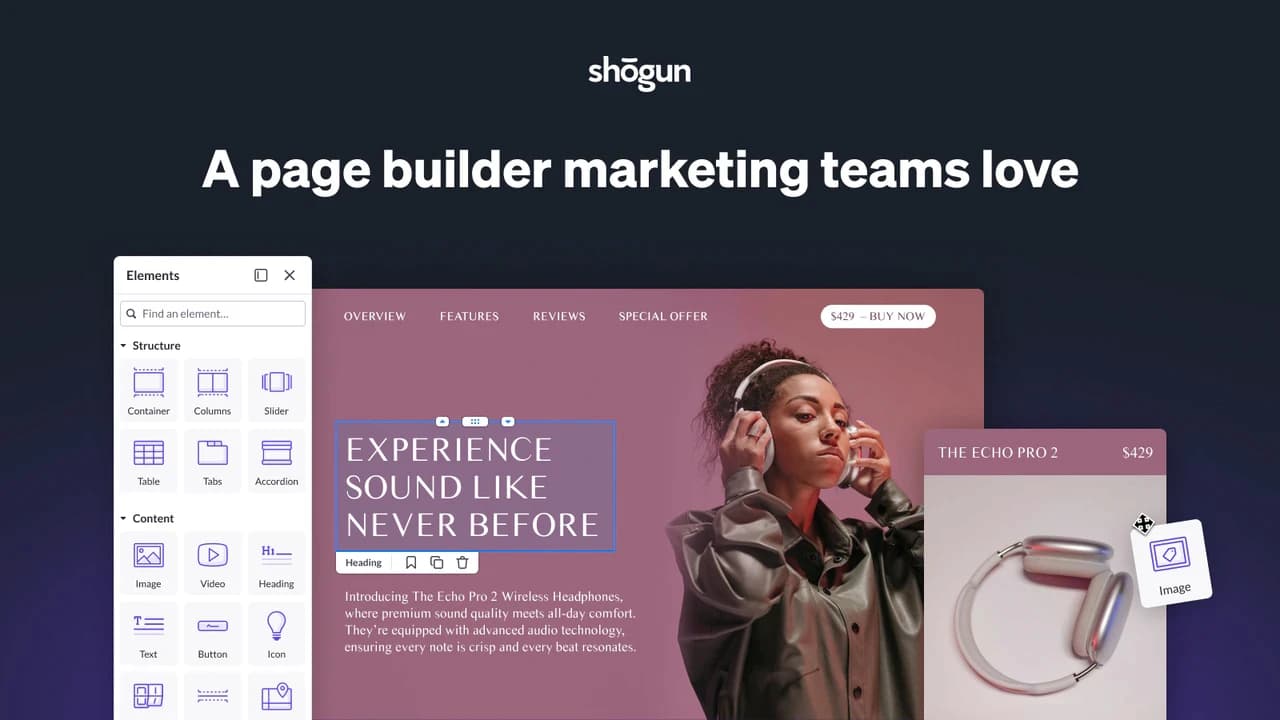
Shogun is the builder for scale. Beyond pages, it brings a built-in CMS, content scheduling, reusable components, and multi-store content sharing. If you run several storefronts or publish a lot, that structure pays off.
Pros: CMS and scheduling; multi-store support; custom elements with HTML, CSS, JS, and Liquid; stable at scale.
Cons: premium pricing that smaller stores feel; more tool than a single-store merchant needs.
Pricing: premium. Expect to pay more than the mid-market tools, especially for the advanced tier.
Best for: larger brands and teams that need content infrastructure, not just a page editor.
5. Replo: best for agencies and heavy A/B testing
Replo built its name with DTC brands and agencies. It puts analytics and A/B testing on every plan, and its AI (Replo Sites) can turn a prompt, URL, or reference image into a landing page in minutes. If you're shipping and testing pages all week, that matters.
Pros: testing and analytics on all plans; capable AI; popular with agencies running many client stores.
Cons: premium pricing aimed at funded brands and agencies; more than a single small store usually needs.
Pricing: premium, with plans built for teams.
Best for: agencies and DTC teams that test constantly and want revenue data in the same tool.
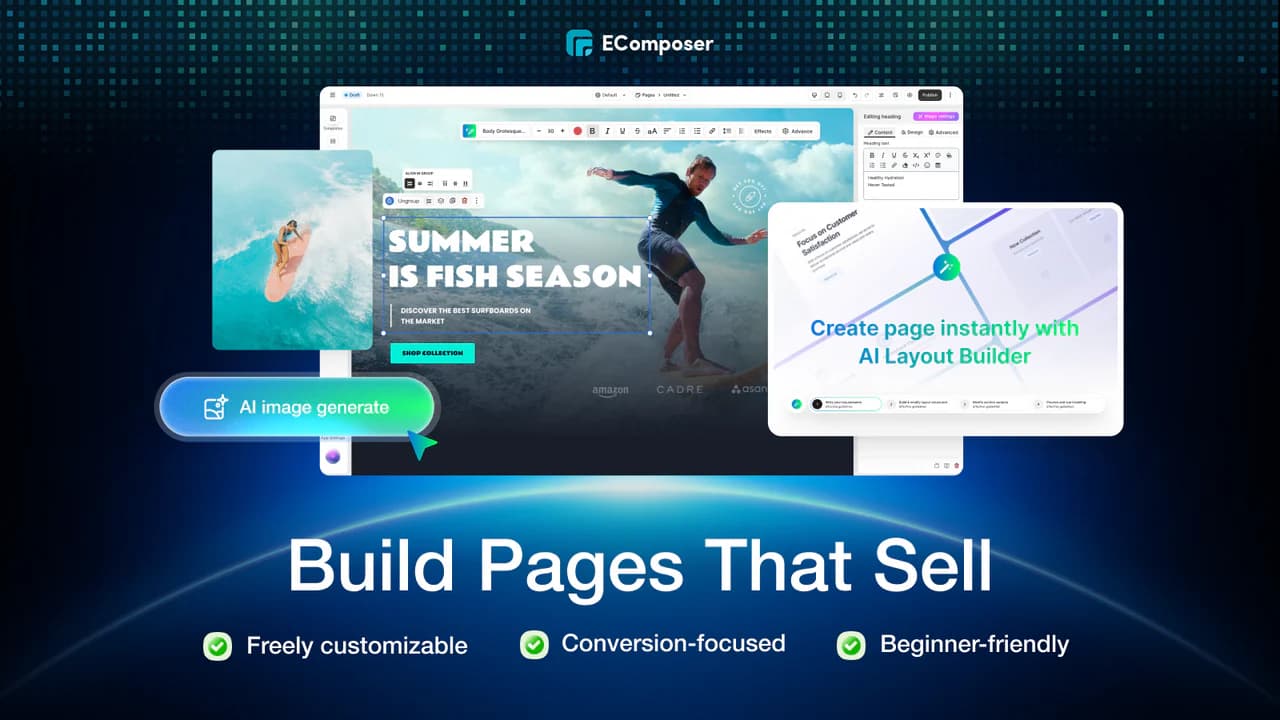
6. EComposer: best budget all-rounder
EComposer covers every page type with a large template library and AI assistance, at a starting price that undercuts most of this list. With 3,400+ reviews at 4.9 stars, it's a safe, affordable default.
Pros: covers all page types; big template set; low entry price; free plan.
Cons: jack-of-all-trades depth; less specialized than the funnel or enterprise tools.
Pricing: free plan available; paid plans start low.
Best for: new and growing stores that want broad capability without a big bill.
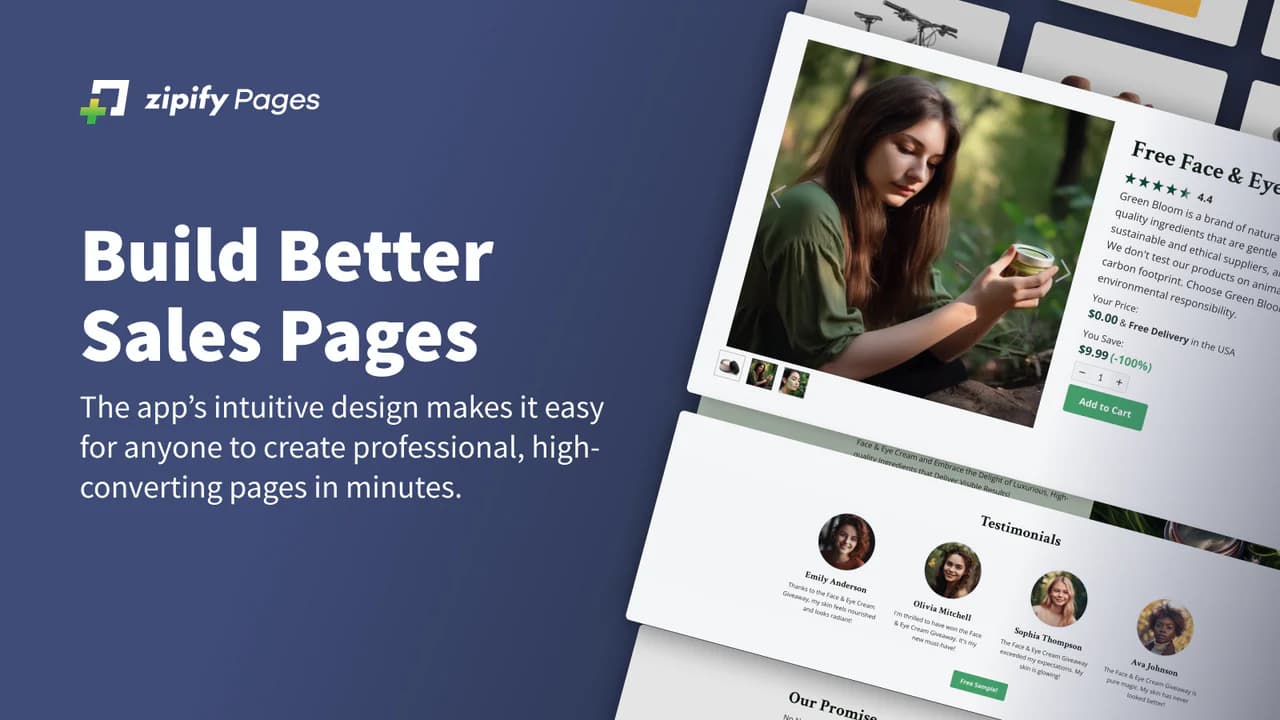
7. Zipify Pages: best for sales funnels
Zipify comes from a real ecommerce brand and bakes direct-response marketing into its templates. Its strengths are funnels, upsells, and proven high-converting layouts, with A/B testing on higher tiers.
Pros: conversion-tested templates; strong upsell and funnel features.
Cons: no free plan; overkill if you just want clean pages.
Pricing: mid-market, paid only.
Best for: paid-traffic marketers who live in funnels.
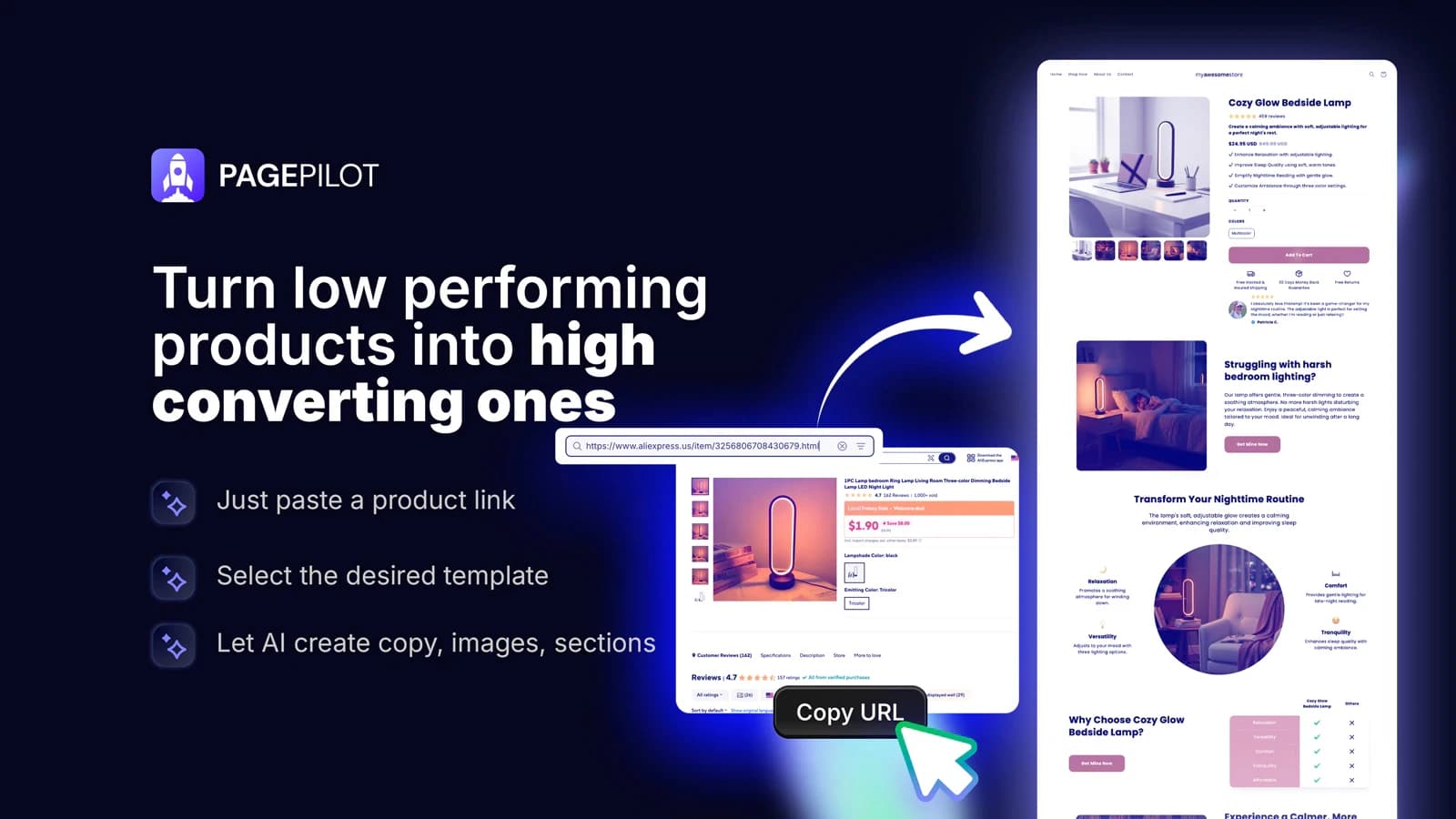
8. PagePilot: best for dropshippers
PagePilot is built for speed and volume. Paste a supplier or competitor URL and its AI generates a conversion-focused product page, plus product images and ad copy. For testing lots of products fast, it removes the blank-page problem.
Pros: product page from a URL in minutes; built-in AI images and ad creative; great for product testing.
Cons: focused on product pages, not full-store design; less suited to brand-led stores.
Pricing: low entry price, usage-based AI.
Best for: dropshippers and product testers who launch and discard pages often.
9. Shopify Theme Editor: best free starting point
Shopify's own theme editor is free, native, and adds zero apps. You can reorder sections, edit text, and swap images inside your theme. It's the right call when you don't yet need custom layouts.
Pros: free; native; no performance cost.
Cons: limited to what your theme allows; no A/B testing, no AI, no custom layouts.
Best for: brand-new stores and merchants who only make light edits.
Also worth a look: Beae and LayoutHub (template-heavy, budget-friendly), AfterShip Page Builder (simple, analytics-focused), Atlas and Canvify (AI and Canva-to-Shopify workflows).
How to choose the right Shopify page builder
Skip the feature-count arms race. Answer four questions instead.
What are you building most? Campaign landing pages point you to an AI or funnel builder. A full custom store points to an all-in-one. Light edits point to the native editor.
How fast do you need to move? If you're testing weekly, AI and built-in A/B testing save real hours. Instant is built for that pace.
Will it slow your store? Ask specifically about clean code and native pages. Page speed feeds both conversion and SEO, and some builders inject heavy scripts. This is the question merchants forget and regret.
What's your real budget, including your time? A free plan that takes a week to learn can cost more than a paid plan that gets you live in a day. Most good builders have a free tier or trial. Build the exact page you need before you pay.
A practical move: start on a free plan, build one real page (not a demo), publish it to a live store, and judge the editor, the speed, and the support. The right tool reveals itself in about an hour.
The bottom line
The best page builder for Shopify is the one that gets a fast, on-brand, high-converting page live without a developer and without slowing your store. For most merchants in 2026, that points to an AI all-in-one: describe the page, edit it, test it, ship it. If you want maximum templates and integrations, PageFly is the safe veteran. If you're scaling content across stores, Shogun earns its price.
If you'd rather build your next page in the time it takes to read this article, start with Instant and see what your store looks like when design stops being the bottleneck.