Shopify blog pages
that sell too
Design blog posts, listicles and advertorials with shoppable products on a visual canvas, and publish them straight to your Shopify blog. No code, no theme limits.
Blog posts built to rank and sell
A Shopify blog page is a post in your store's blog, used for guides, news and stories that bring shoppers in from search and social. Shopify shows every post with the same article template from your theme. Instant lets you design blog posts on a visual canvas, with product cards, buy buttons and custom layouts, and publish them to your Shopify blog.
Shoppable blog posts
Add product cards and add to cart buttons right inside the story, connected to your Shopify products, so readers can buy without leaving the post.
Listicles and advertorials
Build the listicles and advertorials that work for paid social, with numbered reasons, comparisons and an offer at the end.
Start from a blog template
Pick a blog post template from the Template Library, or build a layout from a prompt or a Figma design, and reuse it for every post.
SEO-ready by default
Posts publish as clean, native code that loads fast. Instant writes SEO titles, meta descriptions and image alt text, so every post is ready to rank.
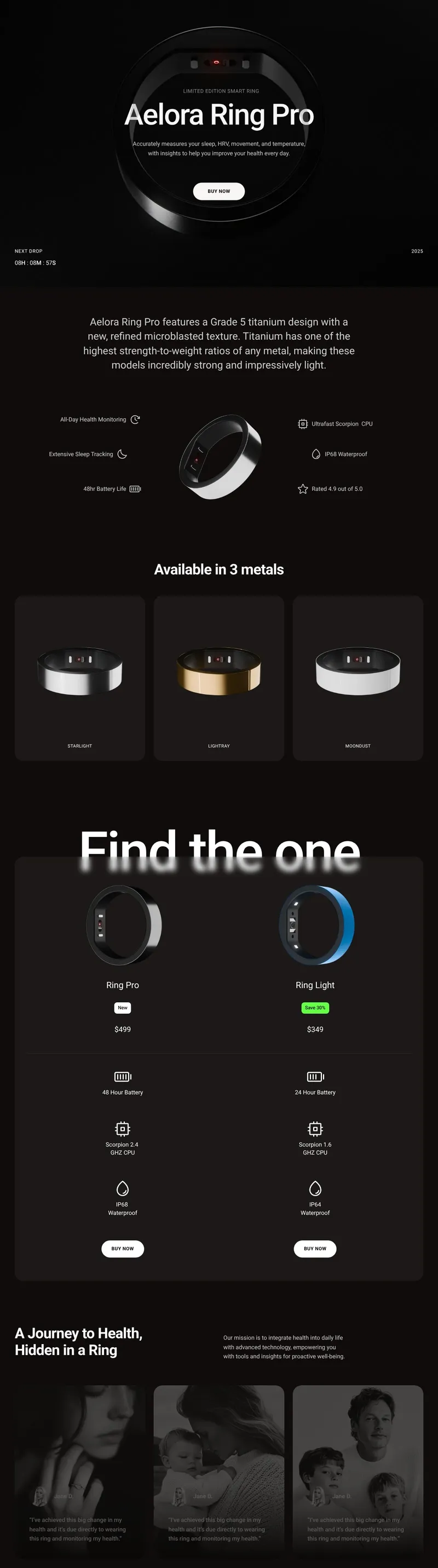
More from every post
Readable on every screen
Every post is responsive out of the box. Fine-tune text sizes, images and spacing for mobile, where most readers arrive.
See which posts drive revenue
Track sessions, click-through rate, conversions and revenue for each post, so you know which content pays off.
Translate posts for every market
Turn on Shopify Markets and translate each post in the Shopify theme editor, for localized content that ranks in every country.
Distraction-free advertorials
Hide your theme's header and footer on any post with one toggle, so readers coming from an ad stay focused on the story and the offer.



How to create a custom blog post in Shopify
From your theme's default article template to blog posts designed to sell, in 3 steps.
Step 1: Install Instant
Add Instant from the Shopify App Store and connect your store. Designing and previewing blog posts is free.
Step 2: Design your post
Start from a blog template, a blank canvas or a prompt, write your story and add product cards and buy buttons.
Step 3: Publish to your blog
Publish the post to your Shopify blog. It shows up in your blog listing and sitemap like any other post.
Everything your store needs, built into Instant
- Page builderBuild any Shopify page with AI, no code.
- Landing pagesCampaign pages that match every ad.
- Product pagesBuy boxes, bundles and subscriptions.
- Collection pagesGrids, filters and featured products.
- Cart drawerUpsells, rewards and a free-shipping bar.
- Product bundlesBundle builders that raise order value.
- Header & footerNavigation, mega menus and footers.
- A/B testingTest pages natively and keep the winner.
- SectionsCustom sections for any theme page.
- Blog pagesBlog posts and listicles that sell.
Shopify blog pages FAQ
In the Shopify admin, go to Content, then Blog posts, and click Create blog post. Add a title, the content and an image, choose the blog it belongs to and publish. Shopify shows it with your theme's article template; to design a custom layout, build the post in Instant and publish it to your blog.