Shopify header and footer
fully custom
Design navigation, mega menus, announcement bars and footers on a visual canvas, then publish them to your Shopify theme's header and footer. No code.
Navigation that helps shoppers find more
The Shopify header is the bar at the top of every page with your logo, navigation menu, search and cart. The footer sits at the bottom with links, a newsletter signup and your policies. Both come from your theme and appear on every page. Instant lets you design a custom header, mega menu and footer on a visual canvas and publish them to your theme's header and footer.
Custom headers
Design the header around your brand: logo, menu links, search, account and cart icons, laid out the way your store needs.
Mega menus with images
Group large catalogs into columns of links, and add featured products or campaign images to the menu itself.
Footers that keep shoppers browsing
Add link columns, a newsletter signup, social links and payment icons, so the bottom of every page still leads somewhere.
Mobile menus that work
Every header is responsive out of the box. Design the mobile menu and the desktop navigation separately, so both are easy to use.
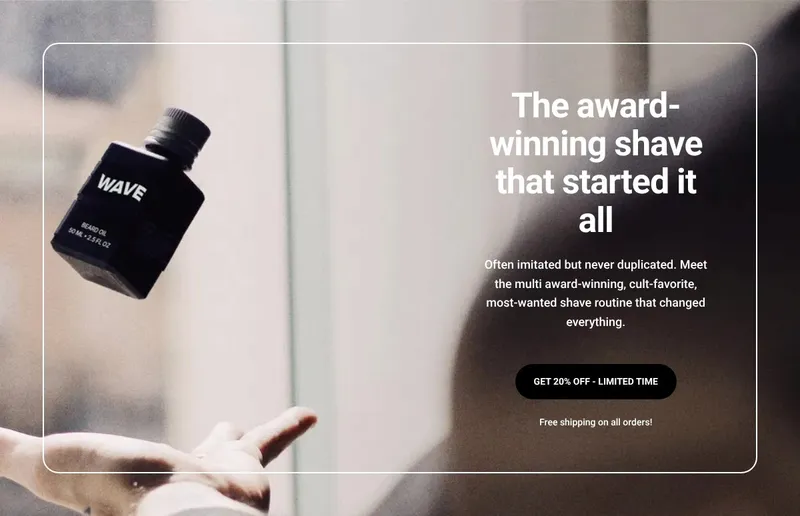



Built for every page of your store
Announcement bars
Add a bar above your navigation for offers, launches and free shipping thresholds, shown across the whole store.
Links that stay in sync
Link pages, products, collections and blog posts with a click. Links update for each Shopify market and language, so shoppers land on the right page.
Hide them on landing pages
Hide your theme's header and footer on any Instant page or blog post with one toggle, for distraction-free landing and waitlist pages.
Search in the header
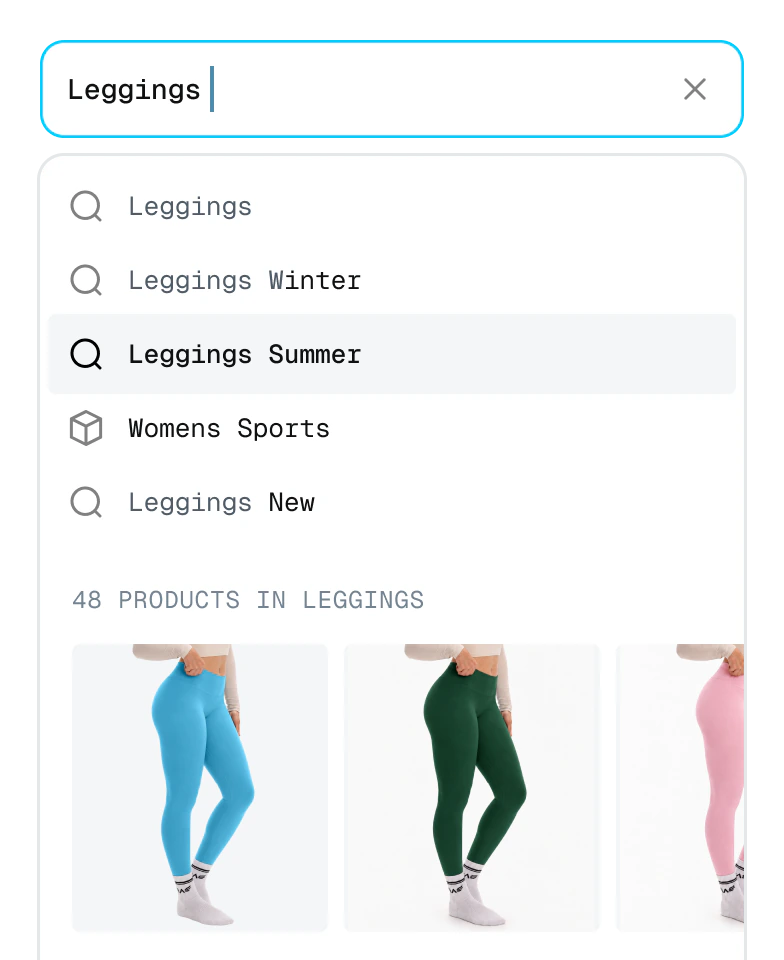
Instant search suggests products and collections as shoppers type, so they find what they came for from any page.
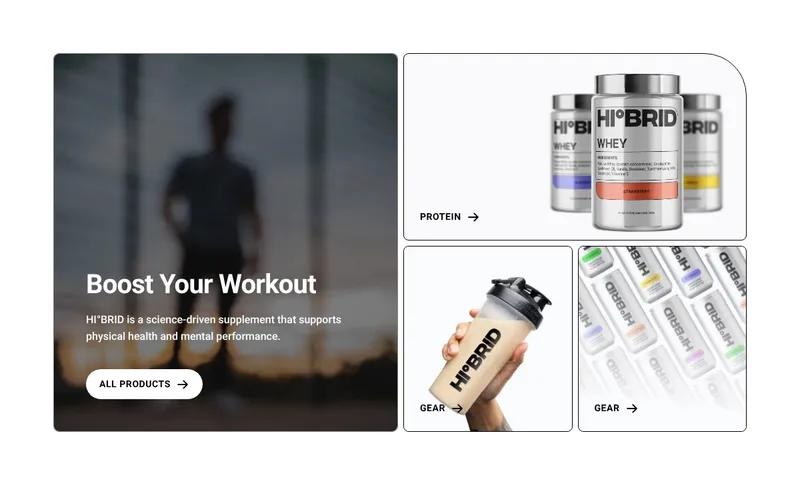
How to customize your Shopify header and footer
From your theme's default navigation to a header and footer built for your store, in 3 steps.
Step 1: Install Instant
Add Instant from the Shopify App Store and connect your store. Designing and previewing your header and footer is free.
Step 2: Design your header or footer
Start from a template or a blank canvas, add your menu, mega menu or footer columns, and turn on the header or footer option in the section settings.
Step 3: Add it to your theme
Publish to Shopify, open the theme editor, click Add section in the header or footer, and pick your new section.
Everything your store needs, built into Instant
- Page builderBuild any Shopify page with AI, no code.
- Landing pagesCampaign pages that match every ad.
- Product pagesBuy boxes, bundles and subscriptions.
- Collection pagesGrids, filters and featured products.
- Cart drawerUpsells, rewards and a free-shipping bar.
- Product bundlesBundle builders that raise order value.
- Header & footerNavigation, mega menus and footers.
- A/B testingTest pages natively and keep the winner.
- SectionsCustom sections for any theme page.
- Blog pagesBlog posts and listicles that sell.
Shopify header and footer FAQ
Open your theme in the Shopify theme editor and select the header to change its logo, menu, colors and layout options. The links themselves come from your store's menus in the Shopify admin. For a layout your theme does not offer, design a header in Instant and add it to your theme's header.