Shopify sections
for any theme
Design custom sections on a visual canvas and publish them as native sections to your Shopify theme. Add them to any page and edit them in the theme editor. No code.
Custom sections that feel native
Shopify sections are the building blocks of an Online Store 2.0 theme: a hero, a product gallery, reviews or an FAQ that you add, remove and reorder in the theme editor. Your theme decides which sections exist. Instant lets you design your own sections on a visual canvas and publish them to your theme, where they work like any other section.
Add them to any page
Instant sections show up in the theme editor next to your theme's own, so you can add them to your home page, product and collection templates or any other page.
Start from a section template
Pick from the section templates in the Template Library, such as heroes, galleries, comparisons, reviews and countdowns, and make them yours with your brand colors and fonts.
Build from a prompt or Figma
Describe a section, share a screenshot or paste a Figma frame, and the Instant Agent builds it on the canvas, ready to refine and publish.
Edit them in the theme editor
Mark text and images as editable, and your team can update them in the Shopify theme editor without opening Instant. Sections work with Shopify Markets and metafields.


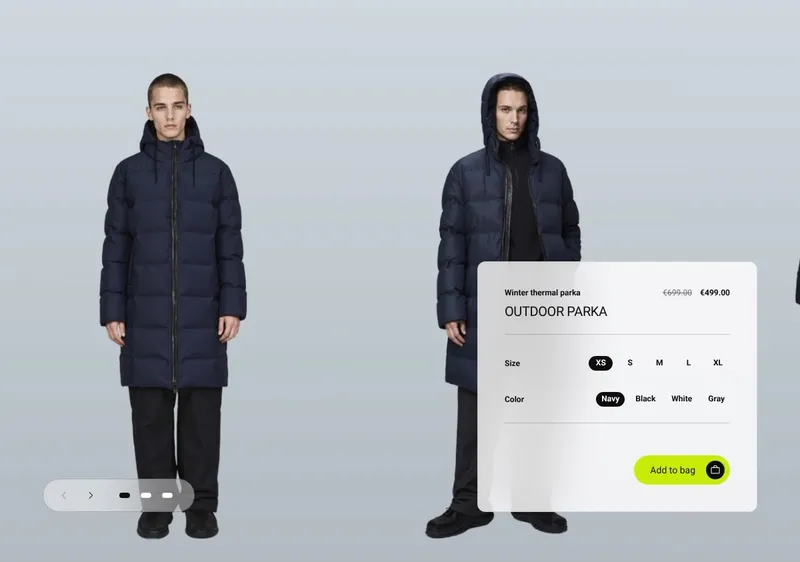
Everything a section needs
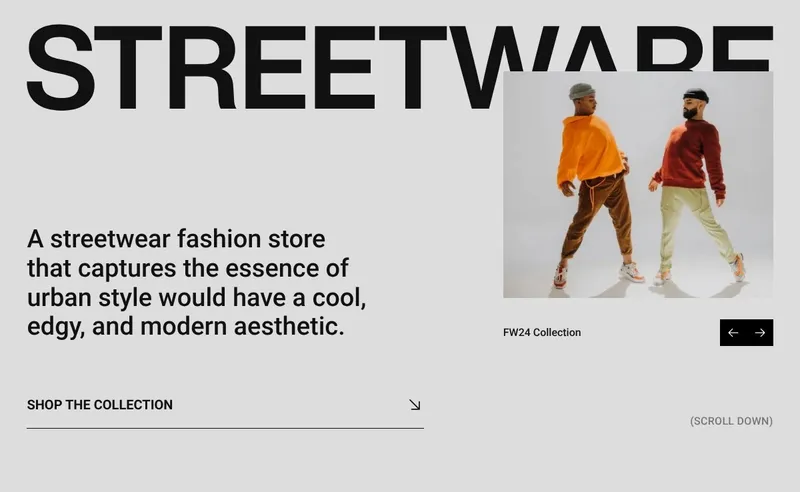
Animations and interactions
Add scroll animations, hover effects, sliders and tabs to any section, without code.
Responsive by default
Every section adapts to mobile out of the box. Fine-tune layout and spacing for each screen size.
Section packs
Free packs of matching sections for a whole store, such as Aelora for jewelry brands with more than 35 sections, all in the Template Library.
A/B test sections
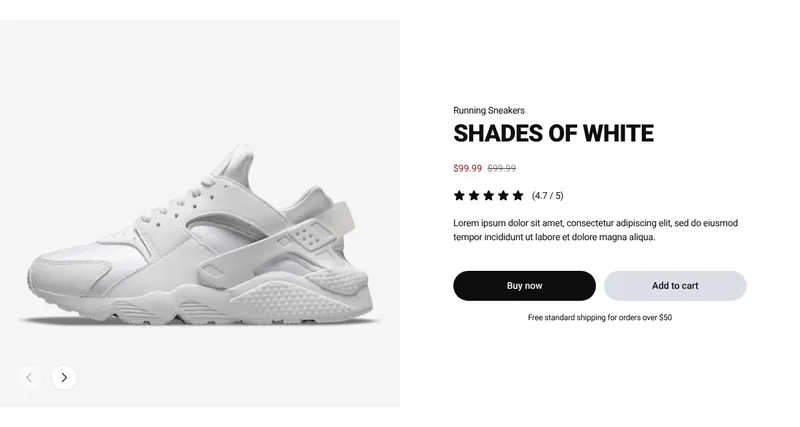
Test a new hero or buy box section against the current one natively in Shopify, and keep the version that sells more.

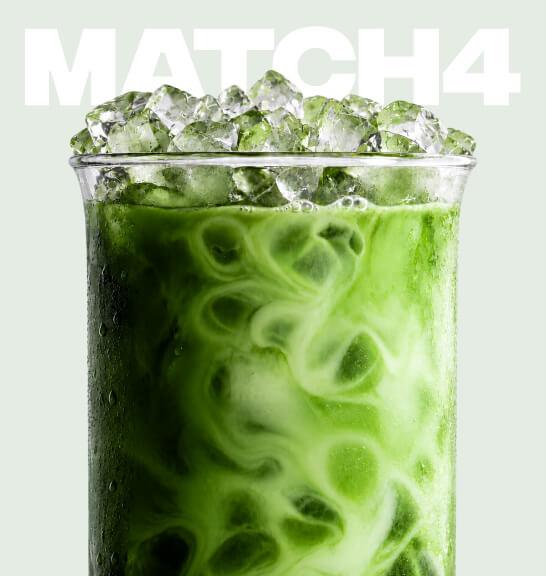


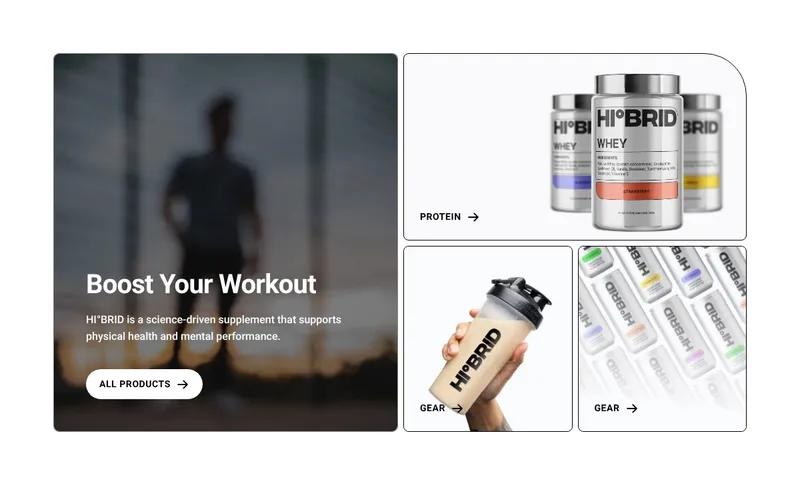
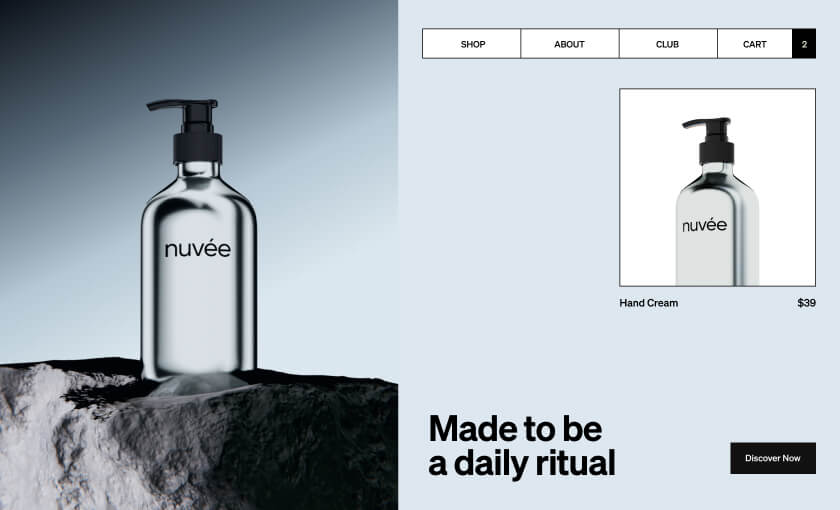
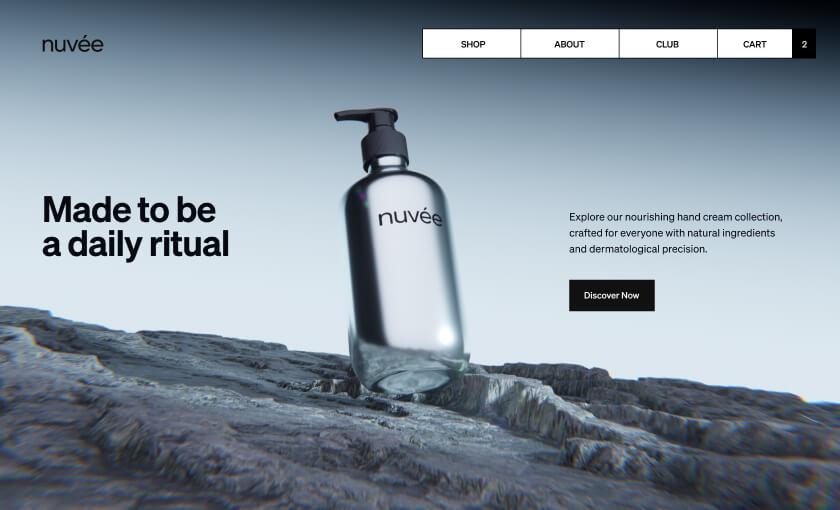
How to add custom sections to Shopify
From your theme's built-in sections to sections designed for your store, in 3 steps.
Step 1: Install Instant
Add Instant from the Shopify App Store and connect your store. Designing and previewing sections is free.
Step 2: Design your section
Start from a section template, a blank canvas, a prompt or a Figma frame, and style it to match your brand.
Step 3: Publish and add it to a page
Publish the section to your theme, open the theme editor, click Add section on any page and pick your new section.
Everything your store needs, built into Instant
- Page builderBuild any Shopify page with AI, no code.
- Landing pagesCampaign pages that match every ad.
- Product pagesBuy boxes, bundles and subscriptions.
- Collection pagesGrids, filters and featured products.
- Cart drawerUpsells, rewards and a free-shipping bar.
- Product bundlesBundle builders that raise order value.
- Header & footerNavigation, mega menus and footers.
- A/B testingTest pages natively and keep the winner.
- SectionsCustom sections for any theme page.
- Blog pagesBlog posts and listicles that sell.
Shopify sections FAQ
Sections are the building blocks of a Shopify theme, such as a hero banner, a product gallery, a testimonial slider or an FAQ. In Online Store 2.0 themes you can add, remove and reorder sections on most pages in the theme editor, and each section has its own settings.