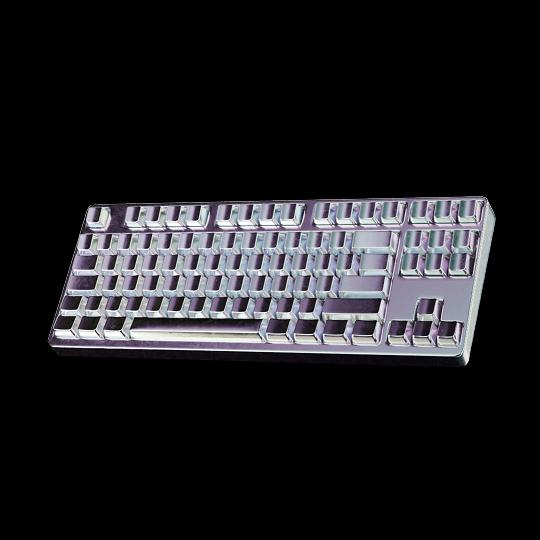
Shopify collection pages
built for browsing
Design custom collection templates with product grids, filters, search and featured products, then assign them to any collection. No code, no theme limits.
Collection pages that help shoppers choose
A Shopify collection page lists a group of products, such as a category, a season or a sale, so shoppers can browse, filter and compare them. Shopify renders every collection from one template in your theme. Instant lets you design custom collection templates on a visual canvas and assign each one to the collections it fits.
Custom collection templates
Design a collection layout once and assign it to any collection: a category, a seasonal drop or a sale. Each page pulls in its own products automatically.
Grids built for your catalog
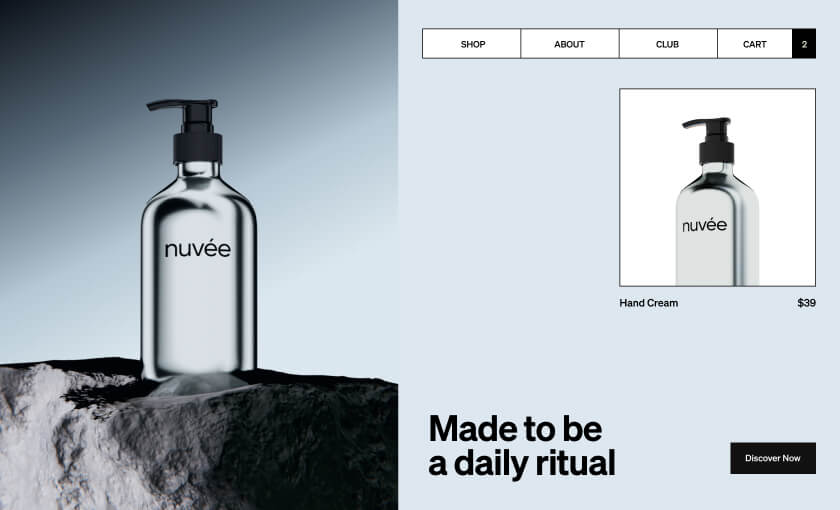
Fixed and dynamic product grids, featured product highlights and banners between rows, all styled to match your brand.
Filters that narrow it down
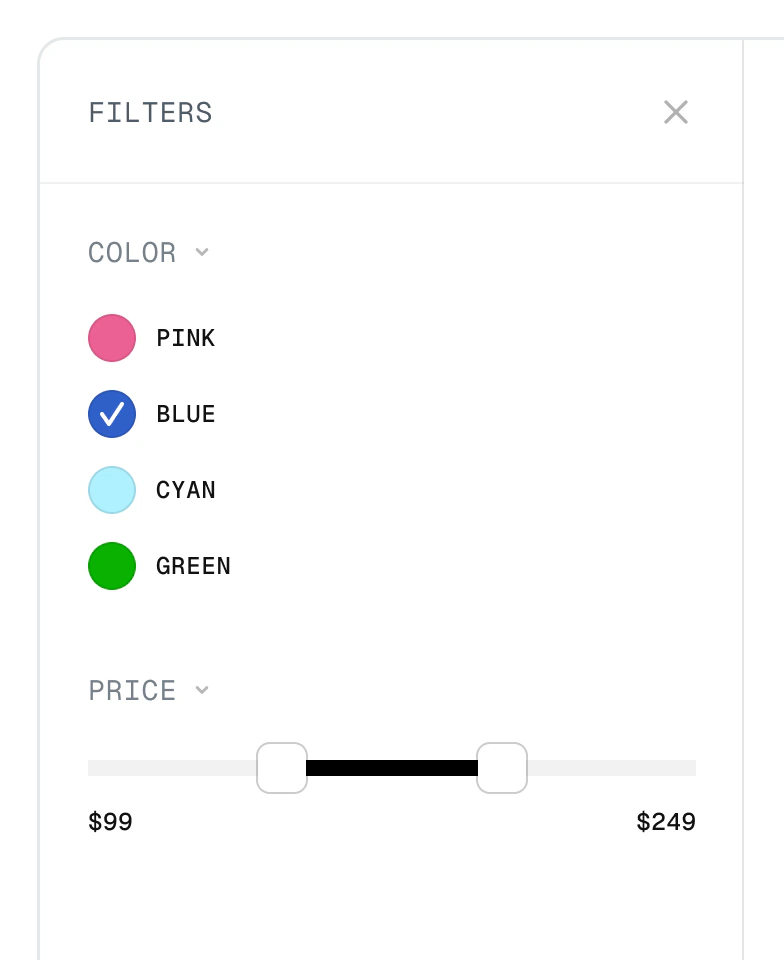
Let shoppers filter by color, size, price and more, so even large collections stay easy to browse.
Search inside the collection
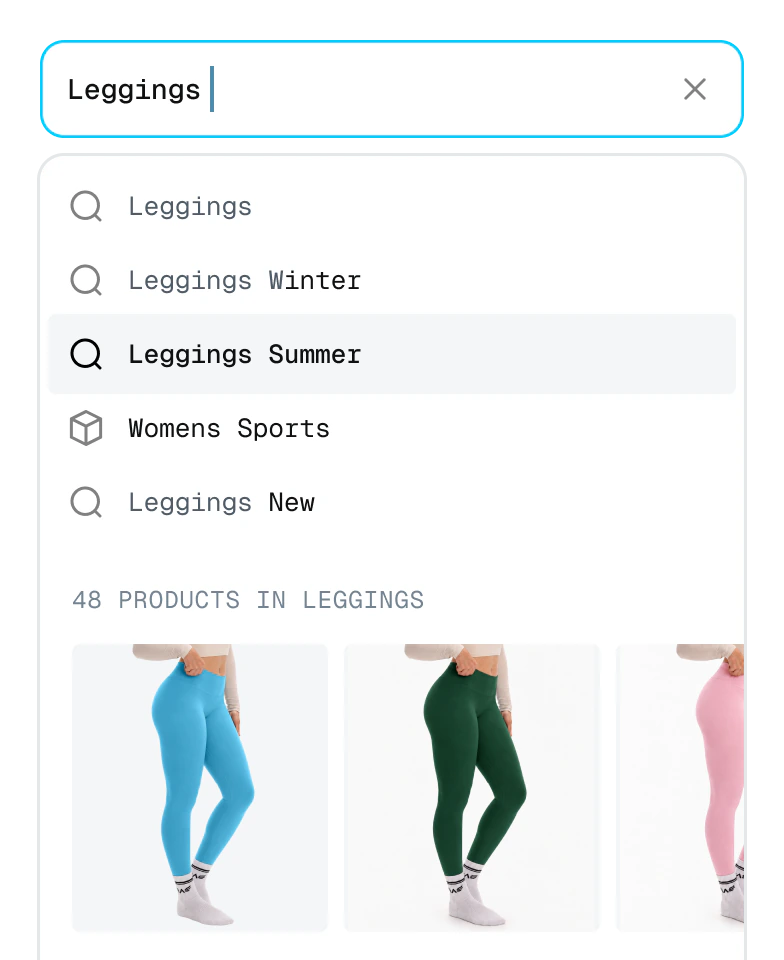
Instant search suggests products and collections as shoppers type, so they find what they came for without leaving the page.
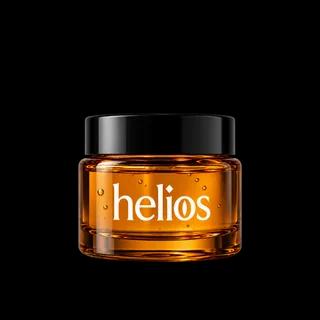
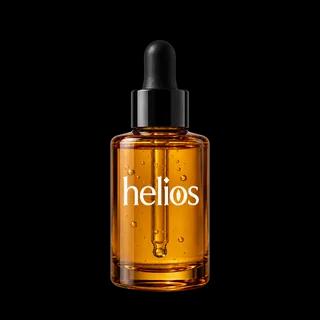
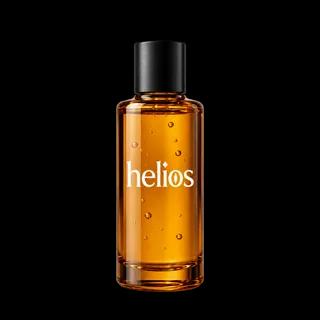
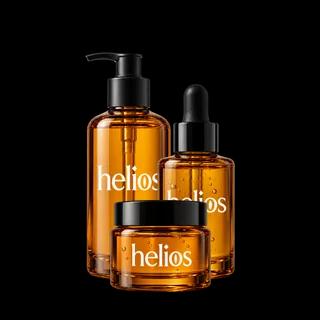
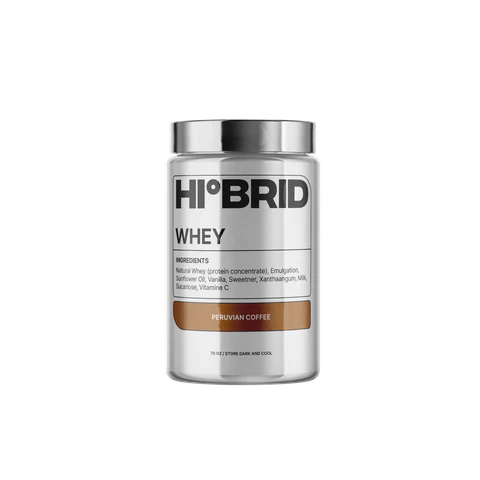
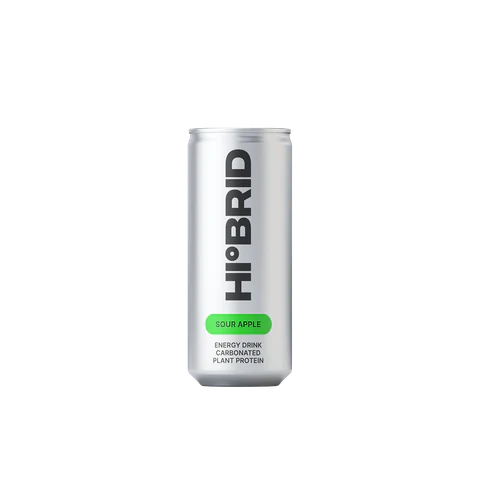
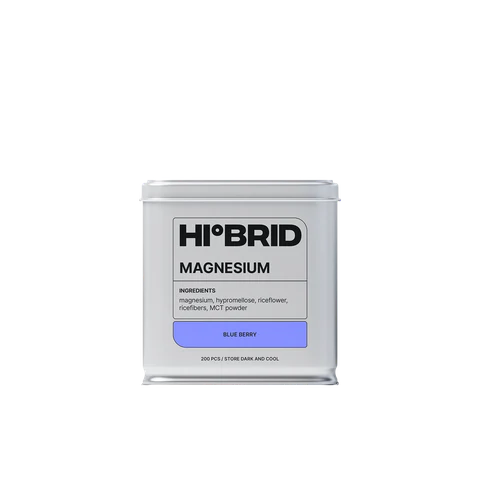
Turn browsers into buyers
Product quiz
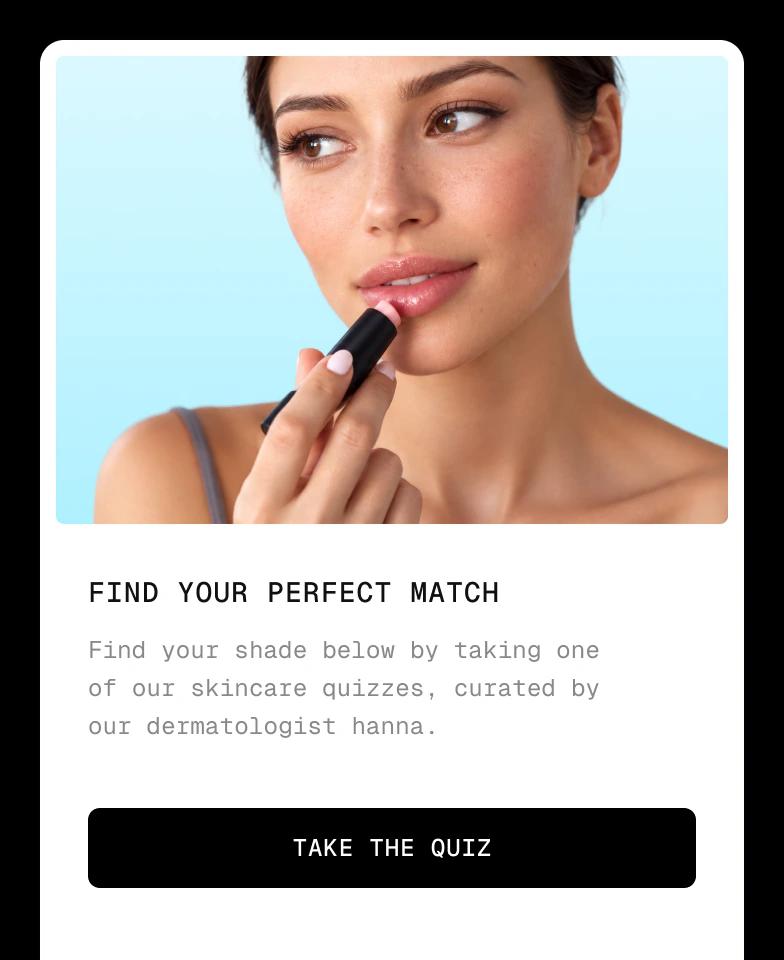
Guide undecided shoppers to the right product with a short quiz, then send them to the collection that matches.
Sale prices and smart badges
Show sale prices, new arrivals and sold-out badges that only appear when they apply to a product.
A/B test collection layouts
Test grid layouts, banners and featured products natively in Shopify, and keep the version that sells more.
Mobile-first product grids
Every collection is responsive out of the box. Fine-tune columns, spacing and image sizes for mobile and desktop separately.




How to customize a collection page in Shopify
From the default theme layout to a collection page built for how you sell, in 3 steps.
Step 1: Install Instant
Add Instant from the Shopify App Store and connect your store. Building and previewing templates is free.
Step 2: Design your collection template
Start from a template or a blank canvas, add your product grid, filters and banners, and connect your collection data.
Step 3: Publish and assign
Publish the template to your Shopify theme and assign it to any collection in the Shopify admin.
Everything your store needs, built into Instant
- Page builderBuild any Shopify page with AI, no code.
- Landing pagesCampaign pages that match every ad.
- Product pagesBuy boxes, bundles and subscriptions.
- Collection pagesGrids, filters and featured products.
- Cart drawerUpsells, rewards and a free-shipping bar.
- Product bundlesBundle builders that raise order value.
- Header & footerNavigation, mega menus and footers.
- A/B testingTest pages natively and keep the winner.
- SectionsCustom sections for any theme page.
- Blog pagesBlog posts and listicles that sell.
Shopify collection pages FAQ
A collection page is the page that lists a group of products in your Shopify store, such as a category, a seasonal drop or a sale. Shoppers use it to browse, filter and compare products before they open a product page. Shopify renders every collection with the collection template of your theme.