The Shopify page builder
without code
Describe a page, share a screenshot or import a Figma frame. Instant builds it on a visual canvas and publishes fast, native pages straight into your Shopify theme. No code.
A faster way to build every Shopify page
A Shopify page builder lets you design and publish store pages on a visual canvas instead of in theme code. Instant adds AI: describe a page, share a screenshot or import a Figma frame, and the Instant Agent builds it, ready to refine and publish straight into your theme.
Start from a prompt, screenshot or Figma
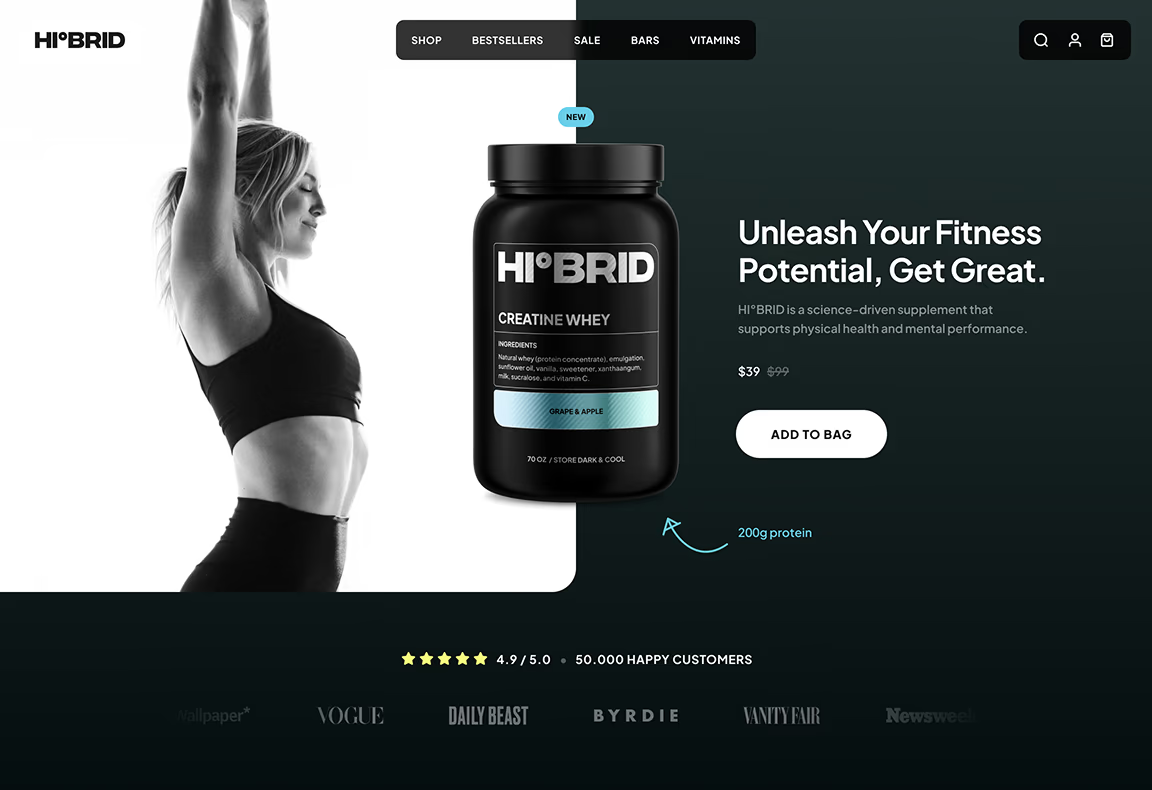
Describe the page you need, share a screenshot or a link, or paste a Figma frame. The Instant Agent turns it into a responsive Shopify page that follows your brand colors, fonts and components.
Edit every detail on a visual canvas
Select any element to change its layout, copy or styling, by hand or with a follow-up prompt. Connect Shopify product data and fine-tune desktop and mobile separately.
One builder for every page type
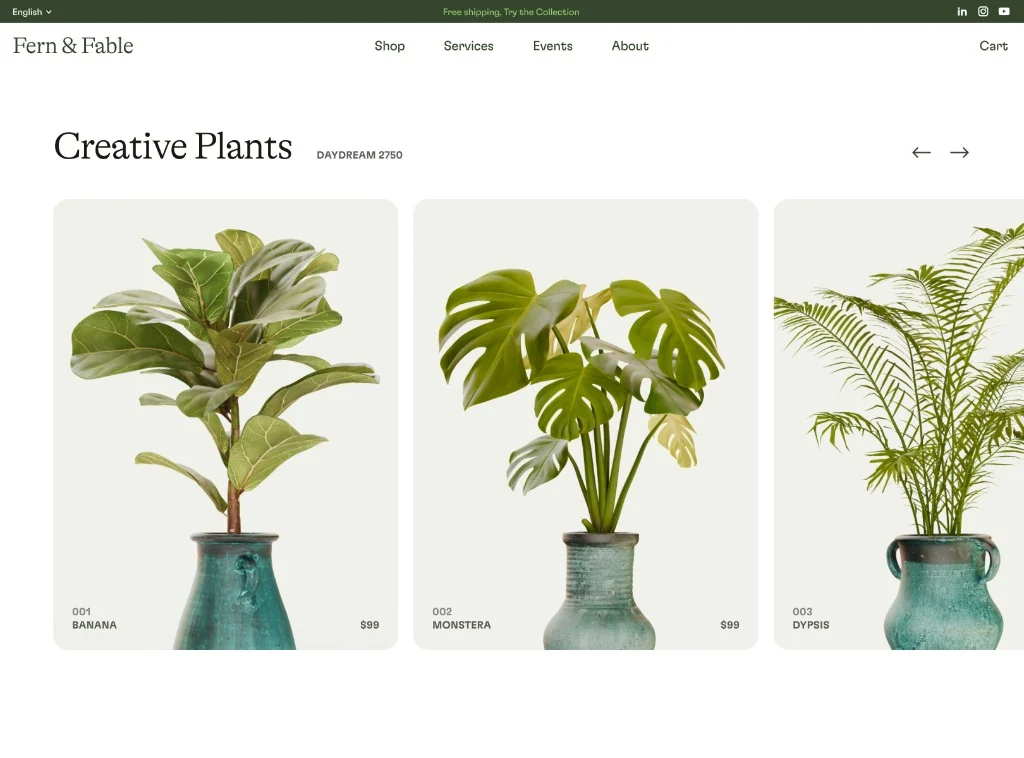
Landing pages, product and collection templates, your home page, blog posts, navigation and cart drawers, all from the same builder and the same reusable components.
Fast, SEO-ready pages by default
Pages publish as clean, native code with no unnecessary JavaScript, so they load fast. Instant's AI writes SEO titles, meta descriptions and image alt text for every page.


Built for how Shopify brands grow
Mobile-ready by default
Every page is responsive out of the box. Fine-tune the desktop and mobile layouts separately, without rebuilding anything.
Animations without code
Add scroll animations, hover effects and tickers on the canvas, with full control over speed and timing.
Cart drawers that sell more
Build a cart drawer with upsells, rewards and add-ons in the same builder as your pages. Included from the Pro plan.
Test what converts
Run native Shopify A/B tests, and use heatmaps and revenue analytics to see how visitors use every page, so you know which version sells more.





How to build a Shopify page with Instant
From idea to a live page in 3 steps, without a developer or a line of code.
Step 1: Install Instant
Add Instant from the Shopify App Store and connect your store. The Free plan lets you build and preview as many pages as you like.
Step 2: Build your page
Start from a prompt, a screenshot, a Figma frame or one of 500+ templates, then refine it on the visual canvas.
Step 3: Publish to your theme
Publish the page to your Shopify theme in one click, then A/B test it and watch how visitors use it.
Everything your store needs, built into Instant
- Page builderBuild any Shopify page with AI, no code.
- Landing pagesCampaign pages that match every ad.
- Product pagesBuy boxes, bundles and subscriptions.
- Collection pagesGrids, filters and featured products.
- Cart drawerUpsells, rewards and a free-shipping bar.
- Product bundlesBundle builders that raise order value.
- Header & footerNavigation, mega menus and footers.
- A/B testingTest pages natively and keep the winner.
- SectionsCustom sections for any theme page.
- Blog pagesBlog posts and listicles that sell.
Shopify page builder FAQ
A Shopify page builder is an app for designing and publishing store pages, such as landing pages, product pages, collection pages and your home page, on a visual canvas instead of in theme code. The pages publish into your Shopify theme and use your live products, prices and inventory.