Shopify product pages
built to sell
Design product page templates with buy boxes, subscriptions, variants and bundles, then assign each one to the products it fits. No code, no theme limits.
A product page for every kind of product
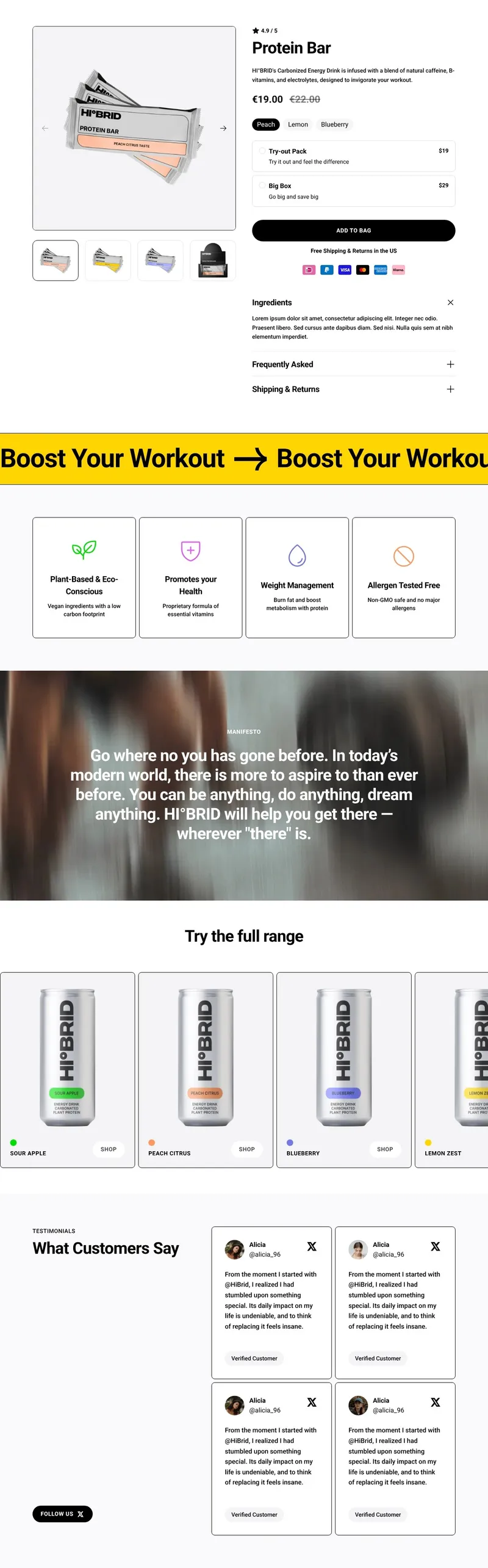
A Shopify product page shows a single product with its images, price, variants and buy button. Shopify renders it from a product template in your theme, so one layout usually serves your whole catalog. Instant lets you design custom product page templates on a visual canvas and assign each one to the products it fits.
Start from a product page template
Pick a proven product page template for beauty, food, fashion or jewelry, or start from a blank canvas, and make it yours without code.
Buy boxes that sell more
Offer bundles, quantity breaks and subscribe-and-save right in the buy box, compatible with every subscription app on the Shopify Subscriptions API.
Build-your-own bundles
Let shoppers put together their own bundle step by step, at a bundle price you set, so they buy more in a single order.
One template, every matching product
Design a template once and assign it to as many products as you like. Each page pulls in its own images, price, variants and metafields.
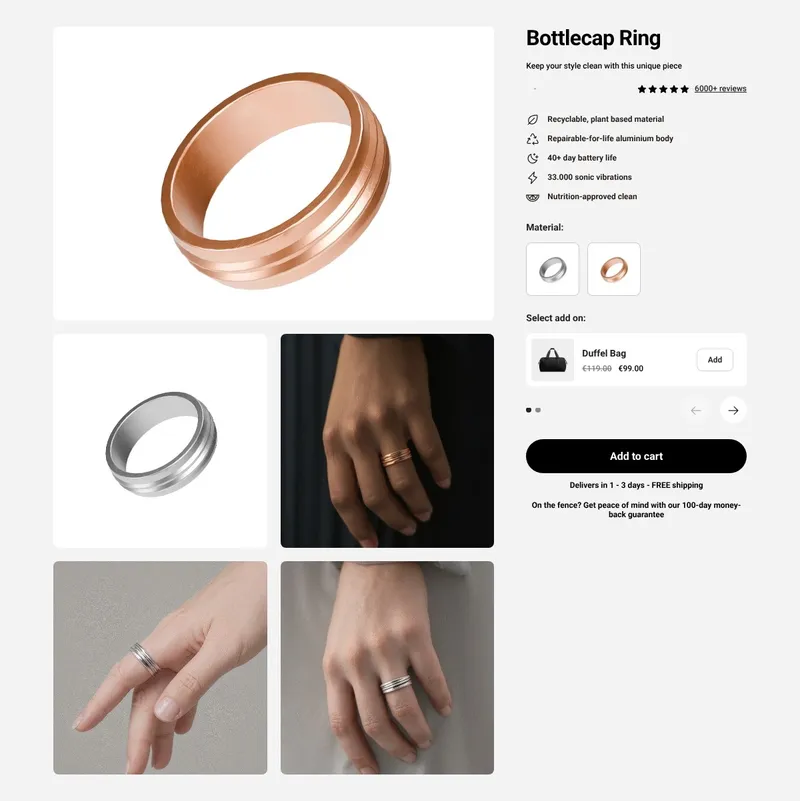
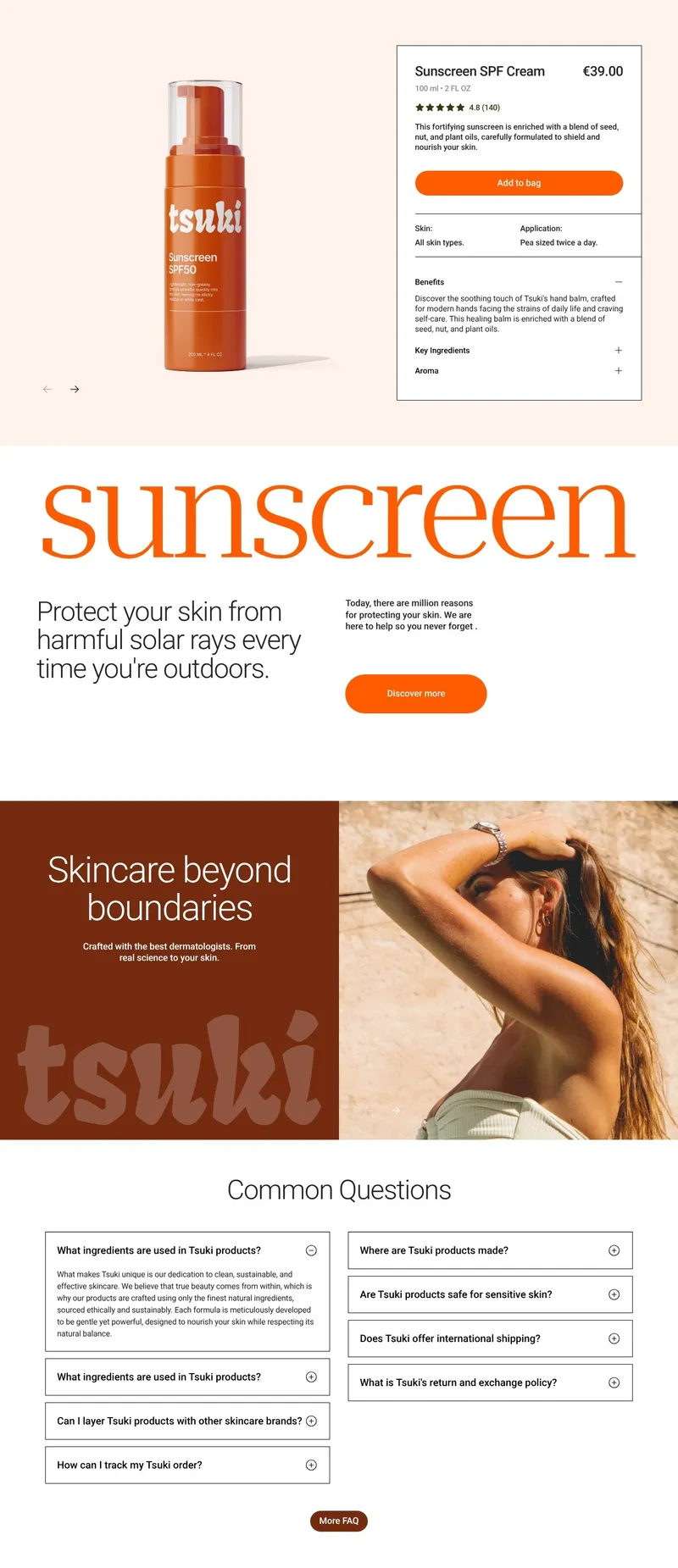
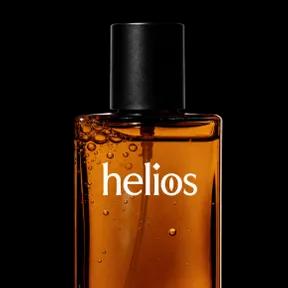
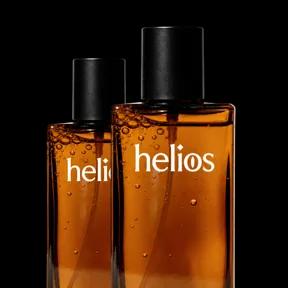
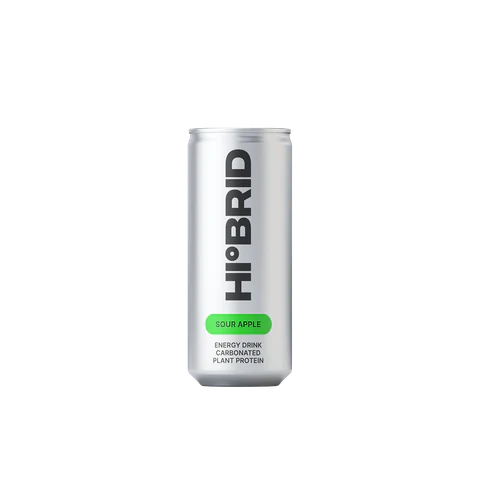
Product page blocks shoppers expect
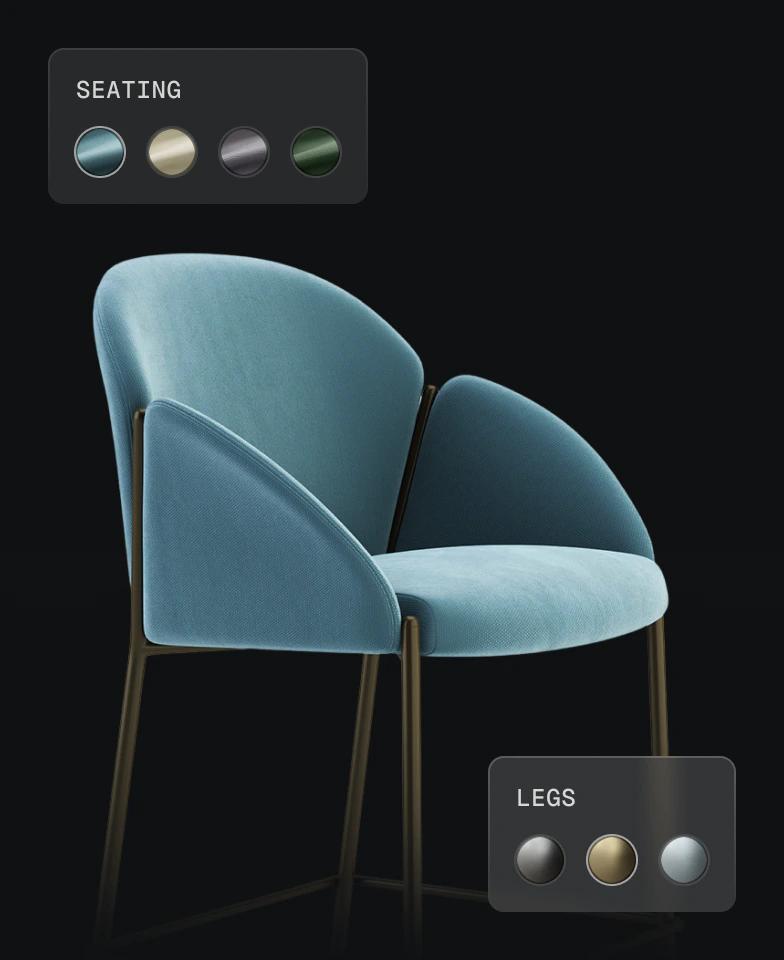
Product configurator
Let shoppers pick materials, colors and finishes, and see the product update as they choose.
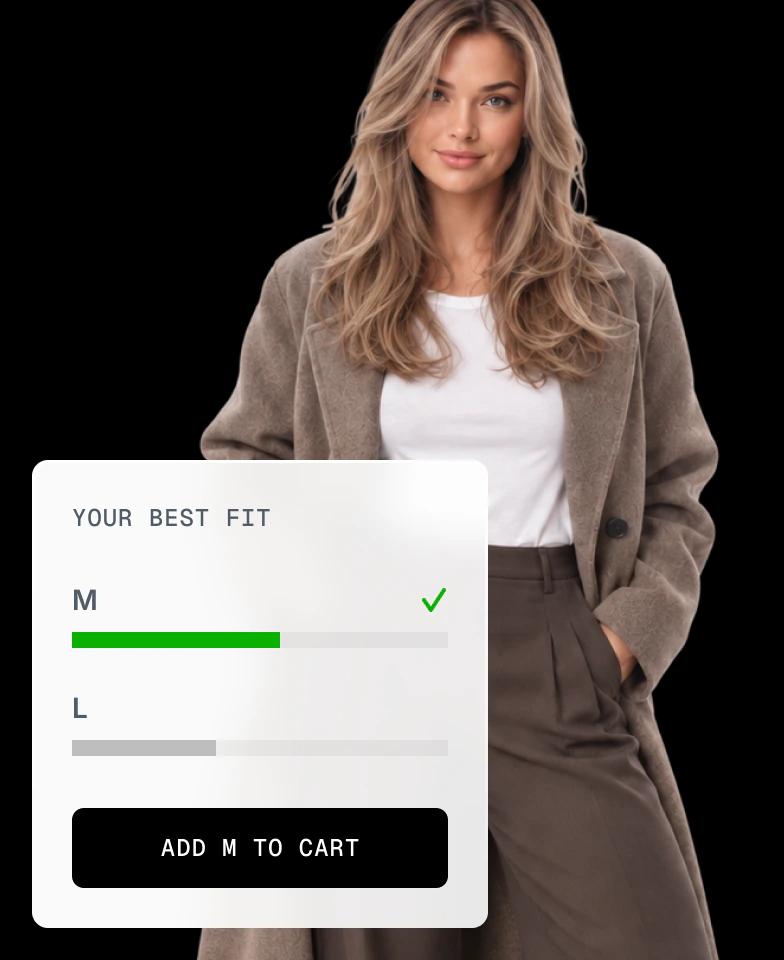
Fit finder
Recommend the right size from a few quick questions, so apparel shoppers buy with confidence and return less.
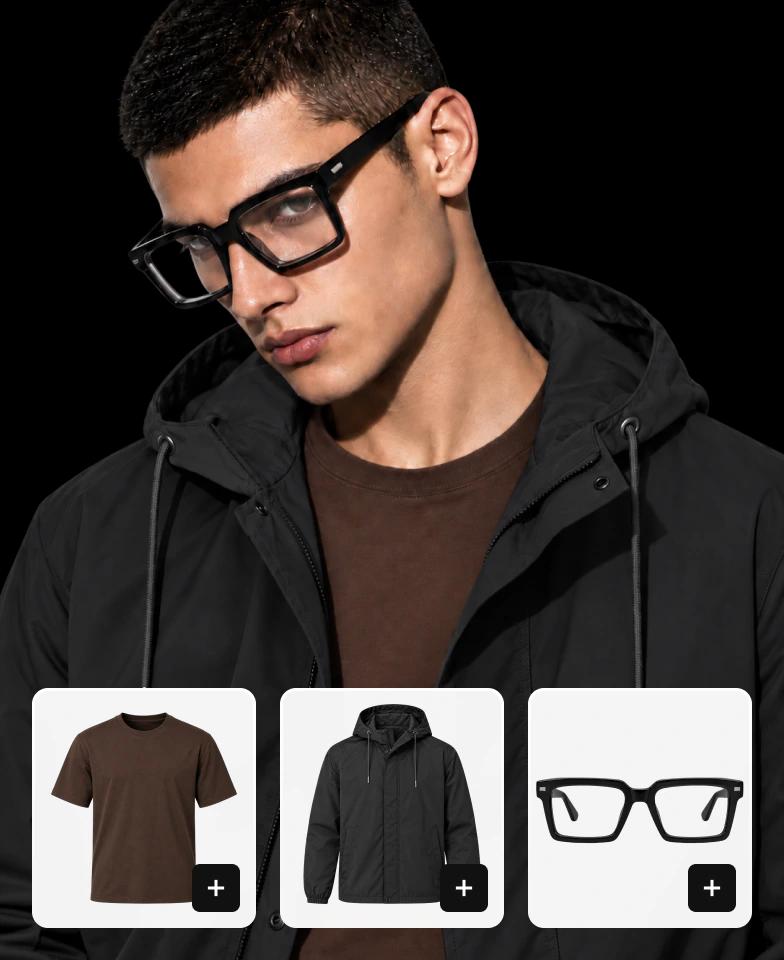
Shop the look
Sell the whole outfit from one product page, with every item one click away from the cart.
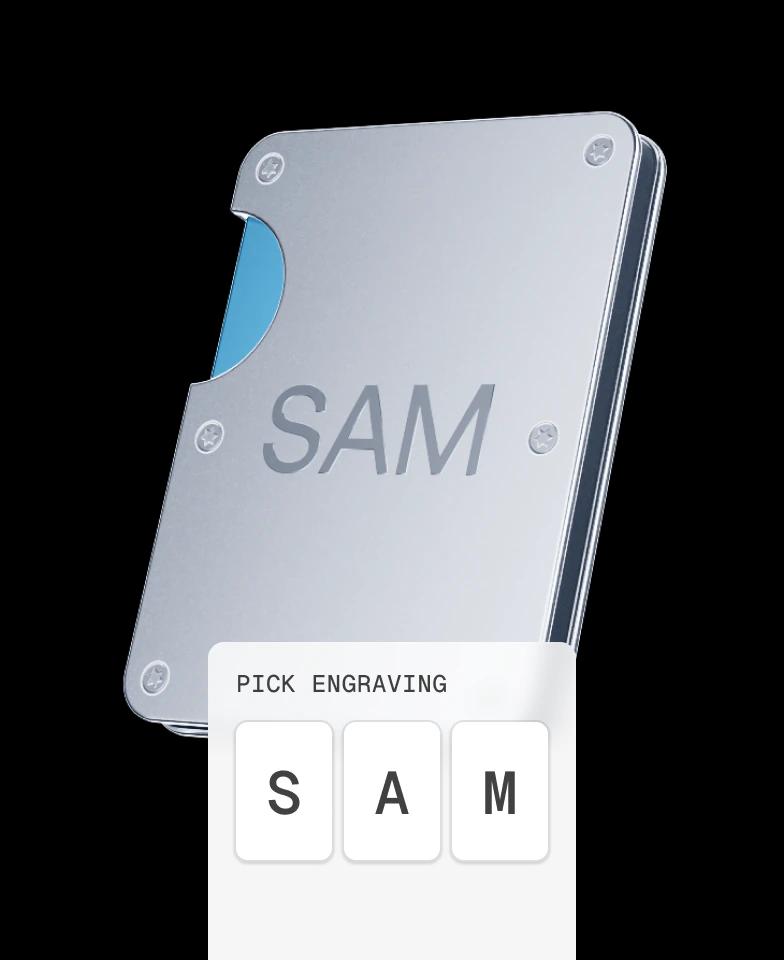
Personalization
Offer engraving, monograms and custom text right in the buy box, and capture it with the order.
How to create a custom product page in Shopify
From the default theme layout to a product page built for what you sell, in 3 steps.
Step 1: Install Instant
Add Instant from the Shopify App Store and connect your store. Building and previewing templates is free.
Step 2: Design your template
Start from a template, a blank canvas or a prompt, connect your product data and design the buy box and bundles you need.
Step 3: Publish and assign
Publish the template to your Shopify theme and assign it to any product, one at a time or in bulk.
Everything your store needs, built into Instant
- Page builderBuild any Shopify page with AI, no code.
- Landing pagesCampaign pages that match every ad.
- Product pagesBuy boxes, bundles and subscriptions.
- Collection pagesGrids, filters and featured products.
- Cart drawerUpsells, rewards and a free-shipping bar.
- Product bundlesBundle builders that raise order value.
- Header & footerNavigation, mega menus and footers.
- A/B testingTest pages natively and keep the winner.
- SectionsCustom sections for any theme page.
- Blog pagesBlog posts and listicles that sell.
Shopify product pages FAQ
A Shopify product page is the page that sells a single product: its images, title, price, variants, buy button, description and reviews. Shopify renders it from a product template in your theme, so the same layout usually serves every product unless you create custom templates.